How to make animated emotes: Twitch specs, frame counts and reading at small size
An animated emote guide: Twitch's GIF, 1 MB and 60-frame limits, designing at 112 pixels, looping, choosing expressions and chibi characters. With examples from our Crystal Fairy and Chico sets.
An animated emote isn't an animated film, it's one gesture. It appears 28 pixels tall in chat, between dozens of messages a second. That's why the rules are even stricter than for static emotes.
Twitch limits
| Rule | Value |
|---|---|
| Format | GIF |
| File | Up to 1 MB |
| Frames | Up to 60 |
| Design size | 112×112 px (check at 28 and 56) |
For static emote sizes and rules: Emote design: sizes and rules.
One gesture, a seamless loop
A good animated emote runs 12–30 frames. A nod, a hop, a blink. The last frame must join the first without a seam; a jump in the loop looks very jarring in chat.
The character comes first
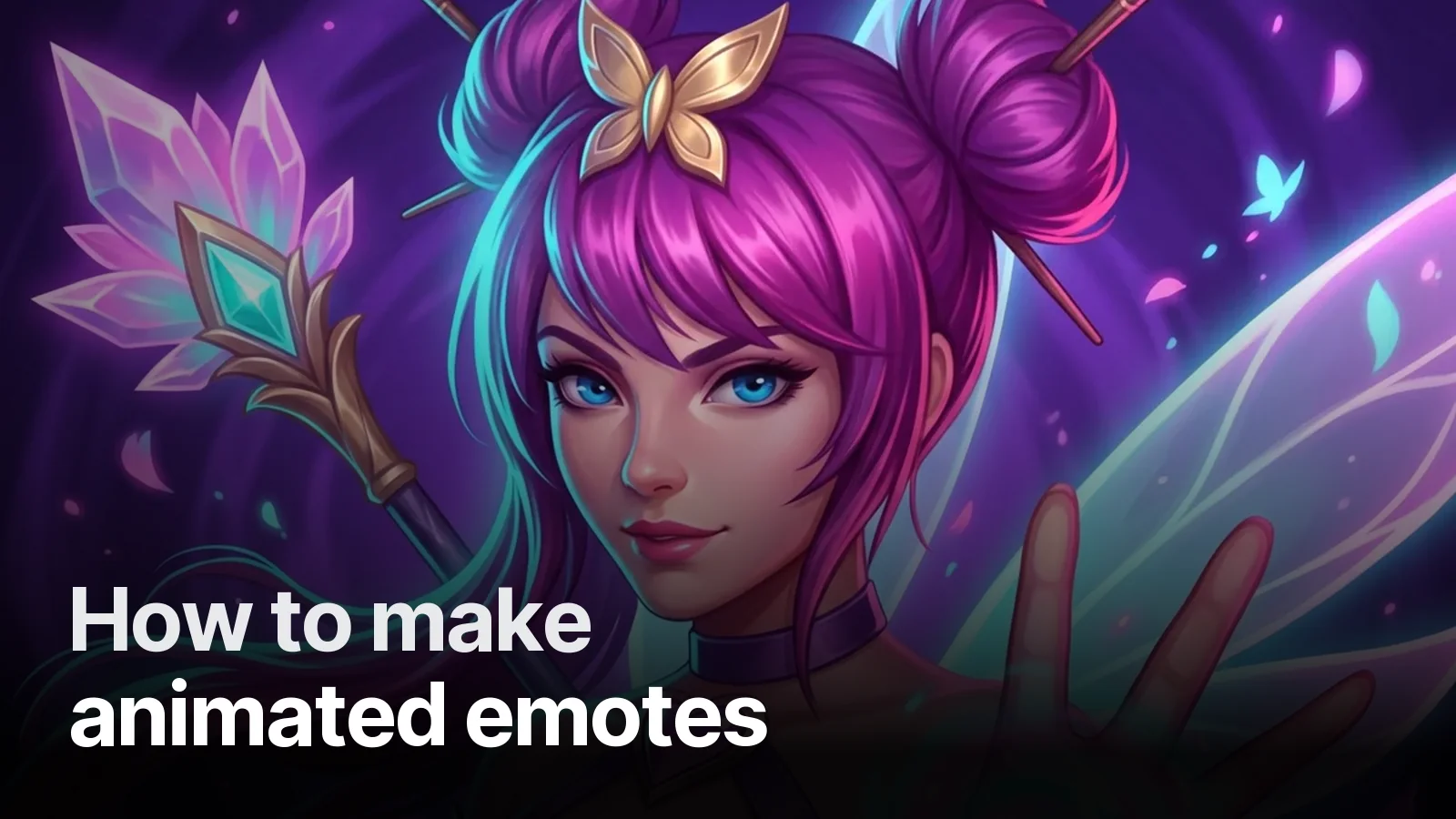
An animated emote only works if the character is strong. In the Crystal Fairy set we first built two avatar illustrations and the panel language, then carried the same fairy into an emote with chibi proportions: big head, big eyes, a clear silhouette. At small size the hair colour and wings still read, and the expression lands at a glance.
In the Chico set, a character drawn from the streamer himself came with ten expressions: bored, thinking, laughing, crying, angry, sunglasses… We pick the ones to animate from those chat uses most.
Which expressions to animate
- Laugh — the most used emote, and its motion is the easiest to read.
- Shock — eyes widen, a slight shake.
- Heart / love — growing and shrinking on a heartbeat rhythm.
- Wave / hype — a wave or a hop.
Check at small size
We shrink every frame to 28 pixels and look. Thick outline, little interior detail, transparent background. Motion should be large and in one direction; small jitters vanish at 28 pixels.
Package
Animated emotes come with animated overlays and alerts in the Ultimate package. Want us to tell you what your channel is missing? Channel Check.
Frequently asked
1.What are Twitch's animated emote specs?
Twitch accepts GIF for animated emotes; the file must be at most 1 MB and 60 frames. Design at 112×112 pixels and check that it still reads when shrunk to 28 pixels in chat.
2.How many frames should an animated emote have?
Most good emotes sit between 12 and 30 frames: one short, clear movement and a seamless loop. Long animations strain the 1 MB limit and distract in chat.
3.Which expressions should be animated?
The ones chat uses most: laugh, clap, shock, heart, wave. Give each expression a single movement — a nod, a hop, a blink.
4.Which package includes animated emotes?
At Creatune animated emotes come in the Ultimate package; for a single animated emote, message us on WhatsApp.