Capturing gameplay for game ads: clean, tutorial-free and edit-ready
How to record gameplay for trailers and ad creatives: a test account, tutorials and notifications, 60 fps, resolution, a shot list and a 'do-not-use' list. What we learned on Per Regna.
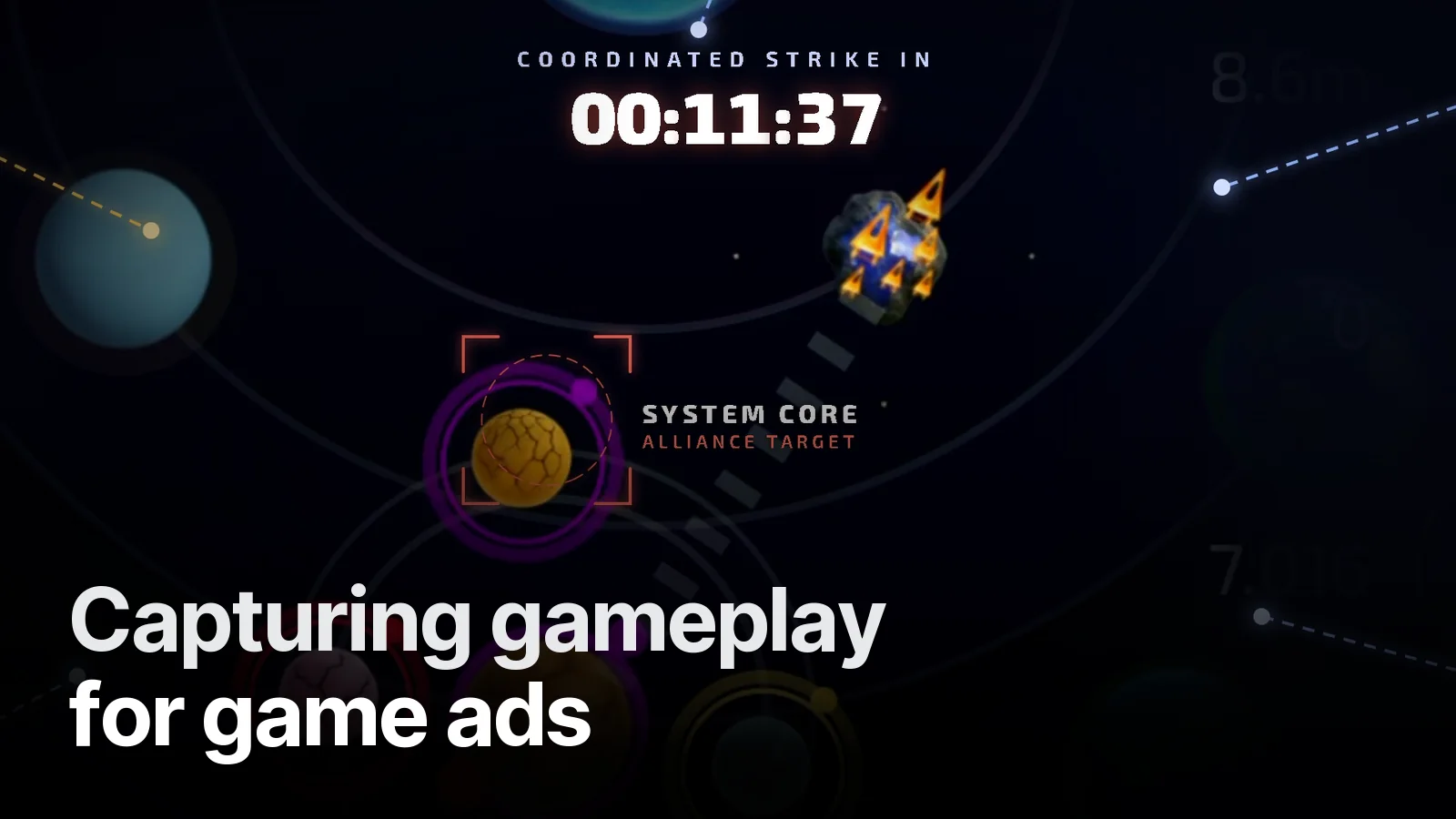
Half of a good ad is won at the capture stage. We learned this twice on the Per Regna campaign: first with a recording covered by a tutorial, then with a clean test account. Here's our checklist.
Before recording
- Test account: tutorial finished, some resources and a fleet built up. On a fresh account a tutorial box pops up on every screen.
- Language: the UI should match the ad's language. A capture with a Turkish UI can't go into an English ad.
- Notifications off: do-not-disturb on, notification centre off. One message notification ruins a whole scene.
- Battery and clock: don't let 12% battery show in the status bar; full charge and a steady clock if possible.
Capture settings
| Setting | Recommendation |
|---|---|
| Resolution | Device native |
| Frame rate | 60 fps |
| Ratio | The phone's own (cropped in the edit) |
| Duration | 10–20 min of varied play per theme |
60 fps leaves room for slow-downs and smooth zooms in the edit.
A shot list
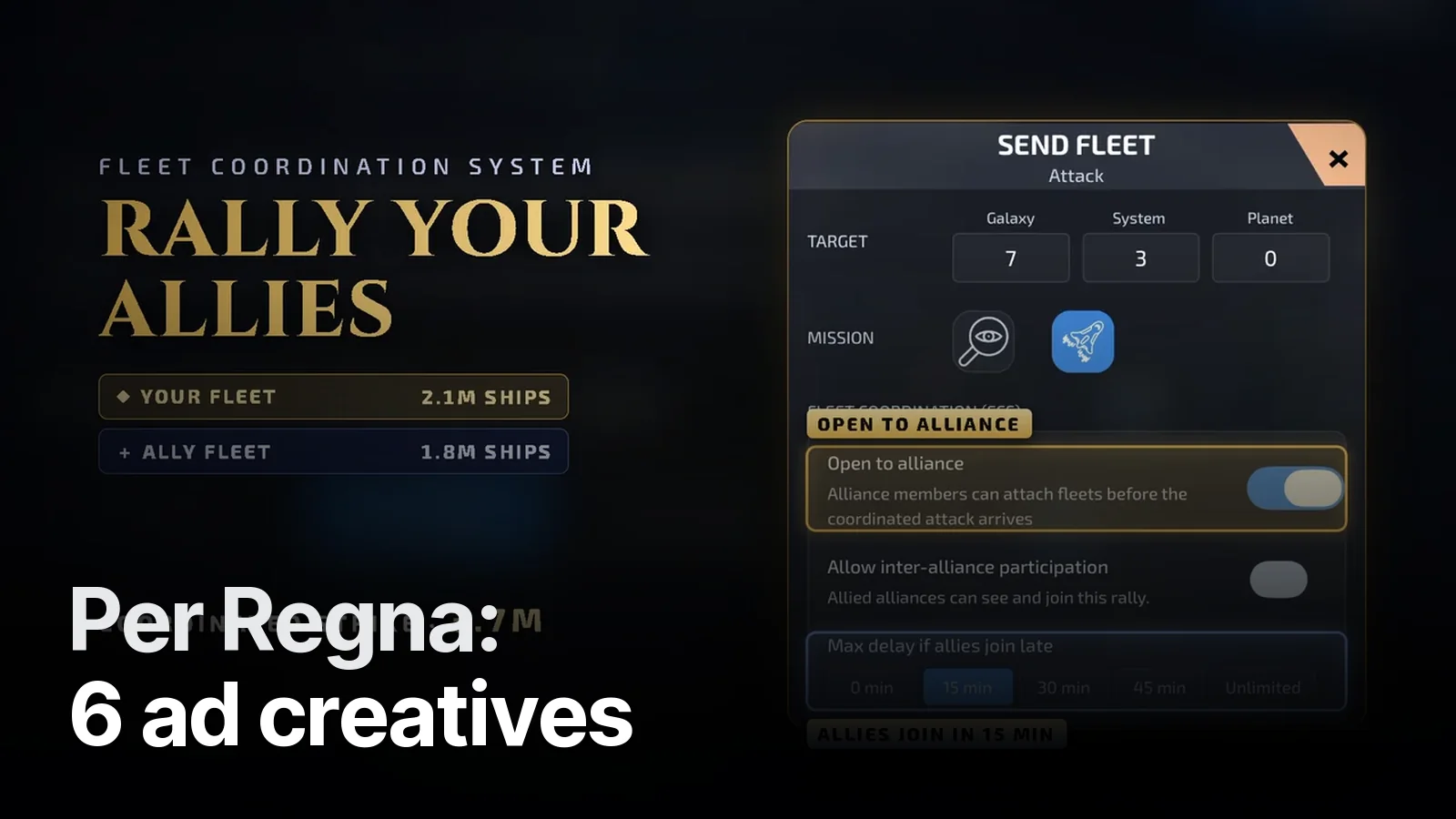
Before recording we write down which moments each video needs. For Per Regna: base view, building upgrades, ship production, sending fleets, scouting, alliance screens, a joint strike. After capture we tag every file minute by minute.
We also keep a do-not-use list: notification centre, the "You Lose" screen, store purchase pop-ups, messages. You don't want defeat or payment screens in an ad.
What the edit can rescue
Not everything will be perfect. Fixes we use:
- Title plate: covering a tutorial or notification area at the top with a headline band.
- Card view: lifting a panel from the capture into a floating card over a blurred copy of the same frame.
- Close-up enhancement: cleaning and enlarging small objects on a distant map from many frames.
- Freeze frame: holding the clean frame before a loading blur.
These work, but a clean capture is always faster and better.
Next step
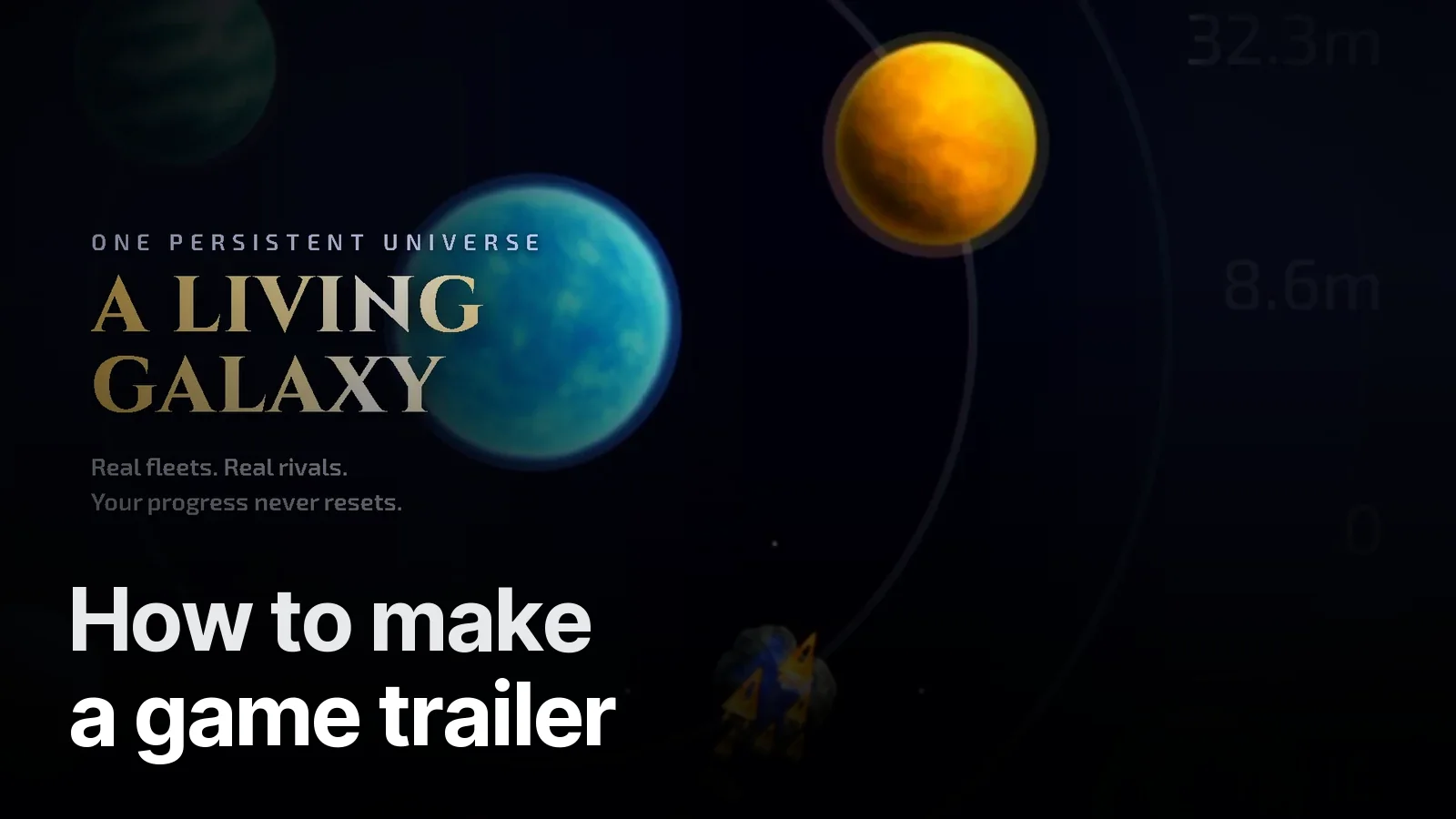
With captures ready, the edit takes 7–10 days. The full flow: How to make a game trailer. Orders: Game trailers.
Trailers and ad creatives cut from real gameplay, with a strong first three seconds and readable with the sound off. Vertical + horizontal, 15 / 30 / 40 s.
What’s in it 5
- Gameplay capture (we can record it for you)
- One promise per video: growth, adventure, alliance…
- 9:16 and 16:9, 15 / 30 / 40 s cuts
- Custom music + sound design, −14 LUFS
- With-sound and silent versions, end card and CTA
Frequently asked
1.What settings should I record with?
The device's native resolution, 60 fps, notifications off and do-not-disturb on. Ideally on an account that has finished the tutorial and progressed a little.
2.What if the tutorial shows up in the capture?
Tutorial boxes covering much of the screen shrink the usable area. They can be covered in the edit with a title plate or a mask, but the cleanest fix is a new tutorial-free capture.
3.Can you capture the gameplay for us?
Yes. Open a test account for us and we will play and record the game ourselves; that's how the Per Regna campaign was built.
4.How much footage is needed?
For a 30-second ad, 10–20 minutes of varied gameplay is usually enough; what matters is that the right moments (level-ups, battles, rewards) are in it.