App Store preview and Google Play promo video: how to make a store video
The difference between an App Store app preview and a Google Play promo video: length, ratio, capture rules, why the first frame matters, and how a store video differs from an ad.
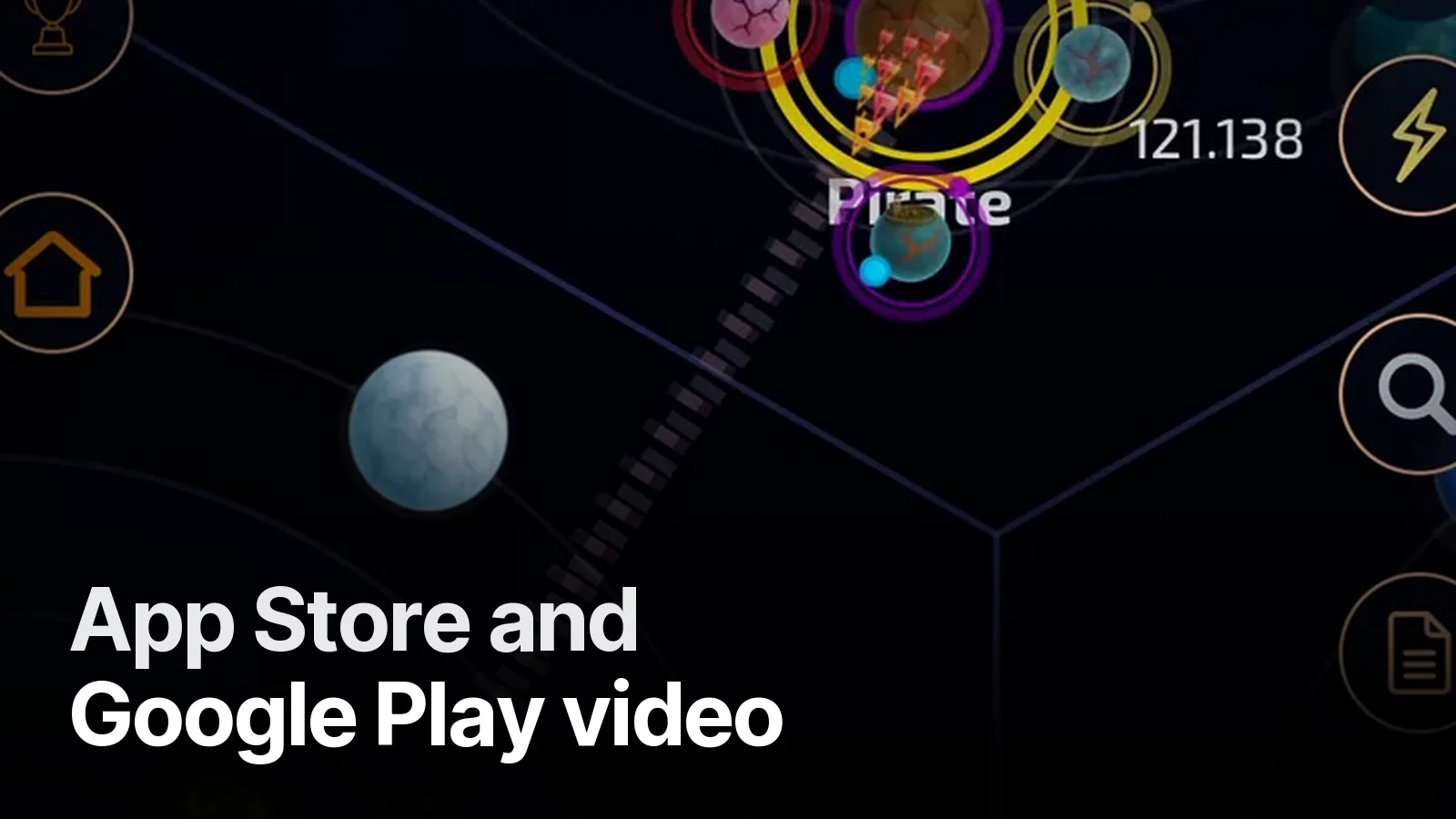
A store video does a different job from an ad. An ad stops someone who has never heard of your game. A store video convinces someone who is already on your page that "yes, this is the game". Trying to solve both with one video usually leaves both half-done.
App Store: the app preview
- Length: 15–30 seconds.
- Count: more than one preview per localisation; the first autoplays muted on the product page.
- Content: footage captured from the app itself is expected. Cinematic scenes that aren't in the game, or hands and devices filmed on camera, don't fit.
- Ratio: portrait or landscape by device class. Check Apple's current resolution table before uploading; Per Regna's client capture was 886×1920 — a native iPhone preview size.
The first frame matters: it shows as the poster before the video loads. We pin the poster to one of the most readable frames in the game.
Google Play: the promo video
- Added in Play Console as a YouTube link.
- The video should be public or unlisted, allow embedding and carry no age restriction.
- It appears at the start of the screenshots, alongside its thumbnail. So the YouTube thumbnail is actually part of your store front — thumbnail design pays off here too.
- Landscape 16:9 usually fits best.
What belongs in a store video
- The core of the game in the first 5 seconds. It doesn't need to be as hard as an ad hook, but "what will I be playing" must be clear immediately.
- Real gameplay. The player will see the same screen a few minutes later.
- Short text. Two or three words over each scene: "Build your colony", "Command your fleet".
- Sound is optional. Most people watch muted on the store; text must carry the story.
- Name and one promise at the end.
One capture, two jobs
The gameplay we captured for Per Regna was good enough to feed both the ads and a store video: tutorial-free, English UI, clean status bar. That's why we take capture seriously: Capturing gameplay for game ads.
For campaigns and store videos: Game trailers.
Trailers and ad creatives cut from real gameplay, with a strong first three seconds and readable with the sound off. Vertical + horizontal, 15 / 30 / 40 s.
What’s in it 5
- Gameplay capture (we can record it for you)
- One promise per video: growth, adventure, alliance…
- 9:16 and 16:9, 15 / 30 / 40 s cuts
- Custom music + sound design, −14 LUFS
- With-sound and silent versions, end card and CTA
Frequently asked
1.How long can an App Store preview be?
Between 15 and 30 seconds. You can upload more than one preview per localisation; the first autoplays muted on the product page. Footage is expected to be captured from the app itself.
2.How do I add a Google Play promo video?
As a YouTube link on your store listing in Google Play Console. The video should be public or unlisted, embeddable and not age-restricted; turning off ads is recommended.
3.Is a store video the same as an ad?
No. An ad builds a hook to stop a stranger; a store video shows someone who already landed on your page what the game looks like and completes the install decision. It should be calmer and more 'the game itself'.
4.Do you make store videos?
Yes — from the same captures as the ad campaign, at each store's required ratio and length. Send your store link for a quote within 24 hours.