Stream clips: turning a Kick or Twitch stream into viral short videos
How to cut clips from Kick, Twitch and YouTube streams for TikTok, Reels and Shorts: which moments to pick, the first 2 seconds, vertical framing, captions and running a clips account. With lessons from our own best-performing ad.
A stream runs four hours, but most people only ever see thirty seconds of it. Pick the right thirty seconds and new viewers come to the stream; pick the wrong ones and nobody stops scrolling.
Our own best-performing ad says exactly that: we turn your stream into viral clips. Here is how we do it.
Which moments to cut
A clip-worthy moment is one of four kinds:
- Reaction — something happens and the streamer’s face changes. The strongest kind.
- Skill — a clutch, a 1v5, a last-second save.
- Funny — banter with chat, an unexpected fail, a hot mic.
- Opinion — one sharp sentence, an idea that stands on its own.
The rule: someone who has never seen the stream must understand the clip without context. If they can’t, we add a one-second caption at the start or drop the moment.
The first 2 seconds
Nobody in the feed waits for “hey guys”. A clip starts inside the event: the reaction, the explosion, the hardest word of the sentence. Any intro goes at the end. That single change often doubles watch time.
Vertical framing
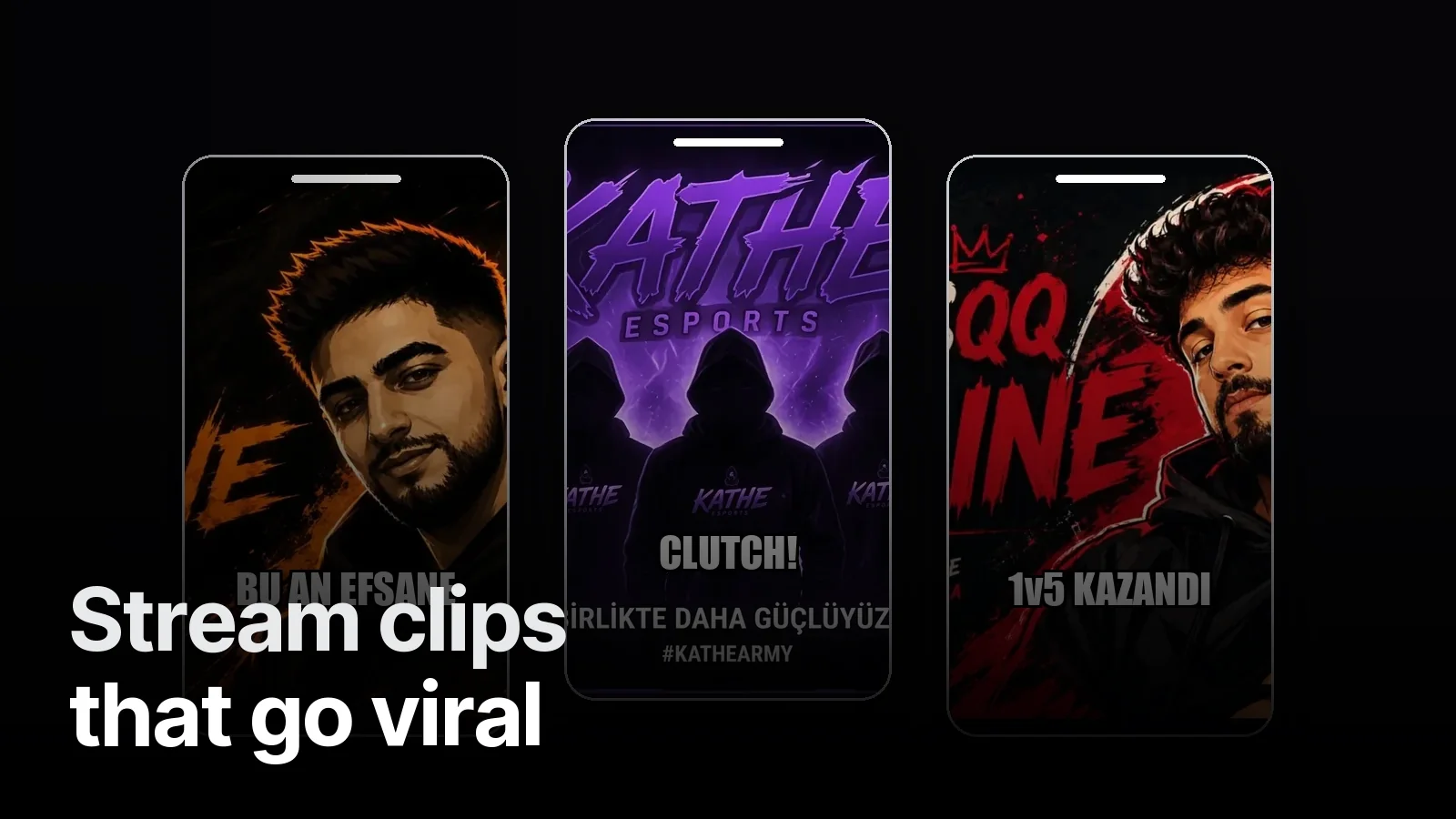
The stream is 16:9, the phone is 9:16. We split the screen: face cam on top, the part of the game that matters below. Instead of shrinking the whole game screen we enlarge where the action is; crosshair and scoreboard must still read on a phone.
Captions and identity
Most people watch with the sound off. Word-highlight captions, a frame in the channel’s colour and a small logo in the corner — wherever the clip travels, it is clear whose it is. If you have a stream identity (like KATHE), the same colours and fonts carry into the clips.
Where to post
The same clip behaves differently on TikTok, Instagram Reels and YouTube Shorts. We write titles and tags per platform.
Should you do it yourself?
If you stream two or three times a week, clipping takes as long as streaming. We take the stream link, pick the moments, cut, caption and deliver them ready to post. Examples: Our stream clips. Subscription details: Clip subscription.
Frequently asked
1.How do you make clips from a stream?
Watch the whole stream, mark the strongest moments (reactions, clutches, funny bits, arguments), cut 15–45 second pieces into a 9:16 vertical frame, add word-highlight captions and post them to TikTok, Reels and Shorts with separate titles.
2.How long should a clip be?
Most good clips run 15–40 seconds. The event or the reaction must be on screen in the first 2 seconds; intros, greetings and context go at the end or not at all.
3.Should clips go on a separate account?
Posting on the streamer’s own account sends followers straight to the stream. A separate clips account allows more frequent posting and testing. Both together work best.
4.Do you make stream clips?
Yes. Send us the stream link; we pick the moments, cut them, caption them and deliver them framed in your channel identity. We also work on a monthly subscription.