Private server trailers for MMORPGs (Metin2, Knight Online): how to announce a launch
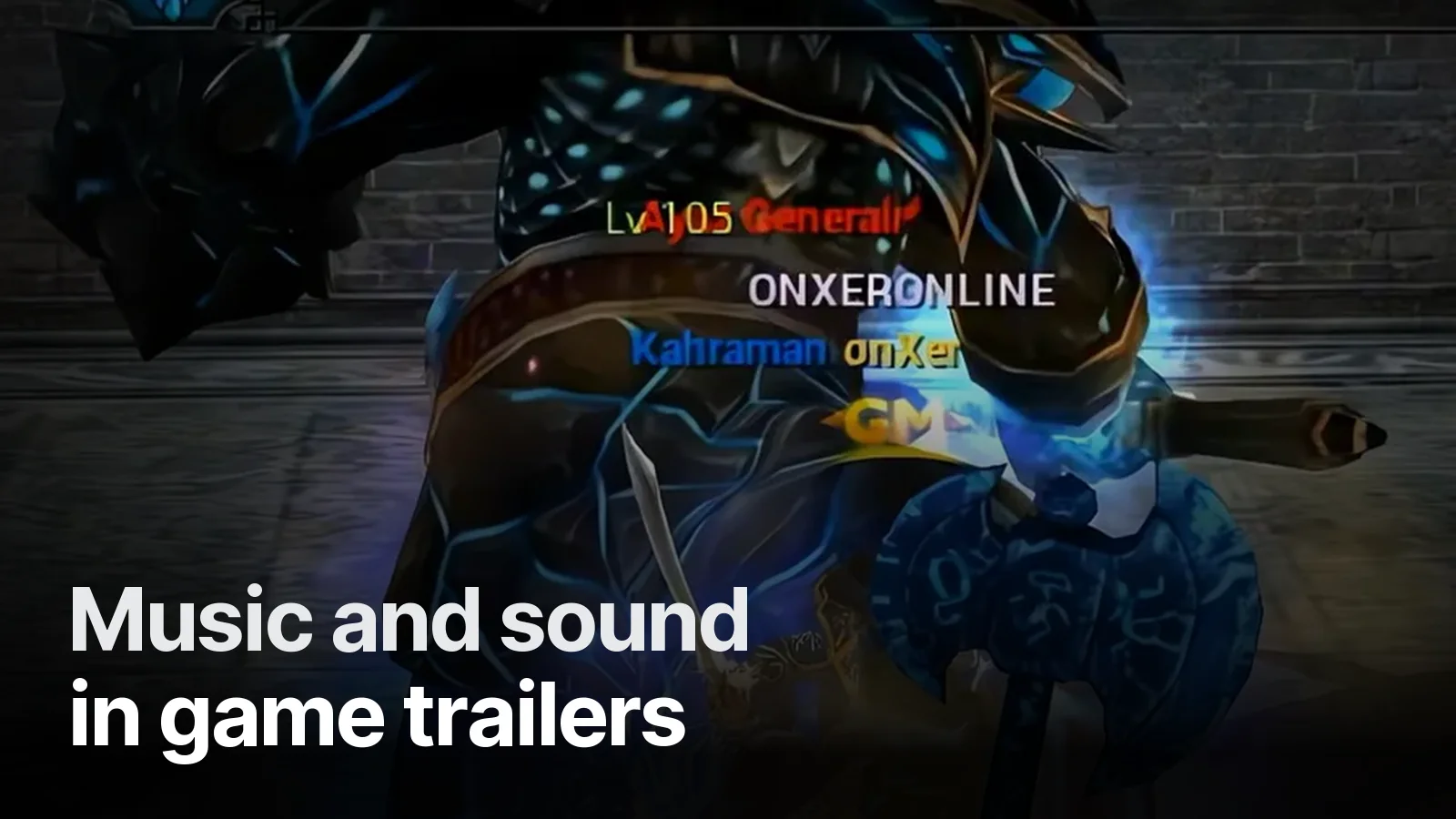
How to build a trailer for an MMORPG private server: launch announcement, system cards, boss and event scenes, vertical ad format. With examples from the Onxer Online (Metin2) ad film.
For anyone launching a Metin2 or Knight Online server, the trailer has one job: show players what they'll find on this server, in 30–50 seconds. Players see dozens of server ads; what keeps them from scrolling past is a promise shown scene by scene, not listed. Here's the structure we used for Onxer Online.
Why server ads are hard
Private server players are experienced viewers. They've seen the same maps, bosses and effects for years. Lines like "full skills, tons of events, epic launch" no longer say anything. Three things make a difference:
- The server's own systems (upgrades, NPCs, rewards) shown clearly
- Real gameplay, because players want to see what they'll get
- Launch date and call standing alone at the end
Onxer Online: the whole promise in 52 seconds
We built a single vertical (9:16) ad film for Onxer Online:
- Opening: the dragon logo and gameplay on a phone. In one second the viewer knows it's a Metin2 server.
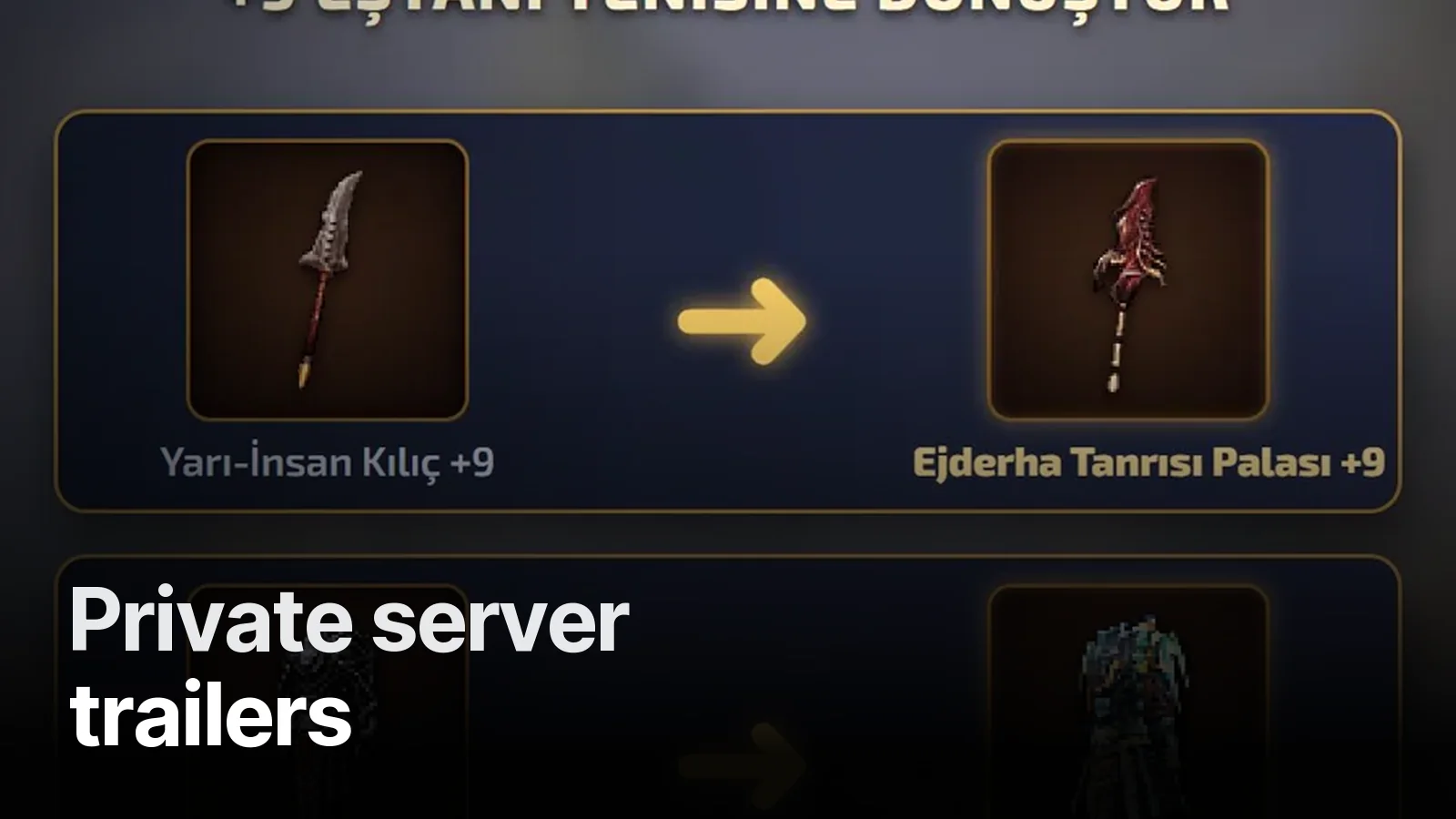
- Promise cards: each system on its own card with a gold title: full skills, shop and weapon NPCs, +9 gear transform, metin farming.
- Peak: the Nemere boss fight and daily EP events.
- Close: one call, "Play now."
Titles serve viewers on mute; music and sound design serve those with sound on. Cuts sit on the beat.
Before launch: an AI cinematic announcement
If the server isn't open yet, there's no gameplay. The launch announcement is then built from AI-generated cinematic scenes: the game's races or classes meet in one scene, followed by the server logo and launch date. This kind of video sells anticipation. Once the server opens, a gameplay video with real capture follows.
| Stage | Video | Material |
|---|---|---|
| 1–2 weeks before launch | Cinematic announcement | AI scenes, logo |
| Launch week | System trailer | Real gameplay capture |
| After launch | Short event / update videos | Event captures |
Capture tips
- Hide player names, guild names and the chat window (we can also cover them in the edit)
- Record at 1080p or higher, remembering vertical ads crop from the centre
- Capture bosses and events at their busiest moments
- A separate 10–20 second clip per system speeds the edit up a lot
More: Capturing gameplay for game ads · The first 3 seconds of a mobile game ad.
Delivery
A vertical 9:16 film for Instagram and TikTok, a horizontal version for YouTube and Discord if needed, short cuts and a cover frame. Send your server name, launch date and captures over WhatsApp; see the game trailer page for how we work.
Trailers and ad creatives cut from real gameplay, with a strong first three seconds and readable with the sound off. Vertical + horizontal, 15 / 30 / 40 s.
What’s in it 5
- Gameplay capture (we can record it for you)
- One promise per video: growth, adventure, alliance…
- 9:16 and 16:9, 15 / 30 / 40 s cuts
- Custom music + sound design, −14 LUFS
- With-sound and silent versions, end card and CTA
Frequently asked
1.How long should a server trailer be?
20–40 seconds for Instagram and TikTok ads, 45–60 seconds for a main trailer that covers every system. The film we made for Onxer Online runs 52 seconds, and shorter 15-second cuts can come from the same edit.
2.Which systems should the video show?
What players check when choosing a server: skills, gear and upgrade systems, NPCs, bosses and events, and the launch date. Each promise needs its own scene and a short title; written as a list, nobody reads it.
3.Who records the gameplay?
The server team can record it, or we record on a test account. What matters is that player names, the chat window and unnecessary UI are clean; we can also cover them in the edit.
4.Can we make a video before the server is live?
Yes. A launch announcement can be built from AI-generated cinematic scenes: atmosphere, races, logo and launch date. Once the server is live, a gameplay video with real capture follows.