YouTube thumbnail size 2026: 1280×720, 2 MB, and a thumbnail that reads on a phone
The YouTube thumbnail size is 1280×720 pixels, up to 2 MB. Safe areas, the duration badge, text size and phone legibility — with examples from our own sets.
Short answer: 1280×720 pixels, 16:9, up to 2 MB. Use JPG or PNG; minimum width 640 pixels. Everyone knows that part. The real problem is that those 1280×720 pixels show up about the size of a thumb on a phone.
The specs in one table
| What | Value |
|---|---|
| Size | 1280×720 px (16:9) |
| Minimum width | 640 px |
| File limit | 2 MB |
| Format | JPG, PNG, static GIF |
| Duration badge | Bottom-right — keep it empty |
| Test & Compare | 3 thumbnails per video |
A thumbnail is a small image
You design it at 1280 pixels wide; viewers see it at 160 to 360 pixels on the home feed, in search and in the suggested column. So our first check is always the same: shrink it to 160 pixels and put the variants side by side. Any word that doesn't read goes.
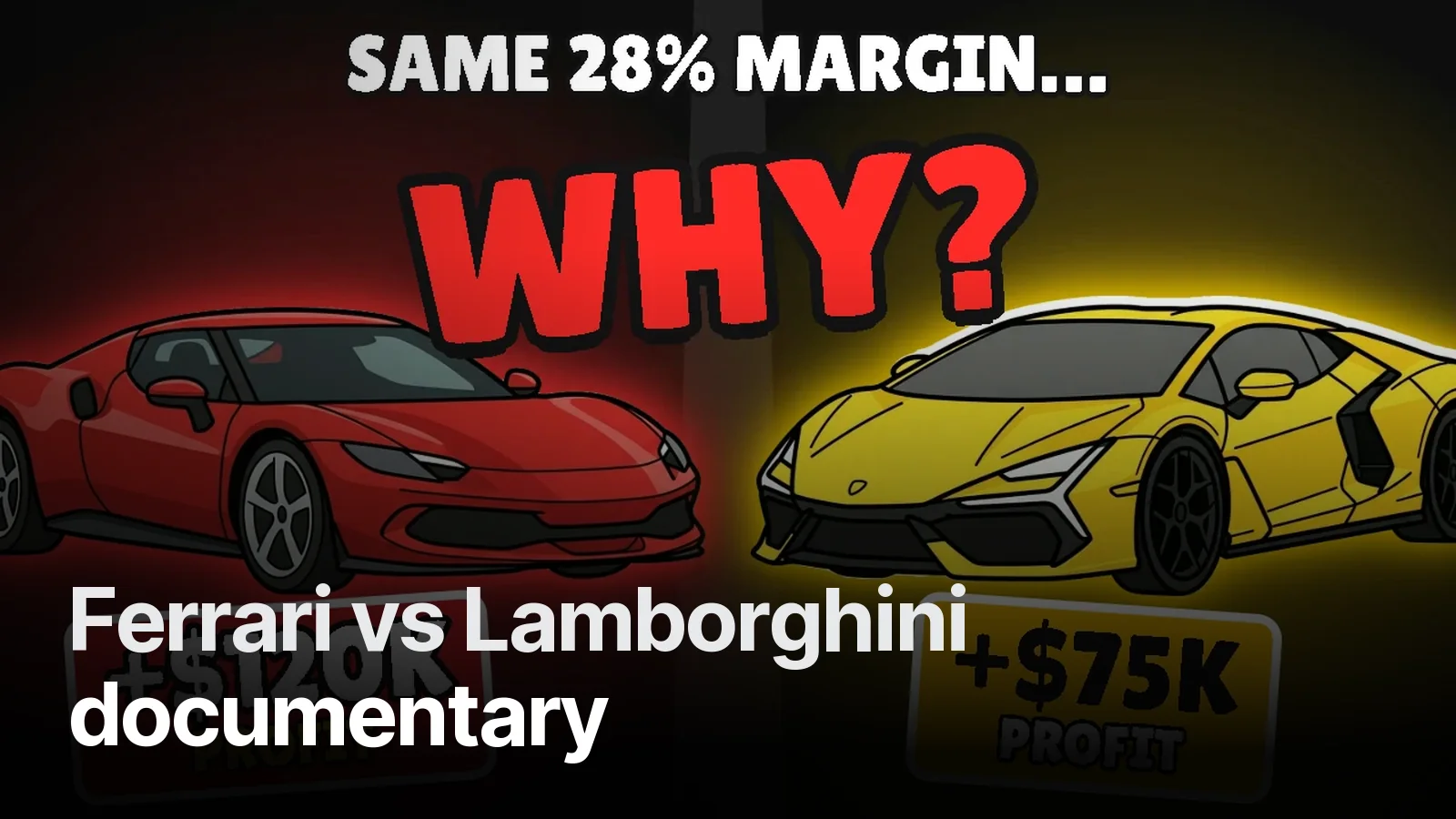
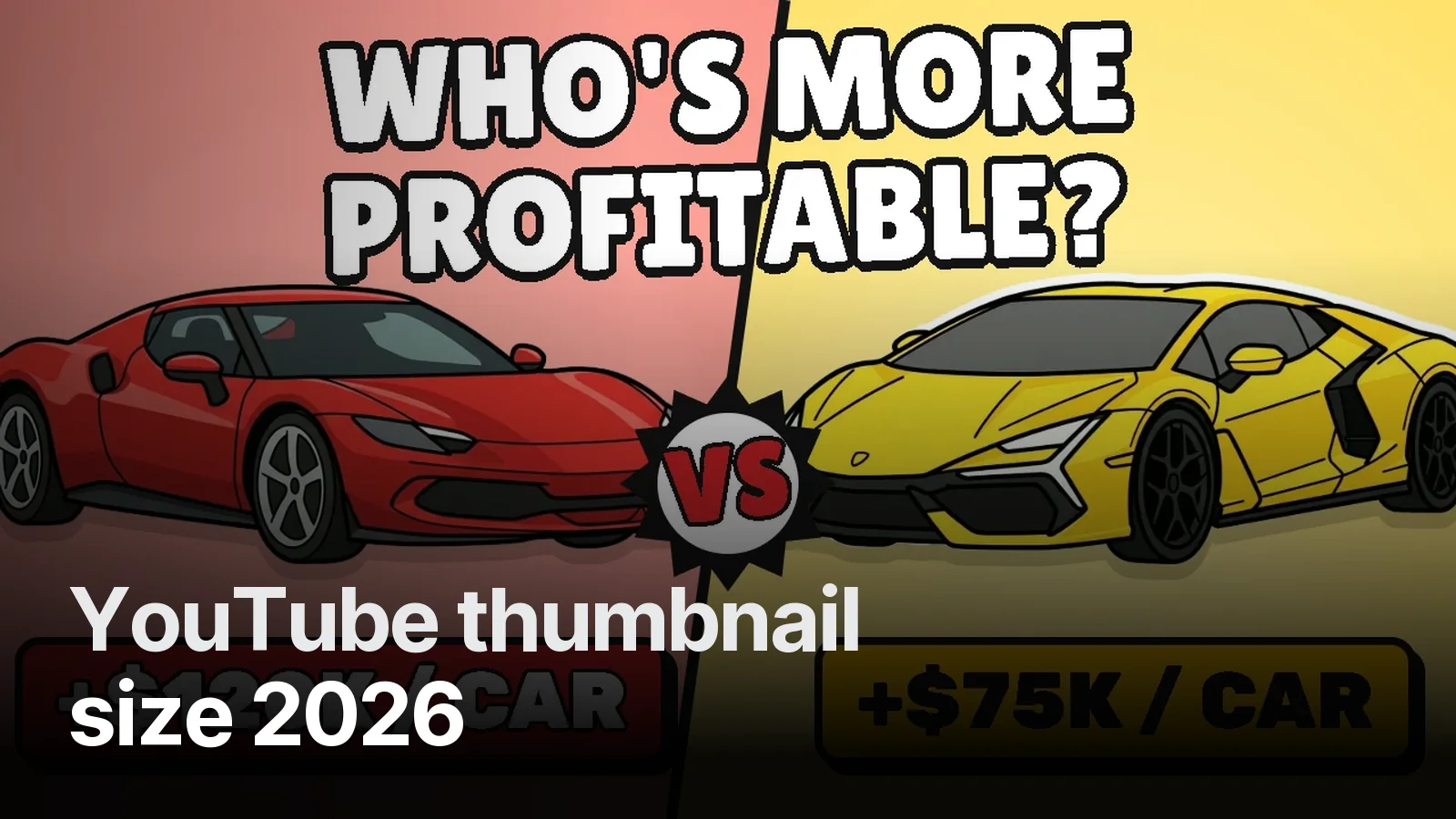
In the Ferrari vs Lamborghini set, "WHO'S MORE PROFITABLE?" ran over two lines and still read at small size, because the letters were heavy, outlined and separated from the background. The same sentence in a thin font would have been a grey smudge at 160 pixels.
Three zones, three rules
Left third: the eye lands here first. The key word or number lives here.
Centre-right: the face, character or main object. Big enough for the emotion to read — a face filling half the frame does more work than a full-length person.
Bottom-right corner: the duration badge. Don't put your number, logo or arrow here.
Text: three words, never the title
Writing the title again on the thumbnail is the mistake we see most. The title already sits underneath; the thumbnail should say something else. In our stickman video the title explains how the company makes money, and the thumbnail says "IT'S NOT A BURGER COMPANY" — a claim that makes you curious, not a repeat.
Colour and contrast
Light text on dark, or the reverse. Thick black outline, a shadow. Most phones run in dark mode; a thumbnail without a clear edge melts into the background. That's why the gold type in our noir documentary works on black.
Three thumbnails instead of one
YouTube now lets you upload three thumbnails to one video and measure which one gets watched more. We explain how it works in the Test & Compare post. That's why we build thumbnails in threes: promise, number, curiosity. Every example set is on the YouTube thumbnails page.
Three thumbnails built on three different ideas for one video. Upload them to YouTube’s Test & Compare and let viewers pick the winner.
What’s in it 5
- 3 thumbnails, 3 separate hypotheses (promise · number · curiosity)
- 1280×720, under 2 MB, JPG + PNG
- Legibility check at phone size
- Title suggestion that doesn’t repeat the thumbnail
- Layered source file
Frequently asked
1.What size is a YouTube thumbnail?
1280×720 pixels at 16:9. Minimum width is 640 pixels. The file can be JPG, PNG or a static GIF and must be 2 MB or less.
2.How big should the text be on a thumbnail?
If you can still read it when the thumbnail is shrunk to 160 pixels wide, it is big enough. On a 1280×720 canvas that usually means letters at least 90–120 pixels tall, bold and outlined, three or four words at most.
3.Why leave the bottom-right corner empty?
YouTube prints the video duration in the bottom-right corner of the thumbnail. A number, face or logo placed there ends up under the duration badge.
4.Can I upload more than one thumbnail?
Yes. With YouTube's Test & Compare you can upload three thumbnails for one video; YouTube rotates them and keeps the one that earns the most watch time.