AI scenes for YouTube documentaries: consistent characters, locked style, clean edits
How to manage character consistency, style locks, continuity checks, resolution and motion when producing AI scenes for YouTube documentaries. Rules we took from a 58-scene episode.
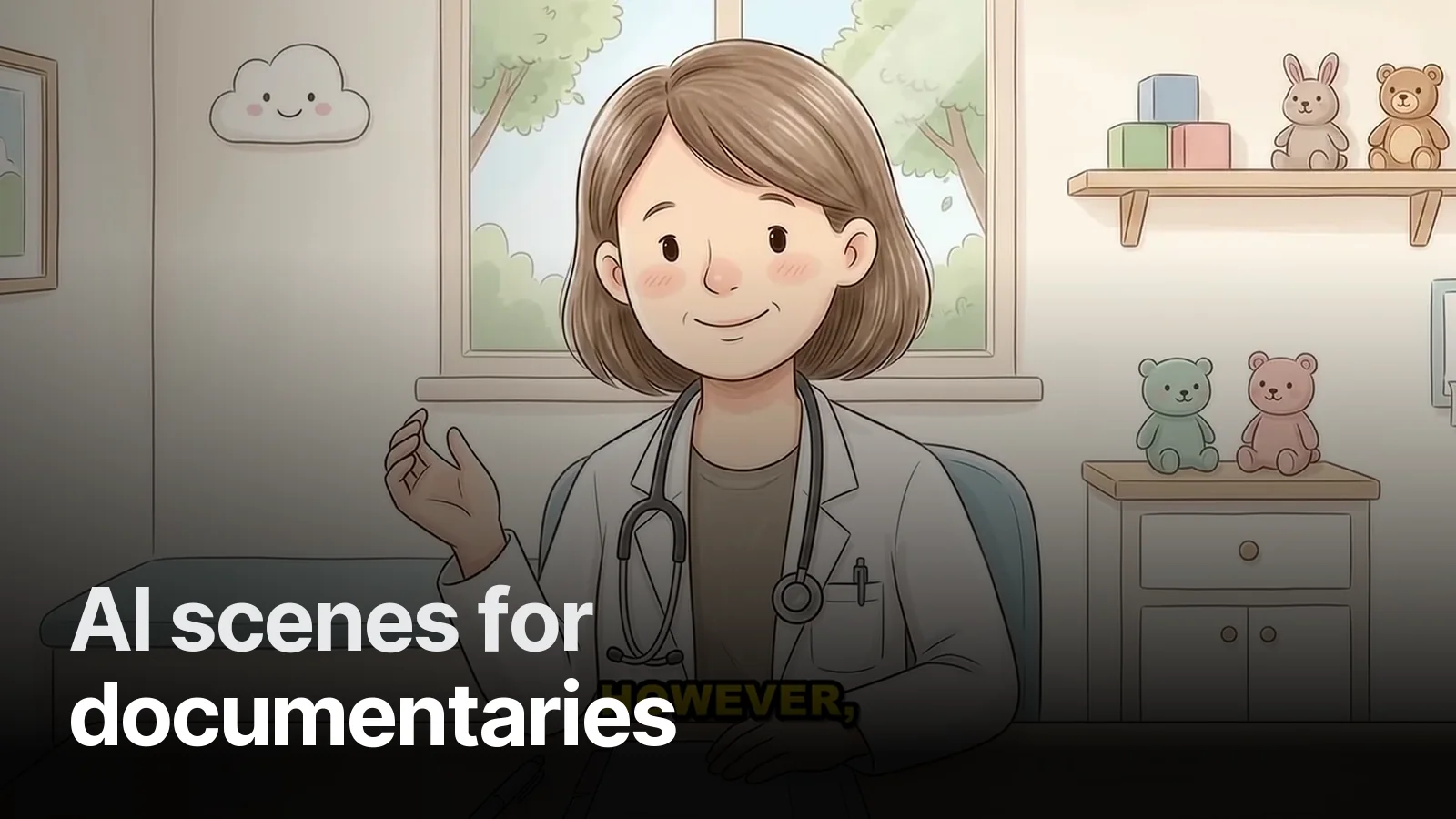
Generating AI scenes for a documentary has become easy; producing a watchable episode is still a craft. Here is what we learned on a 58-scene episode for the parenting channel and our other AI-scene work.
1. Lock the style first
The channel gets a one-sentence style description that is used verbatim in every scene: "soft watercolour, cream paper texture, warm daylight, low contrast". Change one word in one scene and the world changes. In the noir documentary that sentence was "black ground, single gold line".
2. A character card
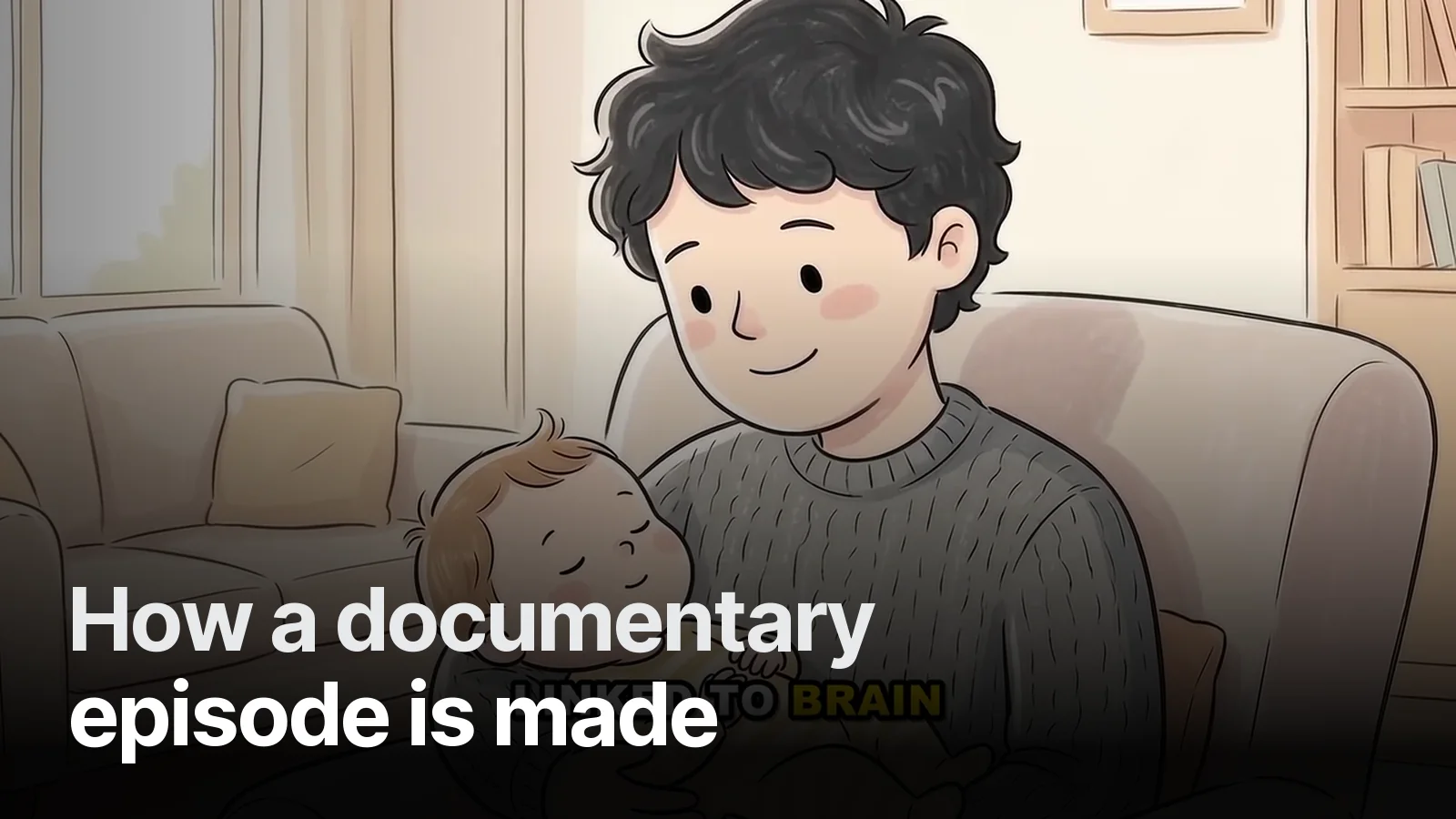
The main character's age, hair, clothing, facial features and a reference image. Every scene is generated with this card. Drift still happens — most often in hair colour, clothing colour and a baby's or child's age.
3. Continuity: look side by side
Every scene is checked next to the one before and after. We look for:
- Hair or clothing colour that changed
- An object present in one scene and gone in the next
- Broken hands, extra fingers, melted faces
- Meaningless text in the background
A broken scene isn't patched; it is regenerated or dropped.
4. Don't let AI write text
Scenes are generated text-free; headlines, figures and labels are set in code in the edit. None of the ~150 scenes in Ferrari vs Lamborghini has a broken letter, because AI wrote none of them.
5. Resolution: upscale, then edit
Generators typically output around 1376×768, which looks soft at 1080p in detailed scenes. We upscale every scene 4× (≈2752×1536) before editing; it stays sharp even during push-ins.
6. Motion: little and meaningful
Light motion on a still (a blink, hair, steam, light) brings the scene to life. But in an animated clip the character's face or a key object must not change — every animated clip is watched frame by frame.
7. Editing rules don't change
| Rule | Why |
|---|---|
| No repeated scene in a gap | Viewers notice |
| No identical image next to each other | The video feels stuck |
| Cut on the narrator's word | Picture follows sound |
| On-screen text ≥ 1.5 s | Readability |
When AI scenes, when another style?
AI illustration is strong for emotional, scene-heavy topics like health, family and history. For number-heavy comparisons, flat 2D illustration plus graphics in code; for explaining systems, motion graphics. Comparison: faceless YouTube documentaries.
Let's try an AI-scene episode for your channel: our video projects.
Frequently asked
1.Can you make a YouTube documentary with AI?
Yes, but weeding out is as much work as generating. Scenes are produced with AI; to keep characters, light and objects consistent from scene to scene, every clip is checked by eye and broken ones are dropped.
2.How does a character stay the same across scenes?
With a fixed character description, reference images and a locked style sentence. Hair colour, clothing or age can still drift, so each scene is checked side by side with the one before and after.
3.Can scenes contain text?
AI-generated text usually comes out broken. We generate scenes text-free and set every headline and figure in code during the edit; there are no typos on screen.
4.Don't AI scenes look soft at 1080p?
Most generators output around 1376×768. We upscale every scene 2–4× before it enters the edit, so detailed scenes stay sharp at 1080p and 4K.