Custom vs template stream overlays: which one should you buy?
Template stream overlays are cheap and instant. Custom overlays give your channel an identity of its own. Compare cost, quality, licensing and setup to decide which suits your channel now, and when to upgrade.
Template or custom? The short answer: use a template while you're testing whether streaming is for you, and go custom when you want viewers to recognise your channel at a glance. Both have a place. This guide compares them honestly and shows when each makes sense.
Quick comparison
| Template overlay | Custom overlay | |
|---|---|---|
| Time | Instant | Days |
| Uniqueness | Others may use it | Yours alone |
| Matches your emotes and logo | Rarely | Always |
| Character or mascot | Generic or none | Built for you |
| Setup | You do it | Often included |
| Best for | Testing, first months | Regular streamers |
When a template makes sense
- You've just started and don't know if you'll stick with it.
- You have a small budget and need something clean today.
- You're still deciding on a name, niche or schedule.
Choose a simple, dark design, change the colours where you can and don't stack too many elements. If you buy one, read the licence. Many templates limit commercial use or editing.
When custom pays off
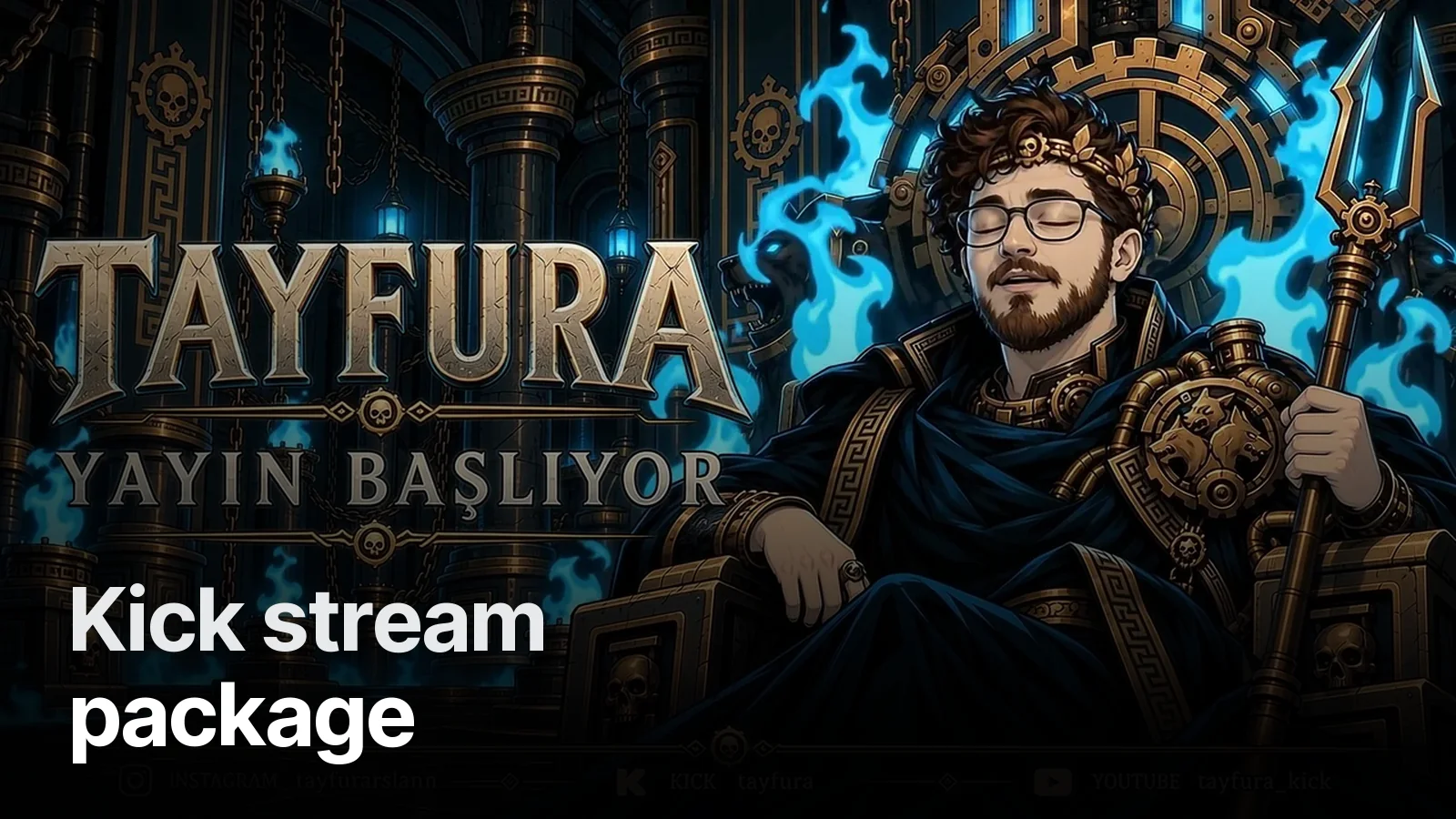
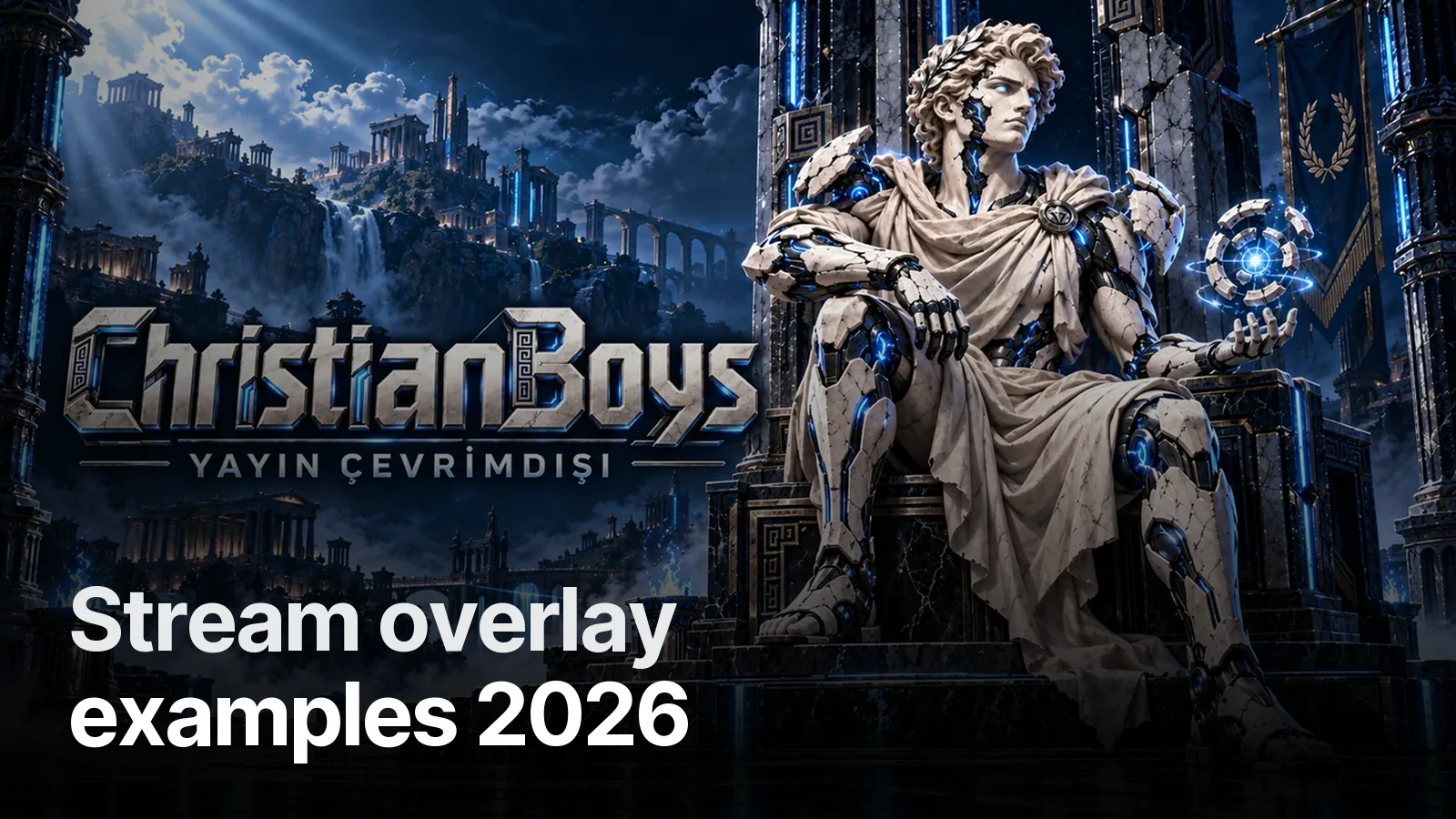
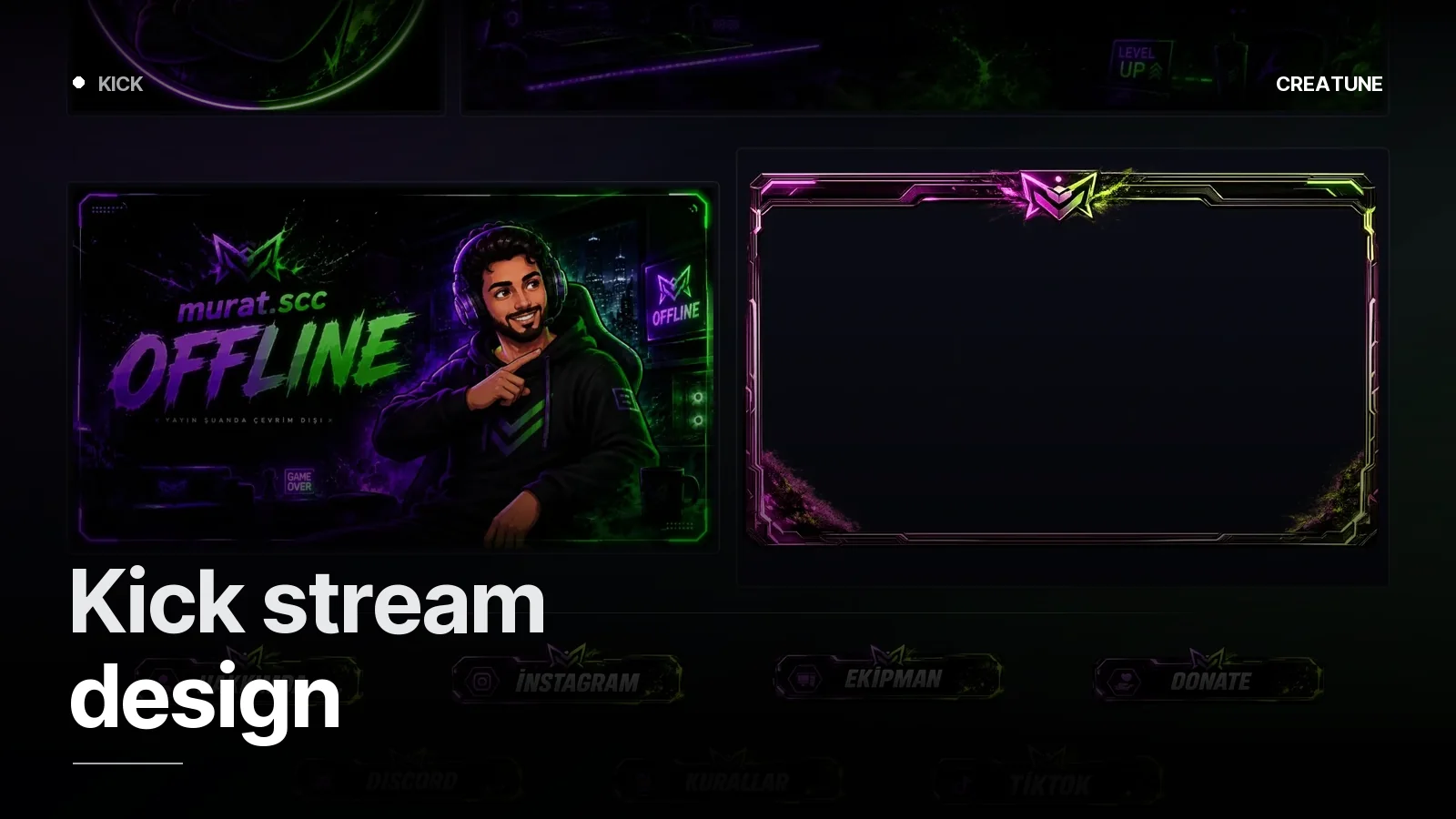
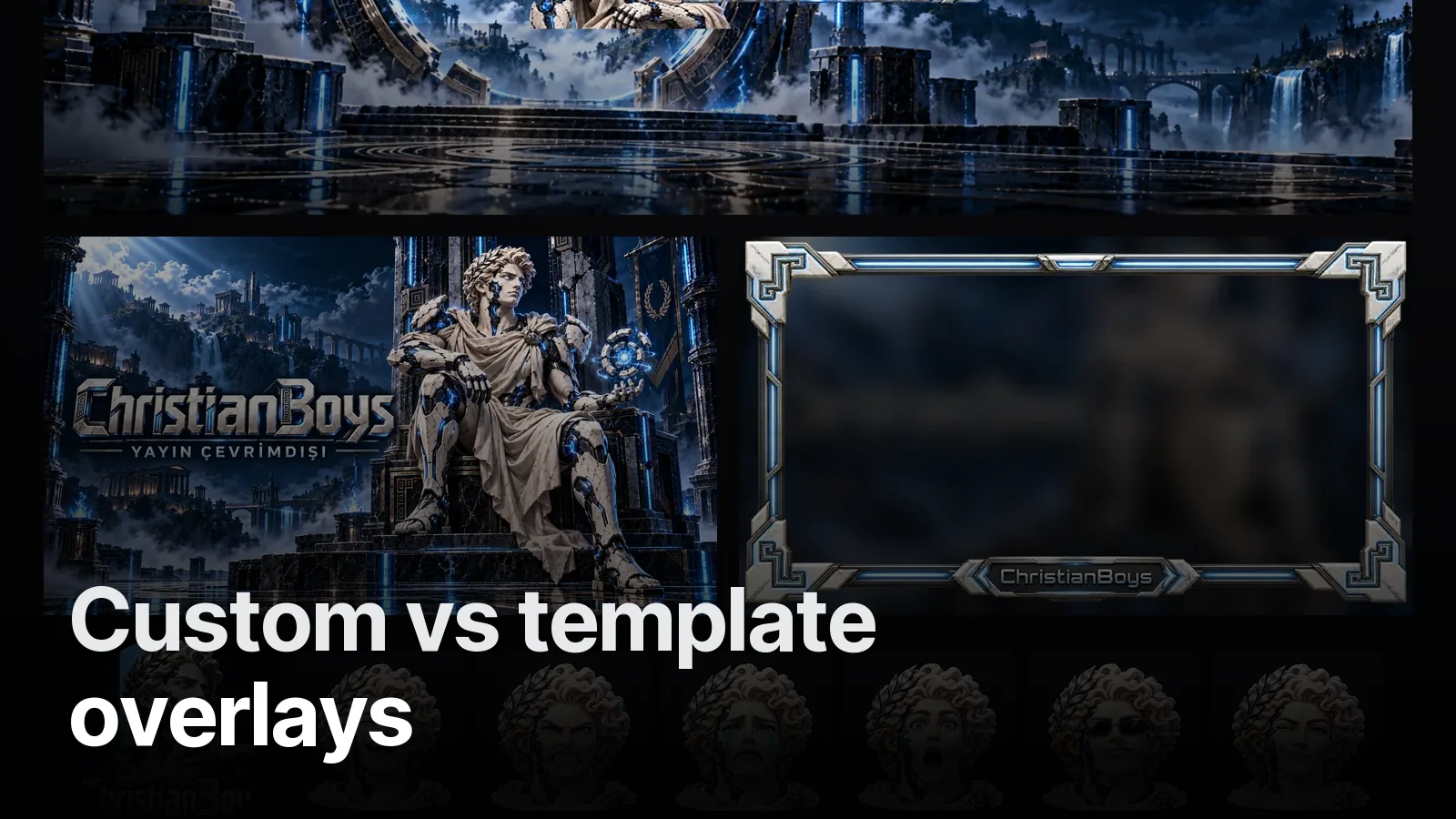
A template makes your channel look tidy, but it can't make it memorable. Viewers remember a story: the half-marble, half-machine statue of ChristianBoys, the mafia film poster world of ELVORNN, or the toxic-green portal theme of Queddy. Each of these runs from the panels down to the emotes, and that's something a template can't do.
Going custom usually pays off when:
- You stream regularly and viewers come back.
- You want emotes that fans really use.
- You've started talking to sponsors or brands.
- You want your clips to be recognisable on TikTok and Reels.
The hidden cost of templates
The price tag isn't the full cost. Mixing templates from different shops usually gives you a mismatched set: an overlay in one style, emotes in another, panels in a third. The hours you spend adjusting them are hours you aren't streaming. Then there's the risk of finding the same design on another channel in your category.
What a custom order should include
- Consistent identity: icon, banner, offline screen, overlay and panels in one language.
- Custom emotes: drawn around you, not picked from a pack.
- Motion: at least one animated Starting Soon screen and one transition.
- Correct sizes: delivered to fit each platform.
- Setup help: so the files actually end up on your stream.
- Revisions: know how many rounds are included.
Ask for the designer's full channel work, not only a mock-up. A flat preview can hide problems that appear once it's on a live stream.
What we offer
Every Creatune package is designed for one channel. Setup ($25) is a static starter set. Starter ($35) adds animated Starting Soon and transition videos for Kick. Deluxe ($65) is a complete animated identity. Ultimate ($105) adds an animated overlay, 6 animated emotes, alerts and a social media kit. See everything on our streamer packages page, browse stream overlay examples, or read how to hire a stream designer online. We work online with streamers worldwide.
Your project could be next.
Get a quote on WhatsAppFrequently asked
1.Are template overlays bad?
No. They're a sensible way to start when your budget is small. The downside is that other channels may use the same design, and templates can't reflect your character or niche.
2.How much does a custom overlay cost?
Creatune's packages start at $25 for a static set and go up to $105 for a full animated identity. Every package is designed specifically for your channel.
3.When should I upgrade to custom?
A good moment is when you're streaming regularly, your viewers are returning and you start thinking about sponsors or a real brand. Before that, consistency matters more than design.
4.Can a designer customise a template?
Sometimes, but it's often faster and cleaner to design from scratch. Check the template's licence too, since editing and commercial use can be restricted.
5.Do custom overlays slow down OBS?
Not when they're well prepared. Static PNG overlays are light, and animated ones should be properly compressed. Our files are made to run in OBS.