Kick stream design: banner sizes, channel setup and the Kick-specific package (2026)
How many pixels is a Kick banner, what size are the profile picture and offline banner, and how do you set up a Kick channel from scratch? Size table, OBS setup and the 1,499 TL Starter package for Kick streamers.
Opening a Kick channel takes five minutes; making the channel look set up takes a banner, profile, offline screen, panels and overlay that all speak the same language. This post gathers the Kick-specific sizes, the setup order and the package we built for Kick streamers in one place.
Kick image sizes (2026)
| Slot | Size | Note |
|---|---|---|
| Profile picture | min. 128×128, recommended 512×512 | Cropped to a circle; centre the logo |
| Channel banner | min. 1280×700 | We deliver 1920×1050; keep text off the edges |
| Offline banner | 1920×1080 | Shown on the channel page when you are offline |
| Panel banners | 320 px width recommended | About, Rules, Socials, Support… |
| Emotes | square PNG, 112×112 production size | Simple silhouette so it reads small |
| File size | 4 MB | JPG / PNG |
Sizes are the current values from Kick's help centre; because Kick updates its interface often, we always work slightly larger with a safe area. Twitch and YouTube sizes: Streamer image sizes 2026.
Setting up a Kick channel from scratch
- Profile + banner. The channel's identity starts here. Channel name, character and stream days on the banner; a logo that reads on its own in the profile.
- Offline screen. On Kick viewers land on the channel even when you are offline; put "schedule + socials" here.
- Panels. About, Rules, Socials, Support, PC / Gear. Same frame, same icon language.
- OBS scenes. Starting Soon → Main (overlay + camera) → Break → Ended. Connect them with a stinger (how).
- Emotes and badges. Give subscribers something to hold; start with at least 6 emotes.
The Kick-specific package: Starter (1,499 TL)
The Starter package we built for Kick streamers is not just design, it is the setup itself:
- 6 custom emotes, all panel banners, camera frame (overlay), offline screen design
- Animated Starting Soon video and stream transition video
- Kick channel setup and OBS scene placement included
- Delivery 2–3 days, 2 revision rounds
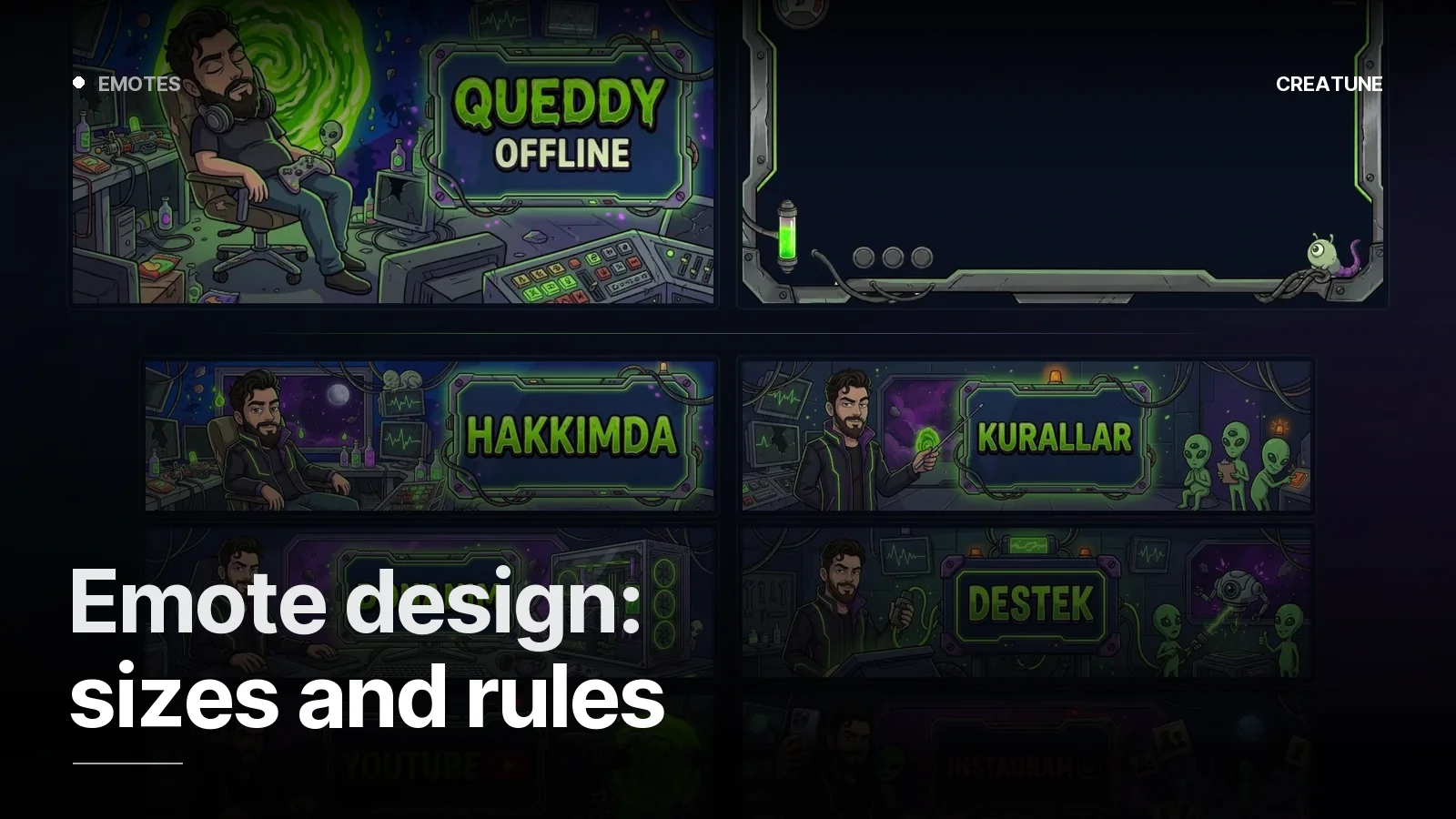
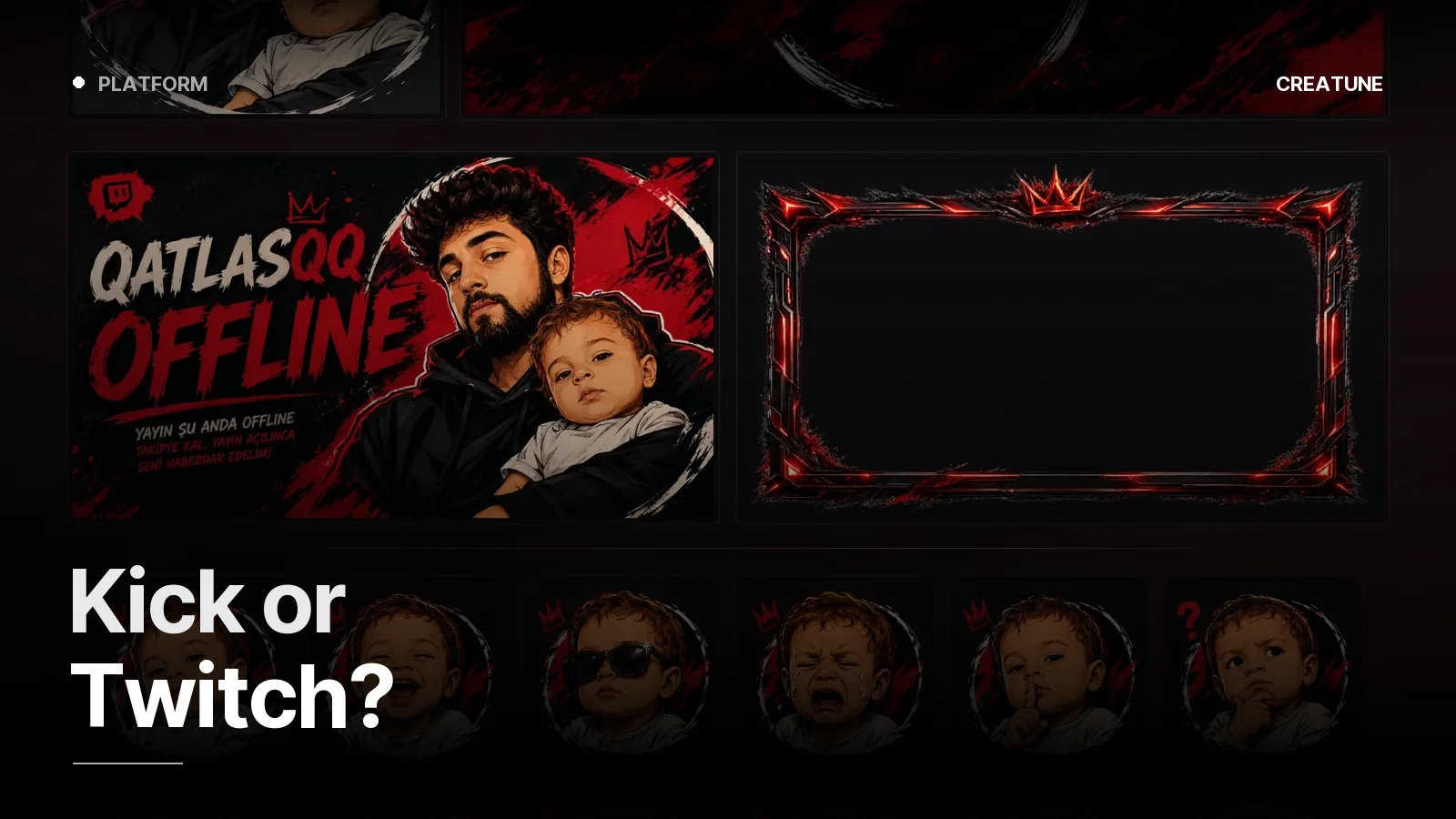
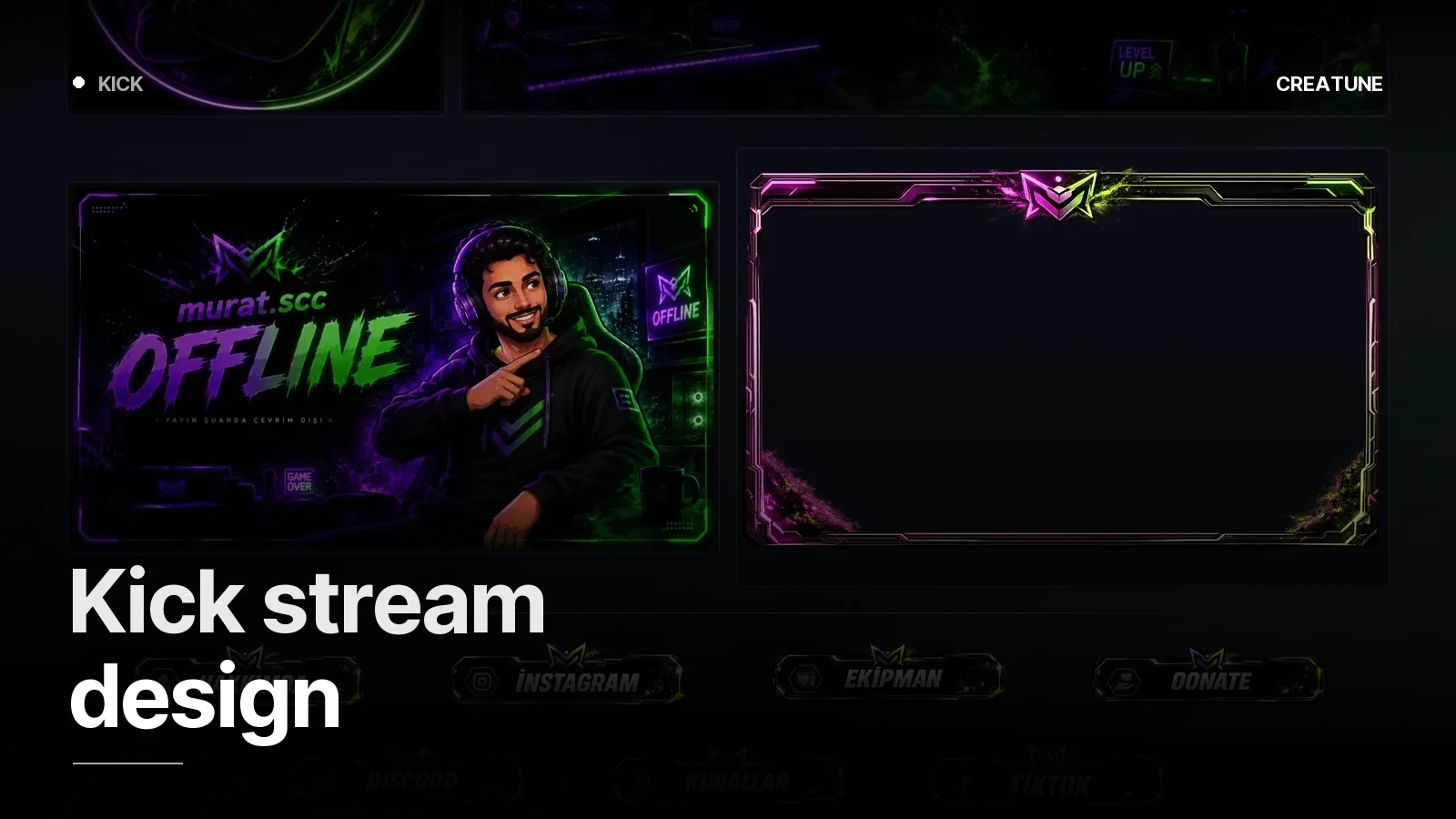
Static set only: Setup (999 TL); full animated identity: Deluxe (2,999 TL) and Ultimate (5,000 TL) — all four are delivered at Kick sizes. Kick work we have done: murat.scc (neon purple-green, countdown Starting Soon), Queddy (cartoon portal, toxic green), QatlasQQ (grunge red).
Design language that works on Kick
Kick's interface is dark with green accents; channel art has to read on that ground. What we have seen:
- High-contrast banners (dark ground, one strong accent) still stand out in small previews.
- Character wins: a channel mascot or stylised portrait ties the channel to a face.
- Kick viewers mostly arrive on mobile; banner text has to be readable on a phone.
Want your Kick channel set up? Send your channel link on WhatsApp and we will look at which package fits.
Frequently asked
1.What size is a Kick banner?
The Kick channel banner needs at least 1280×700 pixels, the offline banner is 1920×1080 pixels, and the profile picture is at least 128×128 (512×512 recommended); the file limit is 4 MB, JPG or PNG. Creatune delivers banners at 1920×1050 and 1920×1080 with the safe area calculated.
2.How much is a Kick stream package?
The Starter package built for Kick is 1,499 TL (limited-time price) — 6 emotes, all panel banners, camera frame (overlay), offline screen, animated Starting Soon and transition video; Kick channel setup and OBS scene placement included. Static set only, Setup is 999 TL.
3.Does Kick have emotes and badges?
Yes. Kick supports subscriber emotes and subscriber badges; emotes are uploaded as square PNGs, same logic as Twitch. Our packages deliver emote sets at Kick sizes.
4.Will you set up my Kick channel?
The Starter package includes Kick channel setup and OBS scene placement — banner, offline screen and panels are uploaded, overlay and animated screens are placed into OBS scenes.