Twitch, Kick, YouTube and TikTok image sizes 2026: banner, profile, offline, panels, emotes
Streamer image sizes in one table: Twitch banner 1200×480, YouTube banner 2560×1440 (safe area 1546×423), Kick banner 1280×700, offline screen 1920×1080, panels 320 px, emotes 112×112. Current values, file limits and safe-area rules.
This table is the one-page answer to the most-searched questions when setting up a channel. Values come from the platforms' current help pages; in our deliveries we always work slightly larger with a safe area, because interfaces change a few times a year.
Twitch
| Slot | Size | Limit / note |
|---|---|---|
| Profile picture | 800×800 | JPG/PNG/GIF, 10 MB; shown at 256×256 |
| Profile banner | 1200×480 | 10 MB; centre visible on mobile |
| Video player / offline banner | 1920×1080 | In the player while offline |
| Panel image | 320 px wide, ≤600 px tall | 2.9 MB; 320×100 most common |
| Emote | 28 · 56 · 112 px | one PNG ≥112×112, ≤4096×4096, 1 MB |
| Animated emote | 112×112 GIF | ≤60 frames, 1 MB |
| Sub badge | 18 · 36 · 72 px | PNG, 25 KB |
| Category cover | 1920×1080 recommended | Twitch crops |
Kick
| Slot | Size | Limit / note |
|---|---|---|
| Profile picture | min. 128×128, recommended 512×512 | Circular crop |
| Channel banner | min. 1280×700 | 4 MB; we deliver 1920×1050 |
| Offline banner | 1920×1080 | 4 MB |
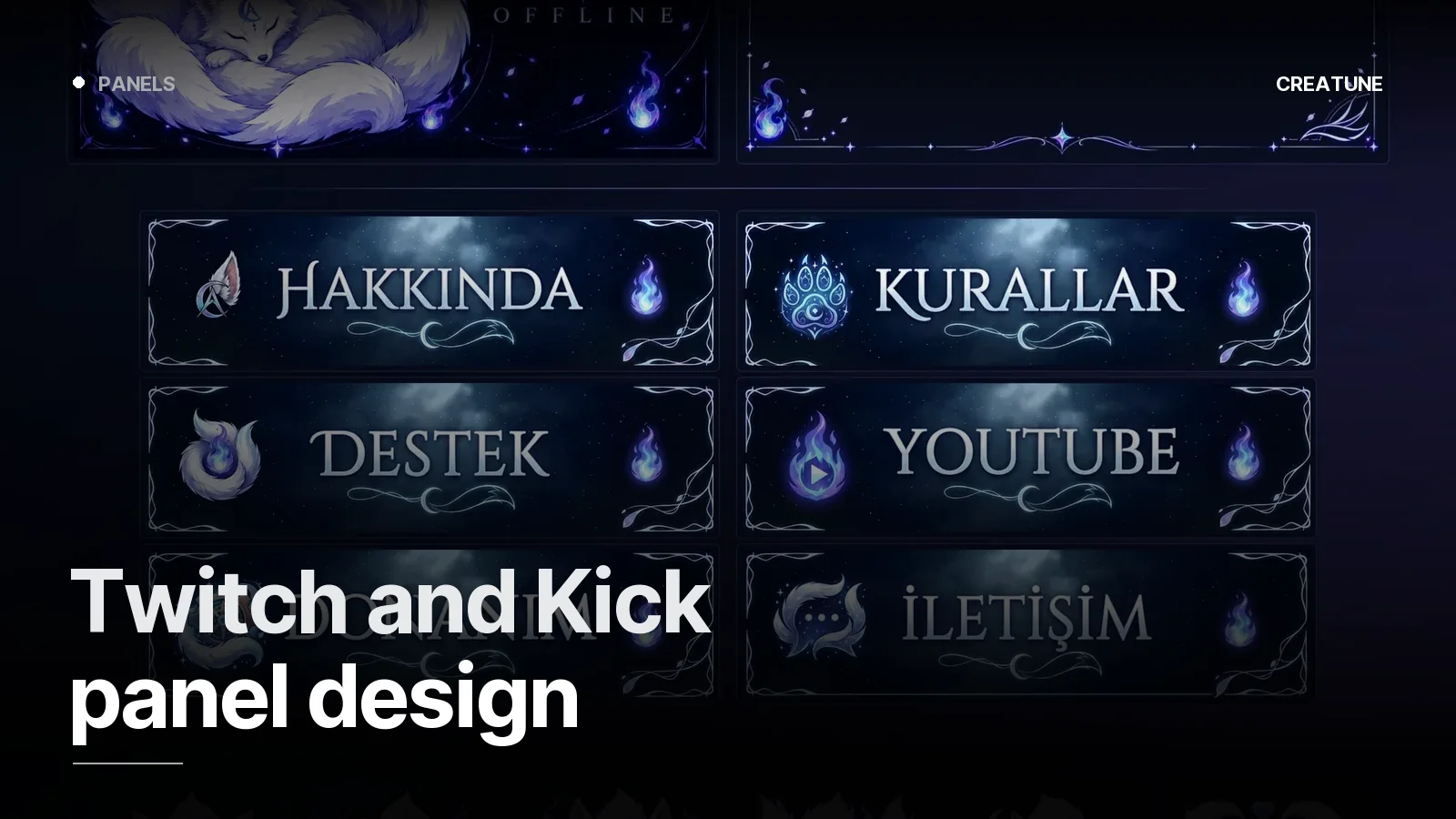
| Panel banners | 320 px width recommended | Same set as Twitch works |
| Emotes | square PNG, 112×112 | Subscriber emotes |
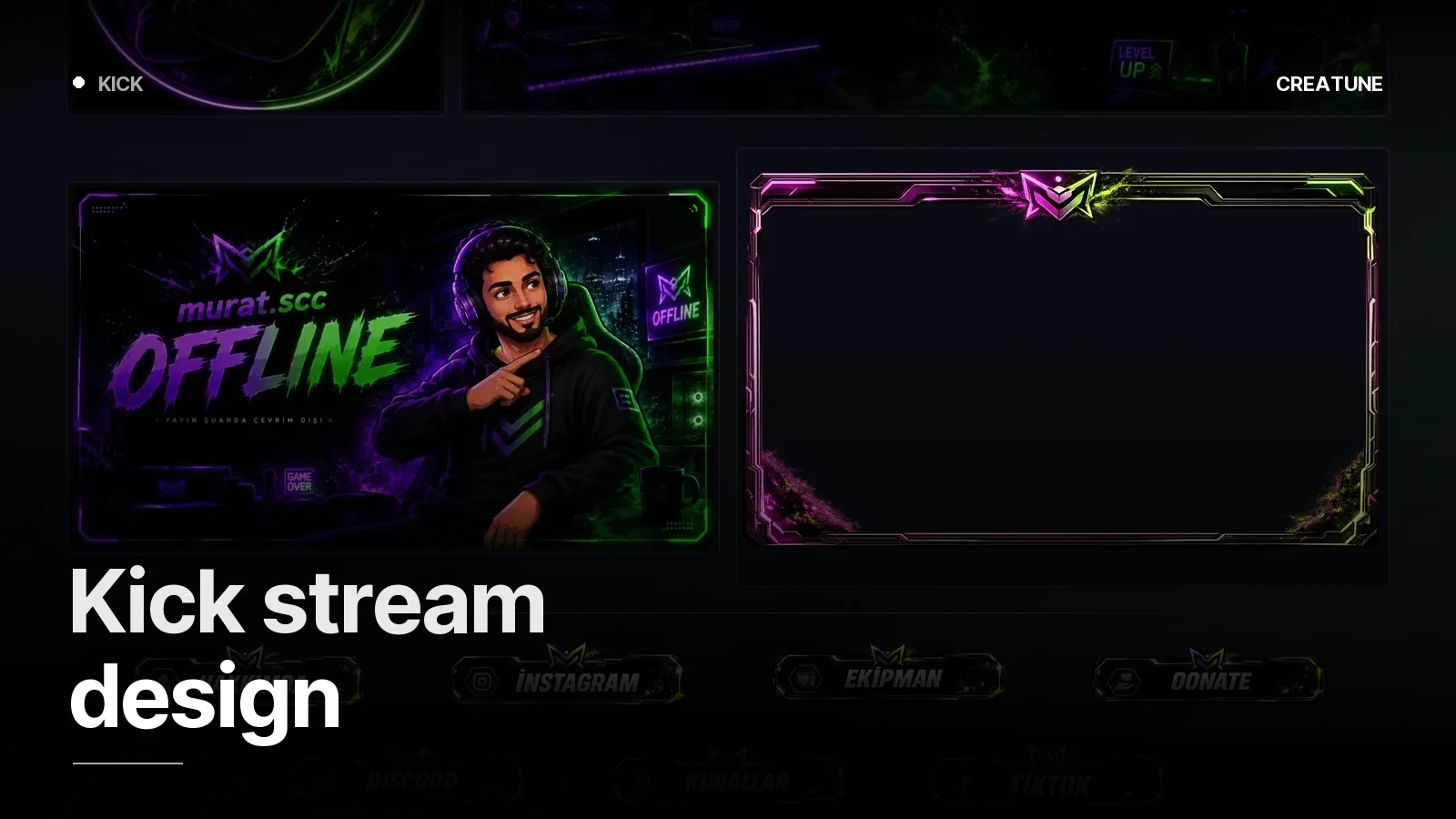
Detailed Kick setup: Kick stream design.
YouTube
| Slot | Size | Limit / note |
|---|---|---|
| Channel banner | upload 2560×1440 | Safe area 1546×423 (centre); 6 MB |
| Profile picture | 800×800 | shown at 98×98; 4 MB |
| Video thumbnail | 1280×720 | 16:9, 2 MB, JPG/PNG |
| Shorts thumbnail | 1080×1920 | vertical |
| Video watermark | 150×150 | PNG, 1 MB |
| Membership emoji | square PNG | 32×32 display |
The YouTube banner is the most commonly botched image: you upload 2560×1440, but TV shows all of it, desktop a 2560×423 strip, and phones only the central 1546×423. Channel name and schedule go inside the safe area only. The channel system we built for PeelAndPray runs on this logic.
TikTok
| Slot | Size | Note |
|---|---|---|
| Profile picture | min. 20×20, 200×200+ recommended | Circular |
| Video / live cover | 1080×1920 | 9:16 |
| Live overlay | 1080×1920 | For TikTok LIVE Studio |
Instagram / X (for the social kit)
| Slot | Size |
|---|---|
| Instagram profile | 320×320 (circular) |
| Instagram post | 1080×1350 (4:5) · 1080×1080 |
| Instagram story / reel | 1080×1920 |
| X profile | 400×400 · header 1500×500 |
The safe-area rule (for all of them)
- Keep critical text in the centre. Every platform crops the edges on some device.
- Leave 5% margin from the edges; build the profile picture to fit a circle.
- Stay at 70% of the file limit — no compression artefacts, no rejected uploads.
- PNG for flat colour/logo work, JPG for photo/illustration; emotes and overlays always transparent PNG.
In Creatune packages every image is delivered at the sizes in this table, separately for all four platforms — you just upload. Packages: Stream packages. Size questions: WhatsApp.
Frequently asked
1.What size is a Twitch banner?
The Twitch profile banner is 1200×480 pixels (JPG/PNG/GIF up to 10 MB), the video player/offline banner 1920×1080, the profile picture 800×800 (Twitch downsizes to 256×256), and panels are 320 px wide by up to 600 px tall.
2.What size is a YouTube banner?
The YouTube channel banner is uploaded at 2560×1440 pixels; the safe area visible on every device is the central 1546×423 pixels. File limit 6 MB. Profile picture 800×800, video thumbnail 1280×720 under 2 MB.
3.What size is a Kick banner?
The Kick channel banner is at least 1280×700 pixels, the offline banner 1920×1080, the profile picture at least 128×128 (512×512 recommended); JPG/PNG, 4 MB limit.
4.What size should emotes be?
Twitch displays them at 28, 56 and 112 pixels; upload one transparent PNG at 112×112 (or larger, up to 4096×4096) under 1 MB. Kick and Discord also use square 112×112 / 128×128 PNGs.