What is a stinger transition? OBS setup, alpha WebM format and the right length
Stinger transition: switching scenes through a logo animation. Step-by-step OBS setup, why alpha-channel WebM is required, how to set the transition point, and the ideal length in seconds.
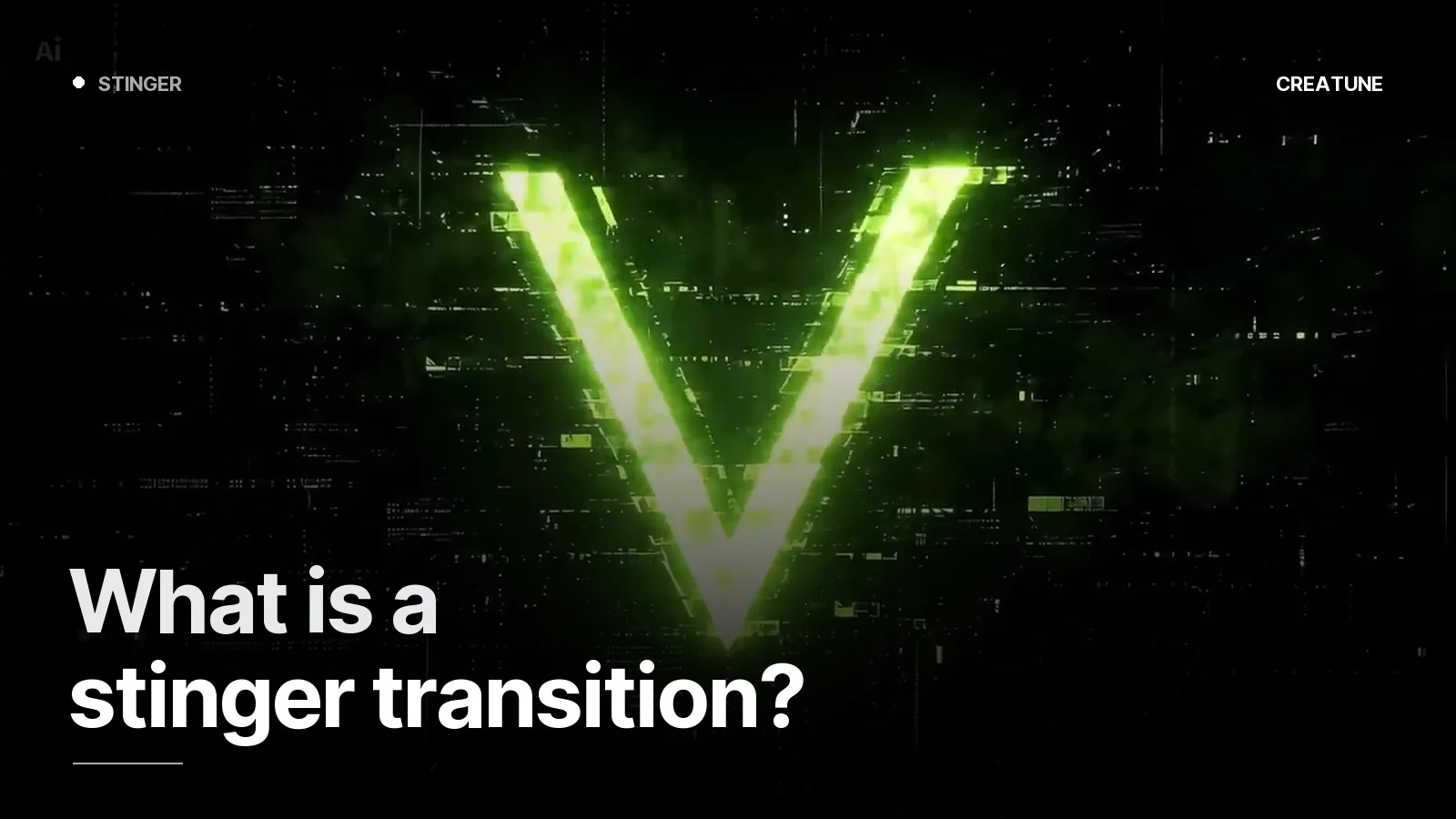
A stinger transition is what lets a streamer go from "Starting Soon" to the game, from the game to a break, without a hard cut — the scenes change through the channel logo. It lasts under a second, yet it is one of the details that most strongly tells viewers "this channel is set up".
How it works
A stinger is a video file with an alpha (transparent) channel. When OBS switches scenes it plays this video on top; at the transition point — the frame where the logo fully covers the screen — the scene underneath changes. When the logo pulls away, the new scene is revealed. The viewer sees a wipe, not a cut.
The right length and design
- Total length 0.7–1.5 seconds. A longer stinger makes viewers wait on every switch; chat will tell you.
- A moment that fully covers the screen (the transition point). Without it, a frame of the old scene leaks through.
- Sound embedded: a short whoosh plus a logo hit. Around -6 dB, never above the mic.
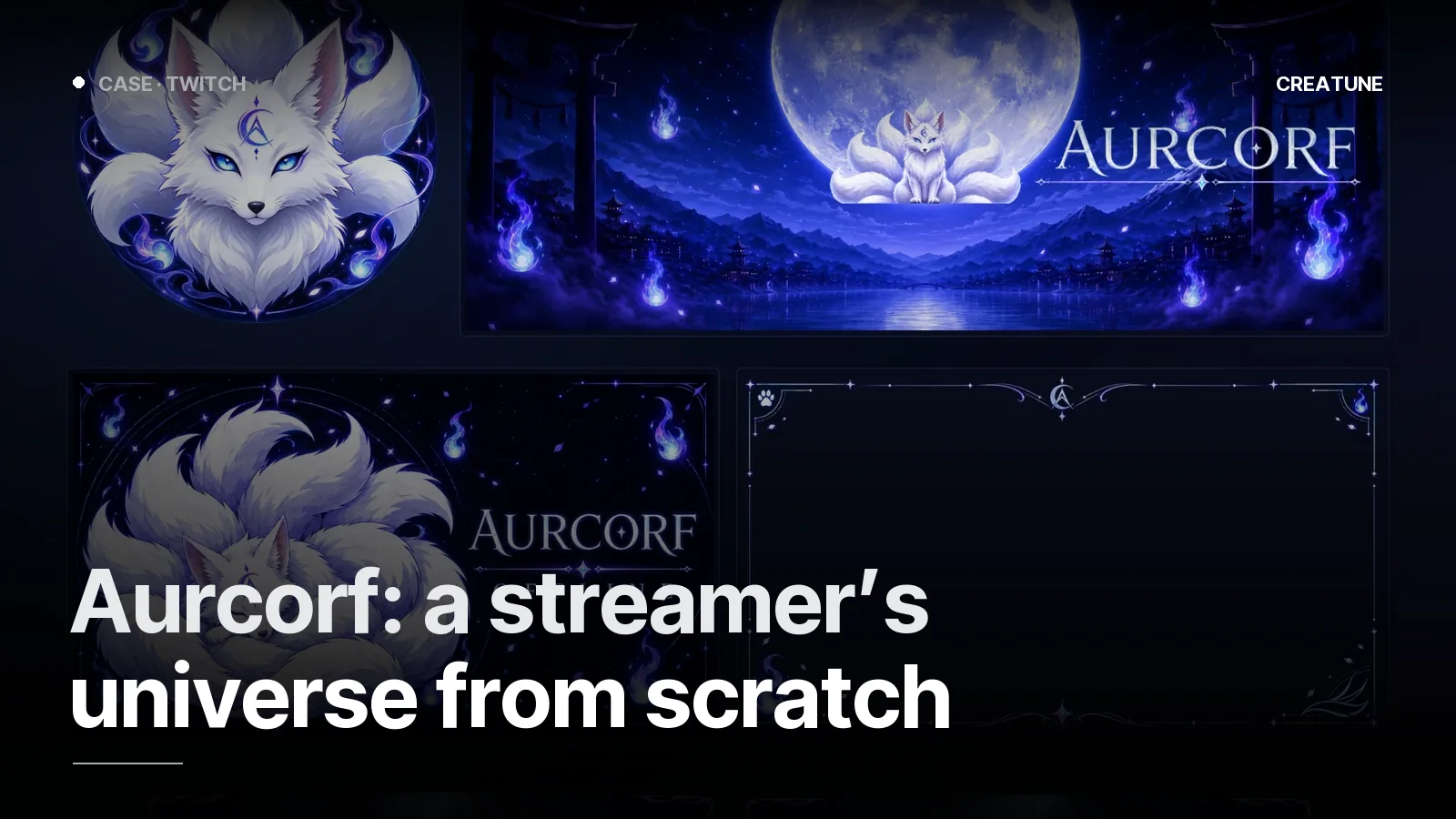
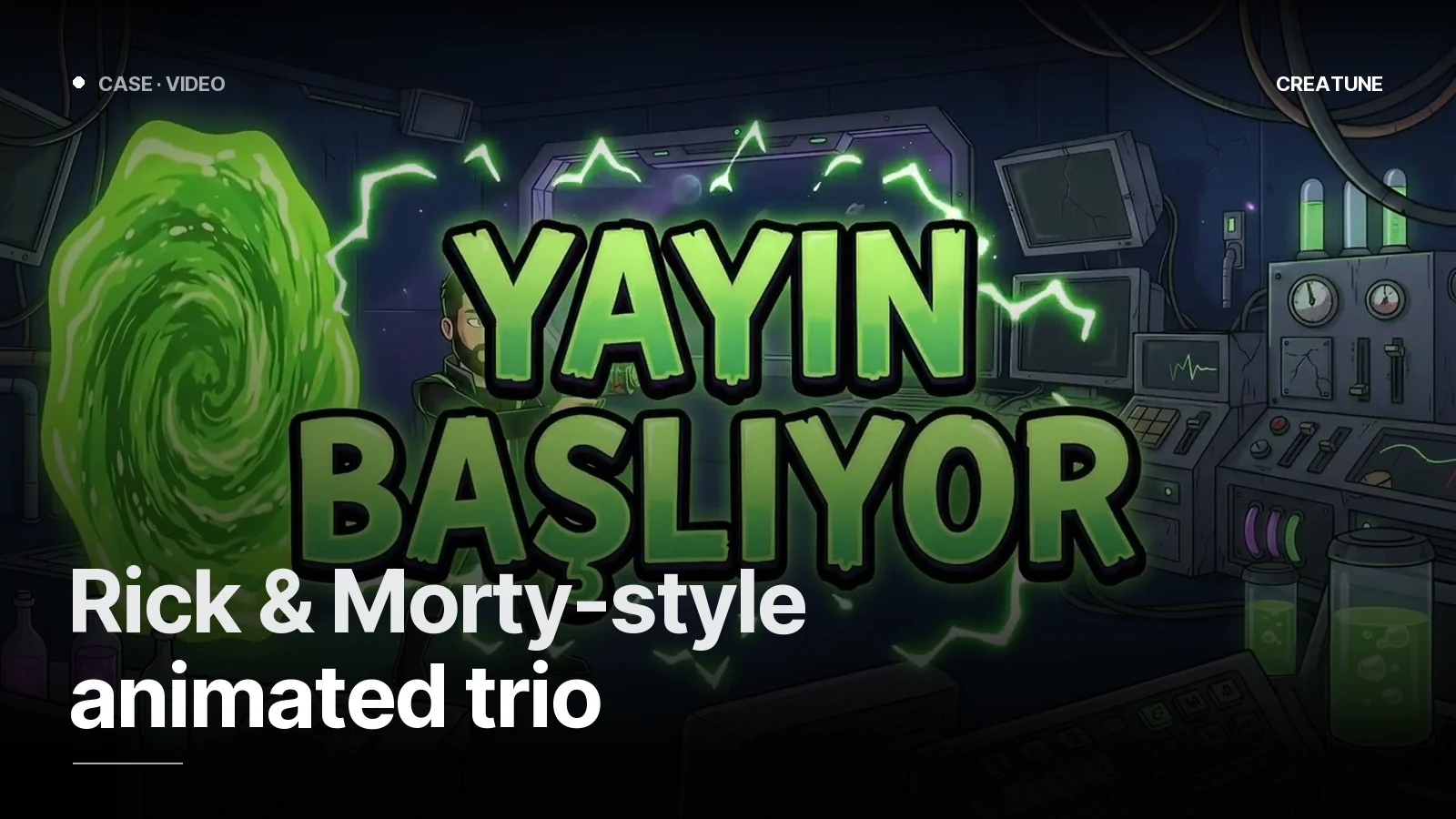
- In the channel's language: moonlight and fox flame for Aurcorf, the portal for the Rick & Morty-style set; the logo transition serves Twitch and Kick from the same file.
Format: why alpha WebM?
MP4 (H.264) cannot carry an alpha channel — the "empty" parts of the stinger show as black. That is why stingers are delivered as VP9 (or VP8) WebM with alpha, 1920×1080, 60 fps. Files stay around 3–8 MB. Creatune delivery: stinger.webm (for OBS) + stinger_preview.mp4 (to watch or share).
OBS setup (step by step)
- Scene Transitions panel →
+→ Stinger → name it. - Video file → select
stinger.webm. - Transition point type: Time (ms). The moment the logo fully covers the screen — we write this value into the delivery (e.g.
450 ms). - Audio monitoring: "Monitor and Output", not "Monitor only" — the stinger sound should reach the stream.
- Audio fade style: Crossfade. If it is too loud, lower the
dBvalue. - Set the Stinger as the default transition; it plays on every switch between Starting Soon → Game → Break → Ended.
- If you do not want it on a specific switch (e.g. Break → Game should be silent): right-click the scene → Transition Override → Cut.
Check: turn on Studio Mode, play the transition once, and confirm not a single frame of the old scene shows at the transition point.
In Streamlabs Desktop
Settings → Scene Transitions → + → Stinger; same WebM, same transition point. The "Transition Point" value is in ms, same as OBS.
Stinger + logo animation together
A stinger is the short animation of the channel logo; the logo intro inside the Starting Soon screen is the long version of the same motion. Made together they share one direction, one sound palette, one language. That is why the transition video ships with the animated screens in our packages: Stream packages. For the intro side: Logo intro animation.
For a stinger, send your logo and channel link on WhatsApp; we decide together what to say in one second.
Frequently asked
1.What is a stinger transition?
A stinger is a short (0.7–1.5 s) animation that plays between two scenes in OBS; typically the channel logo covers the screen and the scene changes behind it. It is made as a transparent (alpha-channel) WebM so the underlying scene shows through the empty parts of the animation.
2.How do I add a stinger in OBS?
OBS → Scene Transitions panel → + → Stinger → pick the WebM → set the Transition Point (ms) to the moment the logo fully covers the screen → set the audio level. Choose it as the default transition and it plays on every scene change; for specific scenes, right-click the scene → Transition Override.
3.What format should a stinger be?
Alpha-channel WebM (VP9 or VP8 with alpha), 1920×1080, 60 fps, audio embedded. MP4 cannot carry alpha, so it is not used for stingers; the MP4 is only a preview.
4.How much does a stinger cost?
At Creatune the transition video comes in Starter (1,499 TL), Deluxe (2,999 TL) and Ultimate (5,000 TL). For a single stinger, message us on WhatsApp; made together with the logo animation it stays one direction, one language.