Stickman explainer videos: a rigged character, an endless paper and an edit that lands on words
How to make a stickman explainer for YouTube: a character rigged in code, micro-movement, a tracking camera, sound design and an edit timed word by word to the voice-over.
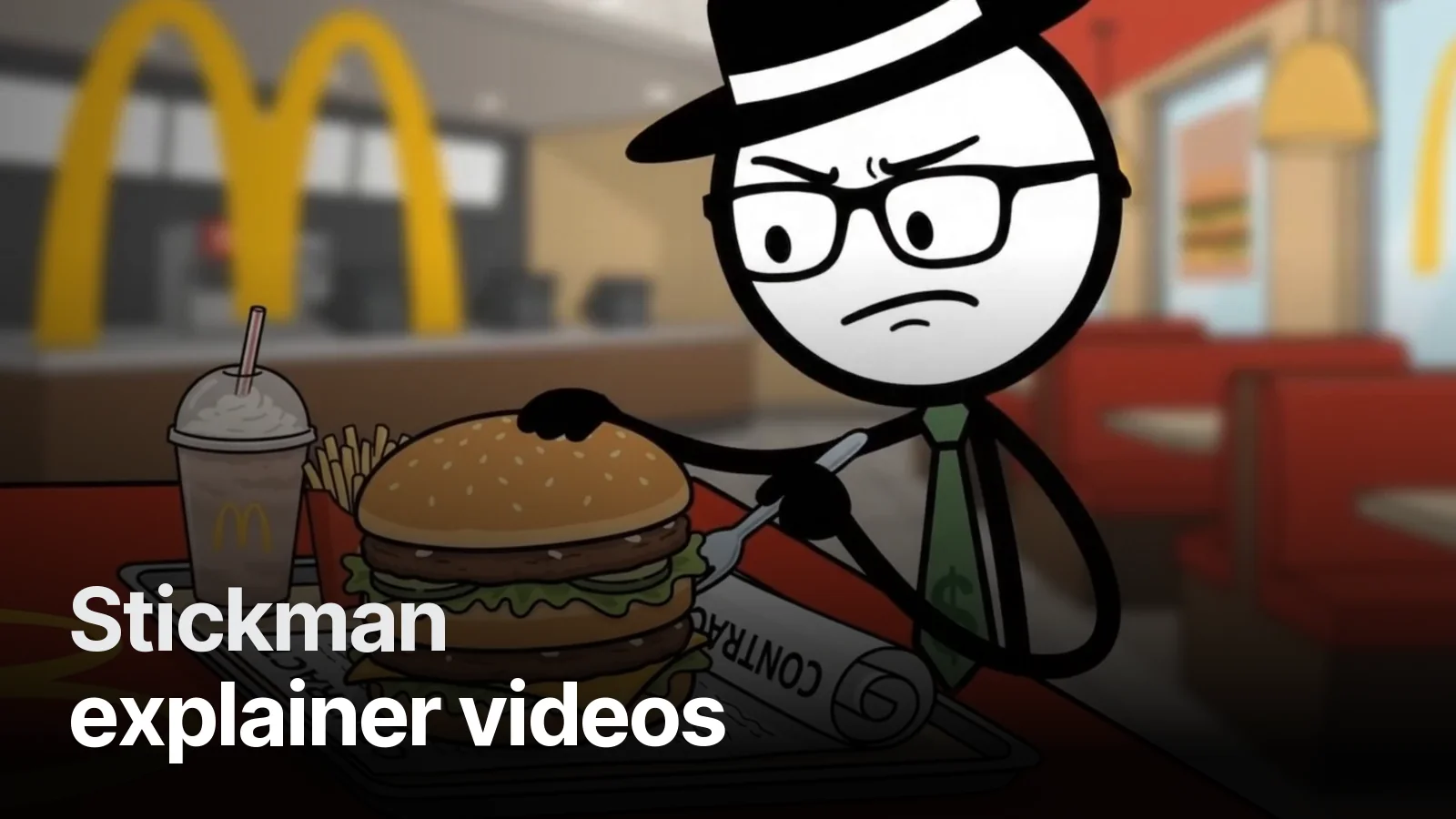
A stickman video looks simple: a line man, white paper. But to hold a viewer for ten minutes, that man must never stop. Here's the system we built for our economy explainer.
A character rigged in code
We don't redraw the character for every scene. We built it once: a hat, glasses, a green dollar-print tie, two-jointed arms and legs, six expressions (smile, neutral, worried, surprised, smug, thinking), blinks and a profile view. Scenes become a list of poses: "point right here, look surprised here".
The man who never stops
The feedback we heard most on the first test: "Some parts are static." The fix was an idle layer on every pose: a 3-pixel breath, 1.6 degrees of head sway, weight shifting in the torso and blinks at random intervals. The character is alive even when it isn't speaking.
Walks happen in profile
A walk facing the camera looks like a man sliding sideways — we tried it, it went in the bin. Walks are always in profile, with a 0.16-second squash-and-stretch on the turn.
The endless paper
The camera tracks the character: he walks right, the old scene slides out on the left, the new scene enters from the right. We move along one long world. When the script says "let's go back to the beginning", he runs left and a clock rewinds. Push-ins land on emphasised lines.
An edit that lands on words
We timed the voice-over word by word. The moment "rent" is spoken, a red "RENT." stamp hits the screen; at "1948" a calendar page drops. Sound effects (steps, pops, stamps, a cash register) are generated from the same list, so they sit on the same frame as the picture.
Thumbnails
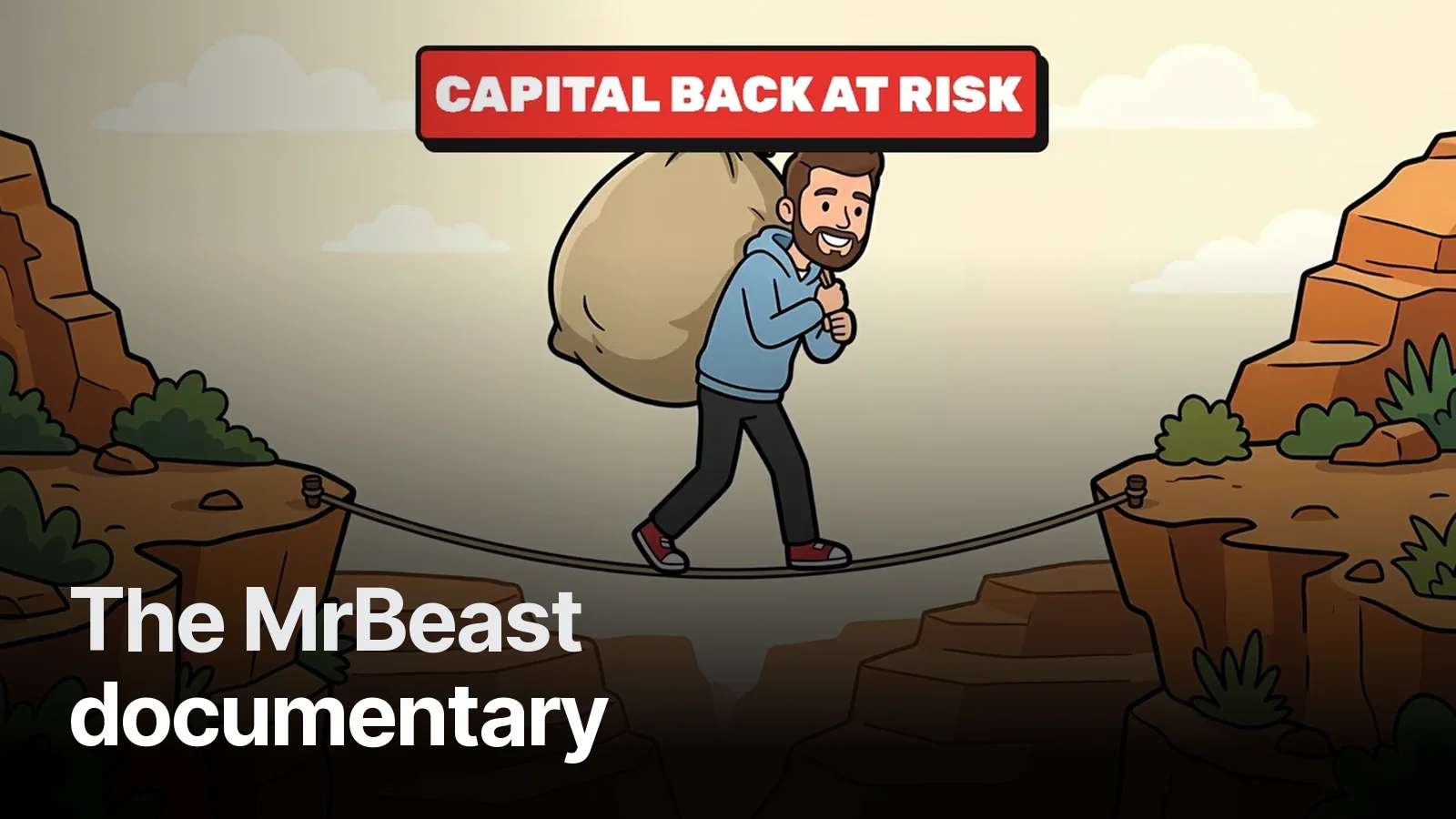
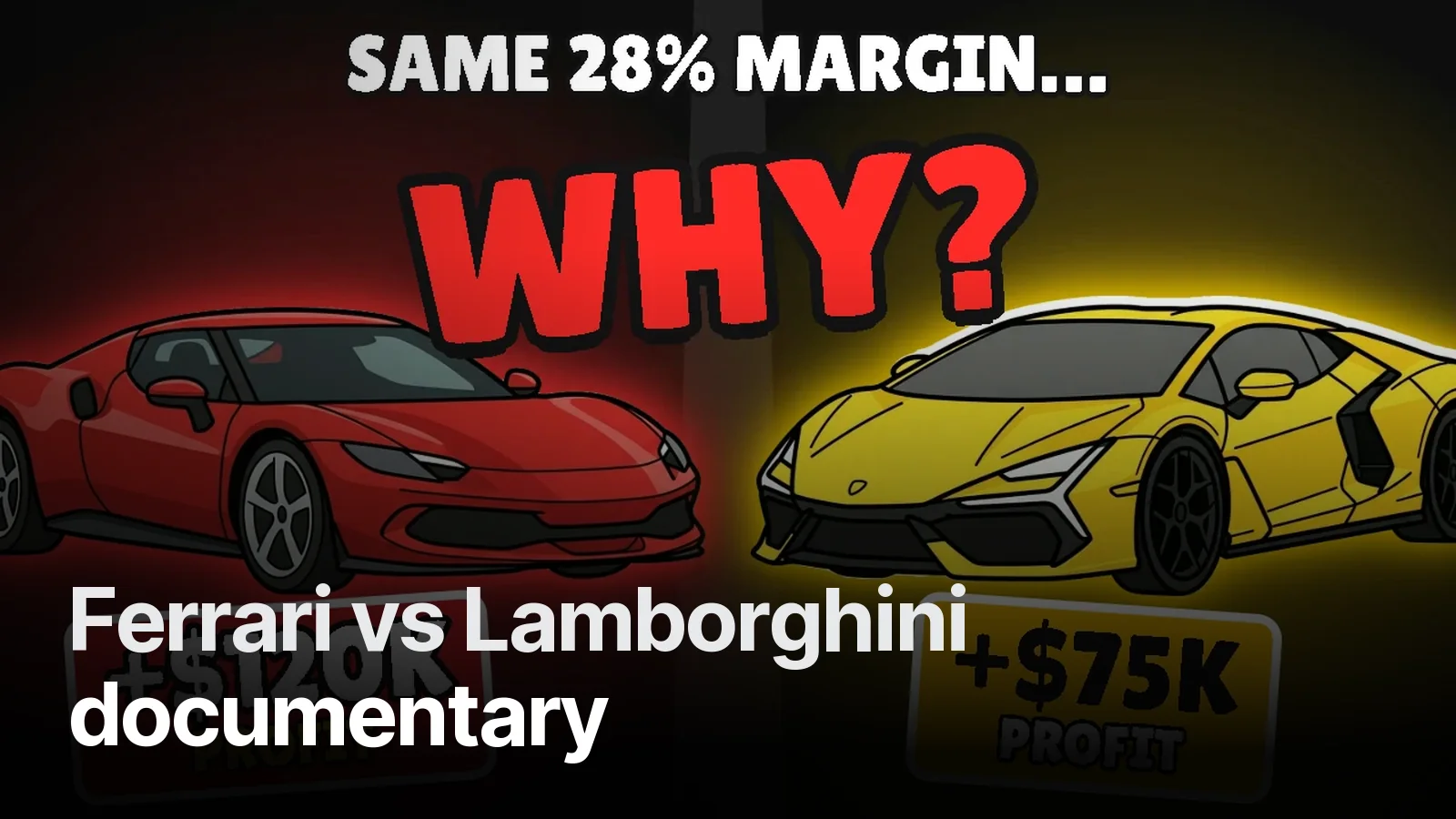
A stickman channel has no face, but it has expressions. We built three thumbnails for this video: a claim, a number and a secret. The whole set is on the YouTube thumbnails page. For faceless documentary styles: Faceless YouTube channel.
Three thumbnails built on three different ideas for one video. Upload them to YouTube’s Test & Compare and let viewers pick the winner.
What’s in it 5
- 3 thumbnails, 3 separate hypotheses (promise · number · curiosity)
- 1280×720, under 2 MB, JPG + PNG
- Legibility check at phone size
- Title suggestion that doesn’t repeat the thumbnail
- Layered source file
Frequently asked
1.How is a stickman video made?
We rig the character in code (arms, legs, expressions, blinks), time the voice-over word by word and tie every move to a word. Backgrounds can be flat illustration or colour sets.
2.Why do stickman videos look static?
Because the character freezes between lines. It should breathe, shift weight, blink and move its head slightly at all times, and props should sway a little.
3.How fast can you produce one?
Once the character is rigged, a series moves quickly. We start with a one-minute test and move to long form once it's approved.
4.Do you make thumbnails too?
Yes; for stickman videos we make a Thumbnail Trio with three different hooks.