TikTok LIVE stream pack: vertical overlays, screens and gift icons (2026)
How do you design for TikTok LIVE? Vertical 9:16 screens, animated camera and game frames, stream info, follow bar and gift icons — step by step through the Erdinç Yağcı pack.
On TikTok LIVE almost every viewer is on a phone. So the stream is vertical, the screen is small and viewers arrive by swiping: they need to know whose stream they are in at first glance. A horizontal overlay made for Twitch or Kick doesn’t work here; the pack has to be designed 9:16 from the start.
Here is the TikTok LIVE pack we built for Erdinç Yağcı, who streams Assetto Corsa, piece by piece. The full set: Erdinç Yağcı project.
1. Identity: monogram + name
The thing that has to read at the smallest size on a phone is a pair of letters. The EY monogram is split by lightning and set in a hexagon shield; the neon green and carbon texture come from racing. The long name mark is a separate logo — it is used on the top panel and the holding screens.
| Piece | Size | Where |
|---|---|---|
| Monogram | 1080×1080 | profile, camera-frame corner |
| Name mark | 1920×1080 (transparent) | top panel, screens |
| Vertical screens | 1080×1920 | holding, break, announcements |
| Animated overlays | 1920×1080 MP4 | OBS / LIVE Studio scene |
2. Vertical screens
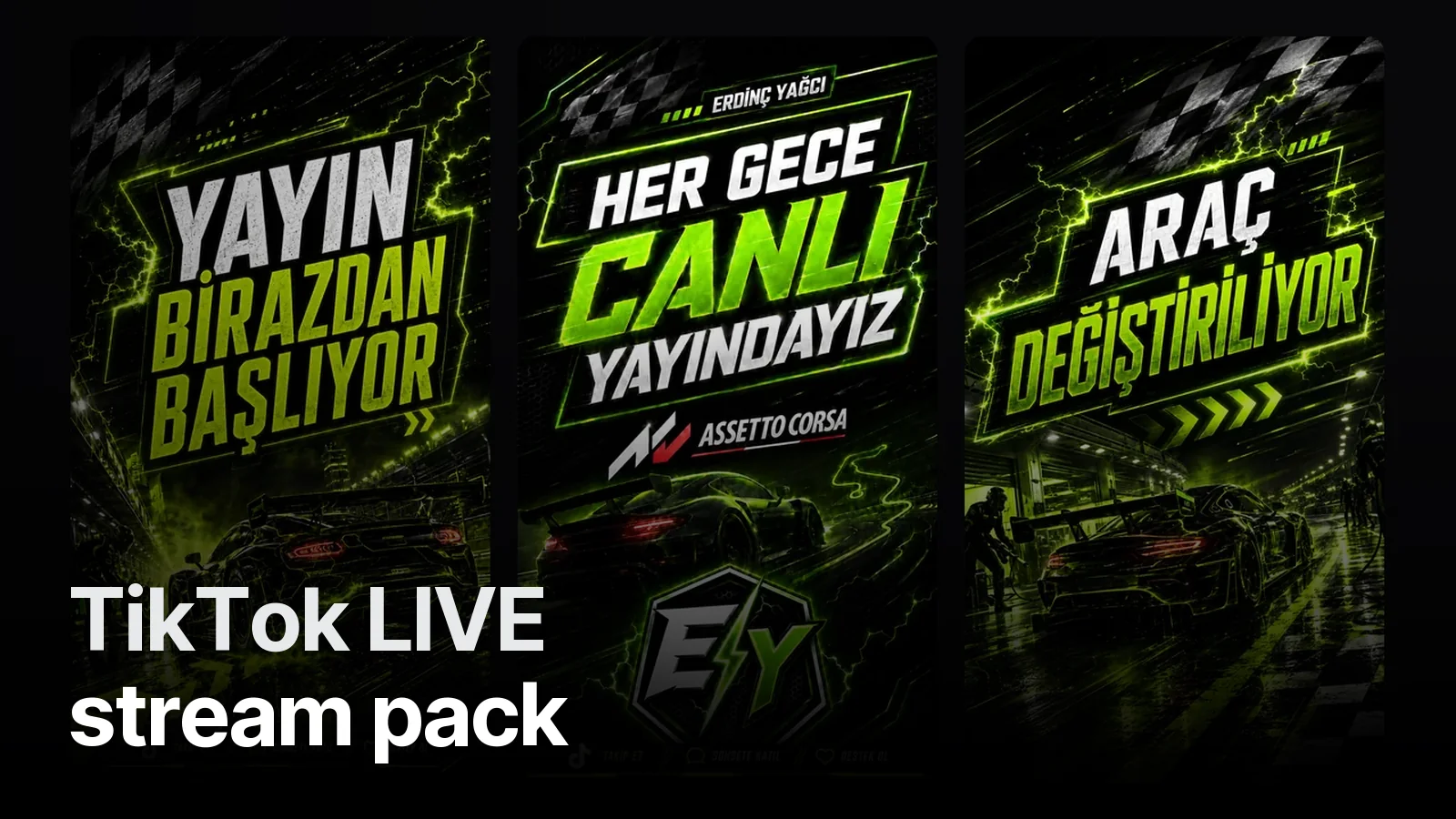
We made three screens, and all three double as stories:
- Starting soon — while the stream opens.
- Live every night — an announcement, shared as a story.
- Changing cars — for the empty moment between races while a car is picked.
That last one is the most “this-channel” piece of the pack: a real in-between moment of the stream turned into a screen. A good stream pack comes from the flow of the stream, not from a parts list.
3. Animated overlay set
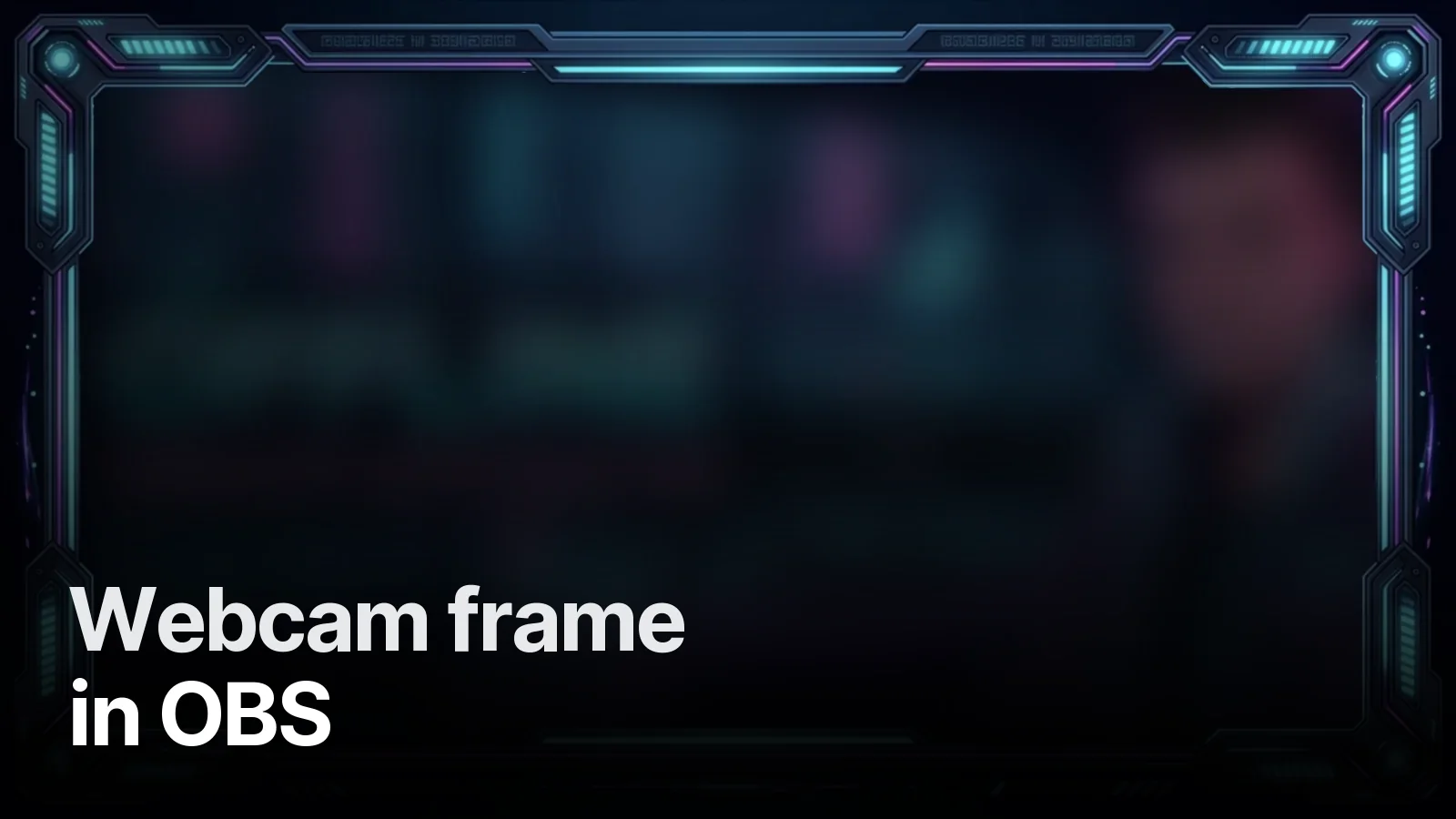
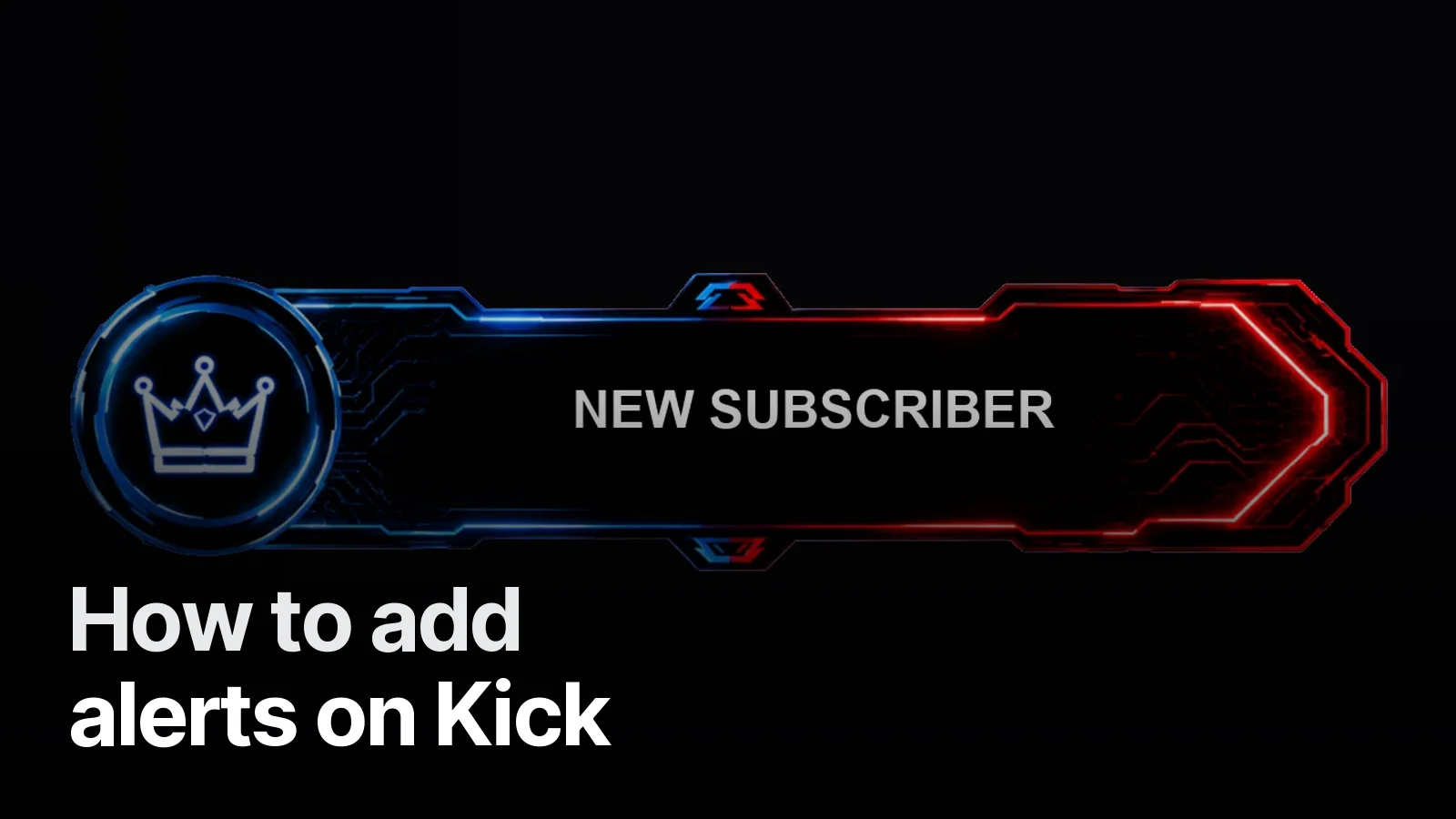
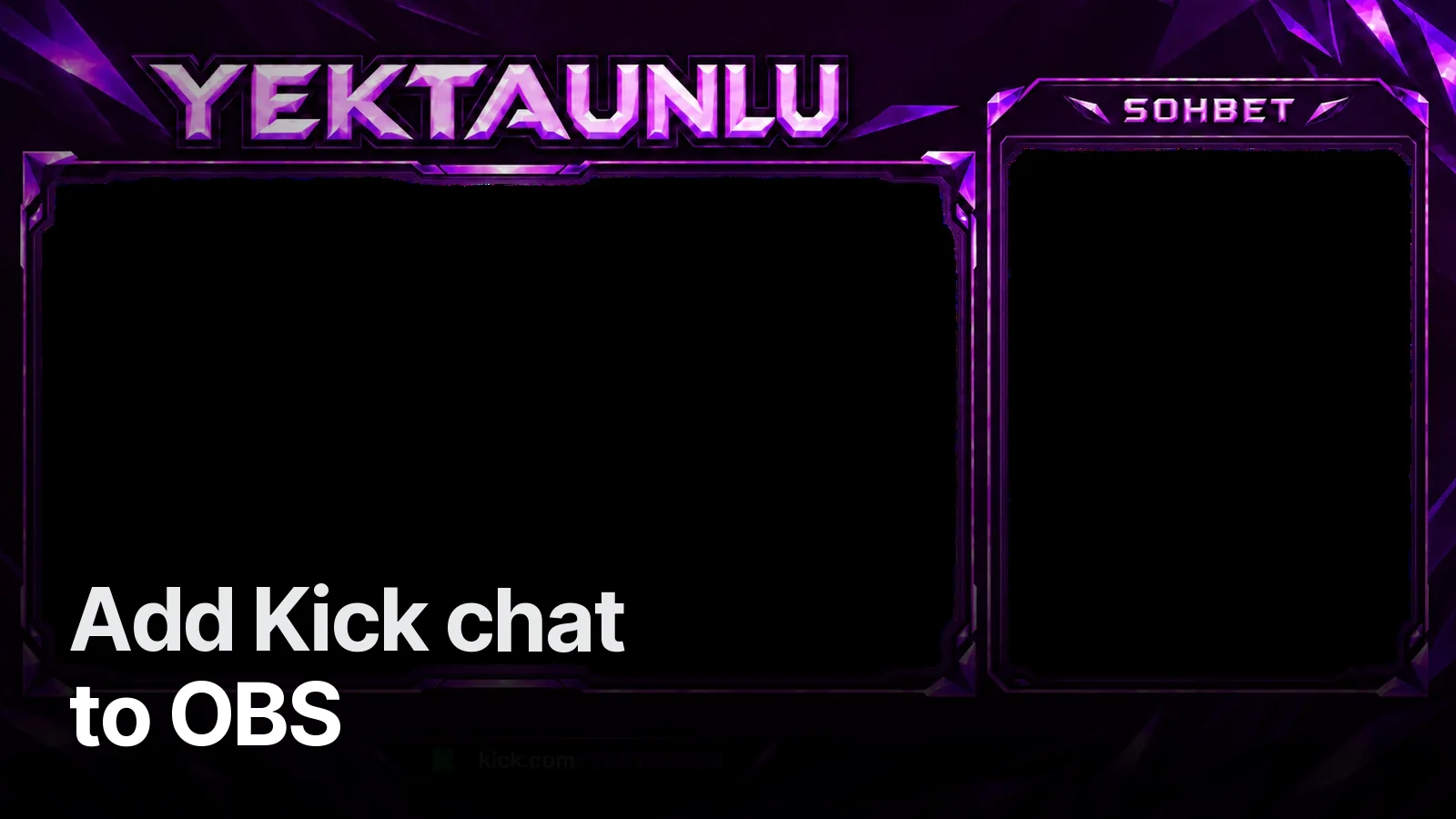
Six pieces were delivered animated: a camera frame (with a “LIVE” tag), a game frame, the logo animation, stream info (latest follower, latest donation), a socials card and a follow bar. They all open with the same green lightning, so the identity holds even when the scene changes. Why animated overlays work: what is an animated overlay.
4. Gift icons
On TikTok, gifts are the moment a viewer joins in. We drew custom icons for gifts such as “song request” and “change car” — viewers see from the icon what they are triggering. A small detail, but part of the game played with the audience.
Quick checklist
- Is everything designed 9:16? Camera and game stacked, not side by side.
- Does the logo read at the smallest size on a phone?
- Can the holding screens be shared as stories?
- Do the animated pieces open with the same transition?
More stream work: Stream projects · Packages: Streamer packages
Frequently asked
1.What size should a TikTok LIVE overlay be?
It is watched on phones, so vertical 1080×1920 (9:16). If you go live from a computer with TikTok LIVE Studio or OBS, the scene is built vertical too; camera, game and info boxes are placed for that vertical frame.
2.What goes into a TikTok stream pack?
Logo and name mark, vertical holding screens such as 'starting soon', camera and game frames, stream info (latest follower, latest donation), a socials card, a follow bar and gift icons. Animated pieces come as MP4 or alpha-channel WebM.
3.Can I use my Twitch overlay on TikTok?
A horizontal overlay does not fit a vertical screen; it either shrinks too far or gets cropped. To keep the same identity, colours, logo and frame language stay the same, but the pieces are redrawn for the vertical frame.
4.Do you design TikTok LIVE packs?
Yes. Send your TikTok handle and the game you stream on WhatsApp; we build the pack from vertical screens to animated overlays.