What is an animated overlay, how does it differ from static, and when do you need one?
Animated overlay: subtle, continuous motion in the camera frame and chat area. The difference from a static overlay, loop and timing rules, motion without distraction, alpha WebM delivery, performance impact and the animated overlay in the Ultimate package.
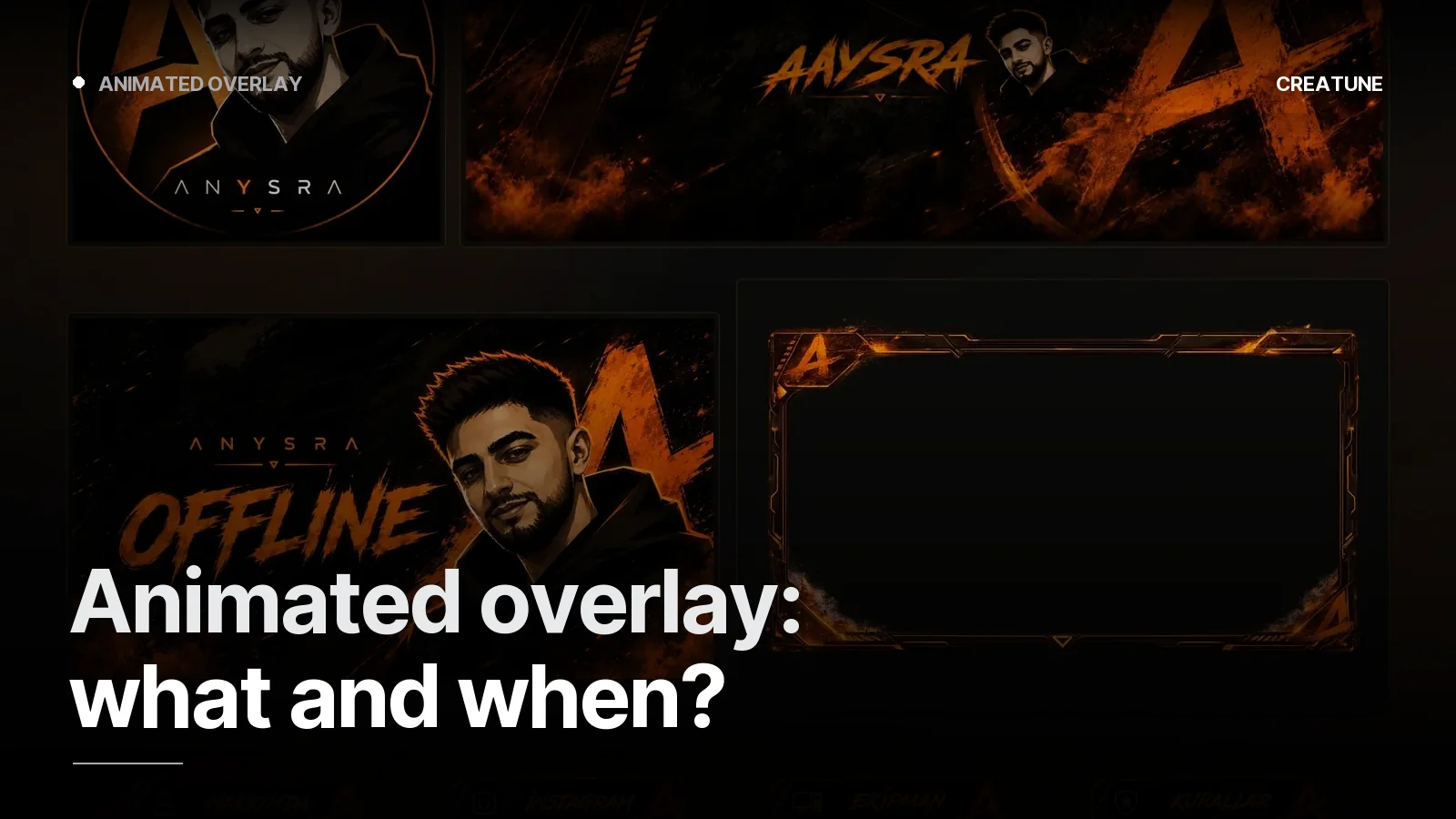
A static overlay is a frame; an animated overlay is a frame that breathes. The difference is small but viewers feel it: light gliding along the edge, a soft glow on the logo, a line flowing around the chat box. The stream looks alive — even when the game is still.
Static vs animated
| Static overlay | Animated overlay | |
|---|---|---|
| Format | PNG (transparent) | WebM (alpha), loop |
| Camera frame | fixed | light glide / edge flow |
| Labels (latest follower etc.) | fixed box | reveal / breathing animation |
| Logo | fixed | soft glow, rotating accent |
| Performance | zero | low (one WebM) |
| Package | Setup, Starter, Deluxe | Ultimate |
When do you need one?
- Streaming 4+ days a week with a settled channel identity
- Channels where chat and alerts are on screen and you want a "stage" feel
- Categories where the picture is still — Just Chatting / IRL — motion carries the screen
- Sponsored streams (an animated slot for the sponsor logo)
Not needed for a new channel; a static set plus animated screens is the better first investment.
Design rules (so it does not distract)
- Motion at the edges. Centre (game) and HUD areas completely empty.
- Slow loop. A perfect 10–20 second loop; first and last frames identical.
- Low contrast. Moving elements do not separate much from the ground; 20–40% opacity.
- One language. The same motion language as the Starting Soon screen — fire-orange glide for Anysra, moonlight shimmer for Aurcorf.
- Short label animation. A 0.5 s reveal when "latest follower" changes; no constantly bouncing box.
Technical delivery
overlay_animated.webm— VP9 alpha, 1920×1080, 60 fps (+ 30 fps version)overlay_static.png— fallback; if the WebM cannot load or on a low-end system- Camera frame coordinates and OBS setup note — OBS overlay setup
In OBS: Media Source → loop on, above the camera. Same in Streamlabs.
Animating an existing overlay
If you already have a static overlay (from us or elsewhere), it can be animated from the layered source file; without a source, edge and logo motion is added on top of the PNG. The channel identity does not change — it just breathes.
The animated overlay is included in the Ultimate package; for a standalone job, message us on WhatsApp.
Frequently asked
1.What is an animated overlay?
An overlay in which the camera frame, chat area and labels move continuously but calmly: light gliding along edges, a breathing logo, drifting particles. It plays as an alpha-channel WebM on loop in OBS, sitting on top of the game and camera.
2.Does an animated overlay distract viewers?
Not when done right. Rule: motion at the edges and slow (10–20 s loop), centre and HUD areas empty, low contrast. Fast, bright, large motion pulls viewers away from the game; we do not do that.
3.How much does an animated overlay cost?
At Creatune the animated overlay comes in the Ultimate package (5,000 TL); in Deluxe the overlay is static and the screens are animated. Animating an existing static overlay is also possible — message us on WhatsApp.
4.Does an animated overlay strain the PC?
A single 1080p60 alpha WebM source adds negligible load on modern systems; with hardware encoding on it is not noticeable. A 30 fps version is also delivered for low-end systems.