3D assets for Godot 4: glTF/GLB export, materials, scale, animation and mobile tips
How to prepare and order 3D models for Godot 4: why glTF/GLB is the preferred format, scale and axes, material and texture setup, animation import, collision and LOD, and performance on the Mobile and Compatibility renderers.
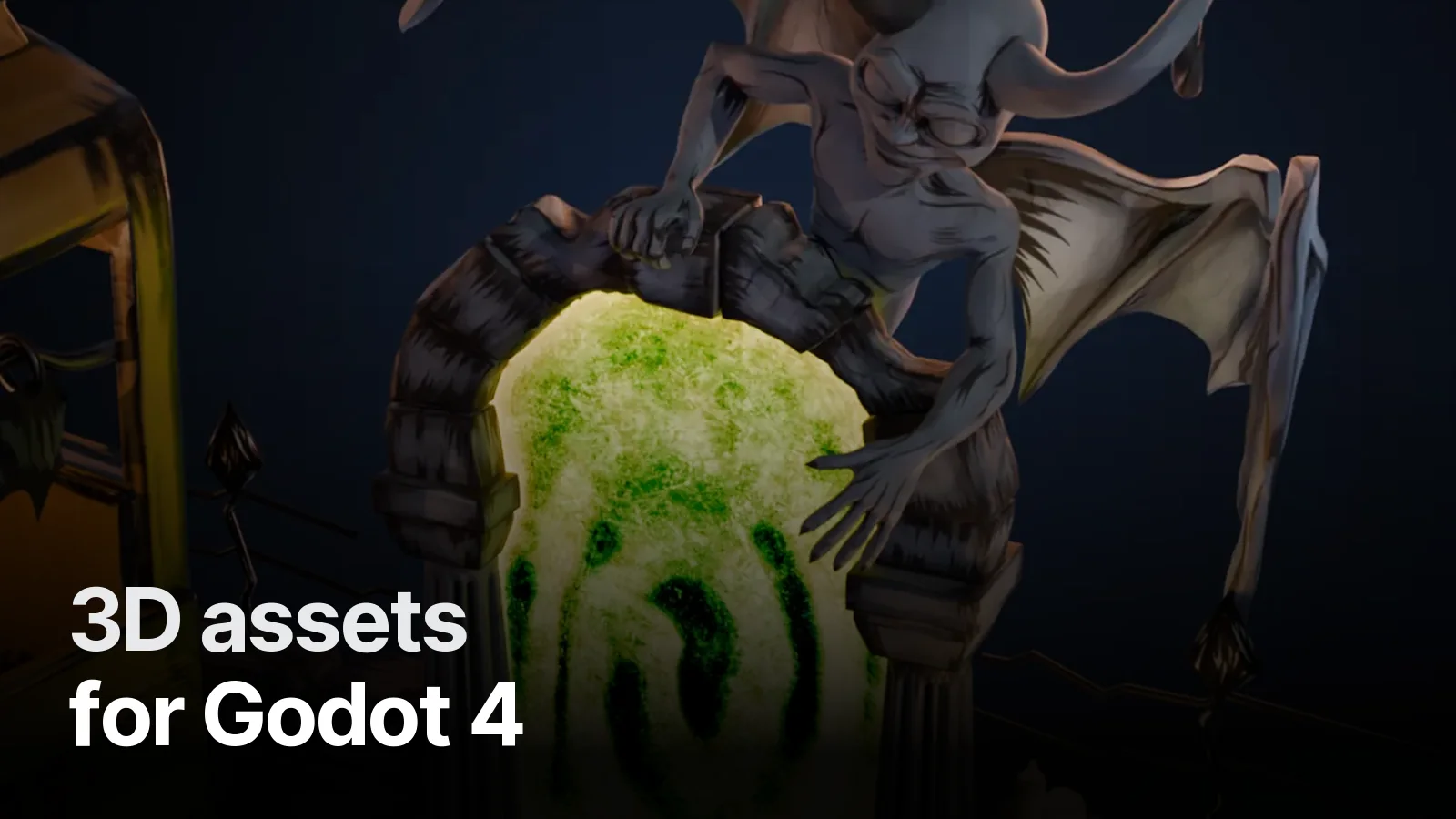
Short answer: for Godot 4, order your 3D assets as glTF 2.0 (.glb) — meshes, PBR materials, textures, skeletons and animations import natively. Model in metres, apply transforms, bake procedural materials to textures, and follow Godot's import naming suffixes for collision so models arrive in the scene ready to use.
Why glTF/GLB
- Native import — no plugins; Godot's importer reads meshes, materials, skins and animations.
- Single file —
.glbembeds textures, easy to version and share. - PBR mapping — base colour, metallic, roughness, normal, emission and occlusion map to
StandardMaterial3D. - FBX also works in Godot 4, but glTF is the path of least surprise.
Scale, axes and pivots
- 1 unit = 1 metre; apply rotation and scale in Blender before export.
- glTF is Y-up; Blender's exporter converts automatically.
- Characters: feet at origin, facing the direction your controller expects.
- Modular pieces: pivot on grid corners (isometric & modular kits).
Materials and textures
- Bake any procedural Blender nodes to image textures — only standard PBR inputs transfer.
- Normal maps in OpenGL convention (Godot's default).
- Use power-of-two sizes; enable VRAM compression on import for mobile.
- For stylised games, a single colour texture with an unshaded or toon material is often enough (hand-painted textures).
Collision, LOD and import hints
- Godot supports import hints via name suffixes — e.g.
-color-colonlyto generate collision shapes from a mesh. We name meshes accordingly when you request collision. - Godot 4 can generate LODs automatically on import; for hero assets we can still supply hand-made LODs.
- Keep separate objects only where gameplay needs them (doors, pickups); merge static decoration.
Animation
- Each Blender action becomes a Godot animation in the imported
AnimationPlayer. - Name actions clearly (
Idle,Walk,Run,Attack) and mark loops. - Skeletons retarget in Godot 4 through the Skeleton Profile / retargeting options — tell us if you use a shared humanoid profile. More: rigging a game character.
Mobile renderers
On the Mobile or Compatibility renderer, stay within mobile budgets: baked lighting, few real-time shadows, shared materials, modest textures.
Working with us
We deliver Godot-ready GLB files with textures, collision suffixes, animations and an optional .blend source, tested in Godot before handover. See the Game & 3D page or send your project details on WhatsApp.
Frequently asked
1.What is the best 3D format for Godot?
glTF 2.0, usually as a single binary .glb file. Godot imports it natively with meshes, materials, textures, skeletons and animations. You can also import .blend files directly if Blender is installed on the machine.
2.How do I get the right scale in Godot?
Model in metres (1 Blender unit = 1 metre), apply transforms before export, and keep the character's feet at the origin. Godot's units are metres, so assets land at the correct size.
3.Do PBR materials transfer from Blender to Godot?
Yes — Principled BSDF materials map to Godot's StandardMaterial3D through glTF: base colour, metallic, roughness, normal, emission and AO. Complex procedural node setups must be baked to textures first.
4.Can Godot 3D games run on mobile?
Yes, using the Mobile or Compatibility renderer. Keep triangle counts and texture sizes modest, bake lighting where possible and limit real-time shadows.