Mobile game character design in 2026: poly budgets, textures and style that run at 60 fps
How to design and model 3D characters for iOS and Android games: triangle budgets by device tier, texture sizes and compression, bone counts, stylised vs realistic, and what to send your 3D artist. Unity, Unreal and Godot.
Short answer: a mobile game character is designed around three limits — triangles (3–8k for a hero on mid-range phones), texture memory (one 1024 atlas, ASTC-compressed) and bones (30–60, max 4 influences, often 2). Style is chosen for readability on a 6-inch screen first, detail second. Everything below is how we plan that at Creatune before a single polygon is made.
Why mobile changes the brief
On PC a character competes for attention with a big screen and a strong GPU. On a phone the same character is 300 pixels tall, lit by a cheaper shader and running next to the battery's thermal limit. That changes three things:
- Silhouette beats surface detail. Fine wrinkles disappear at phone size; a clear head shape, big hands and a readable colour block do not.
- Every draw call counts. Separate materials for shirt, trousers, hair and weapon quickly add up with 10 characters on screen. One atlas per character is the default.
- Thermals matter. A game that runs at 60 fps for 3 minutes and then throttles to 30 feels worse than one designed for 60 from the start.
Budgets by device tier (starting points)
| Low-end / older Android | Mid-range (most players) | High-end (recent iPhone / flagship) | |
|---|---|---|---|
| Hero character | 2–4k tris | 3–8k tris | 10–15k tris |
| NPC / enemy | 1–2k | 1.5–4k | 4–8k |
| Crowd / background | 300–800 | 500–1.5k | 1–3k |
| Texture | 512 atlas | 1024 atlas | 2048 atlas |
| Bones | 20–30 | 30–50 | 50–75 |
| Skin weights | 1–2 bones | 2 bones | 4 bones |
These are planning numbers, not rules. A game with one character on screen can spend more; a battle scene with 40 units must spend less. We set the budget with you from your lowest supported device, not your development phone.
Style choices that work on a small screen
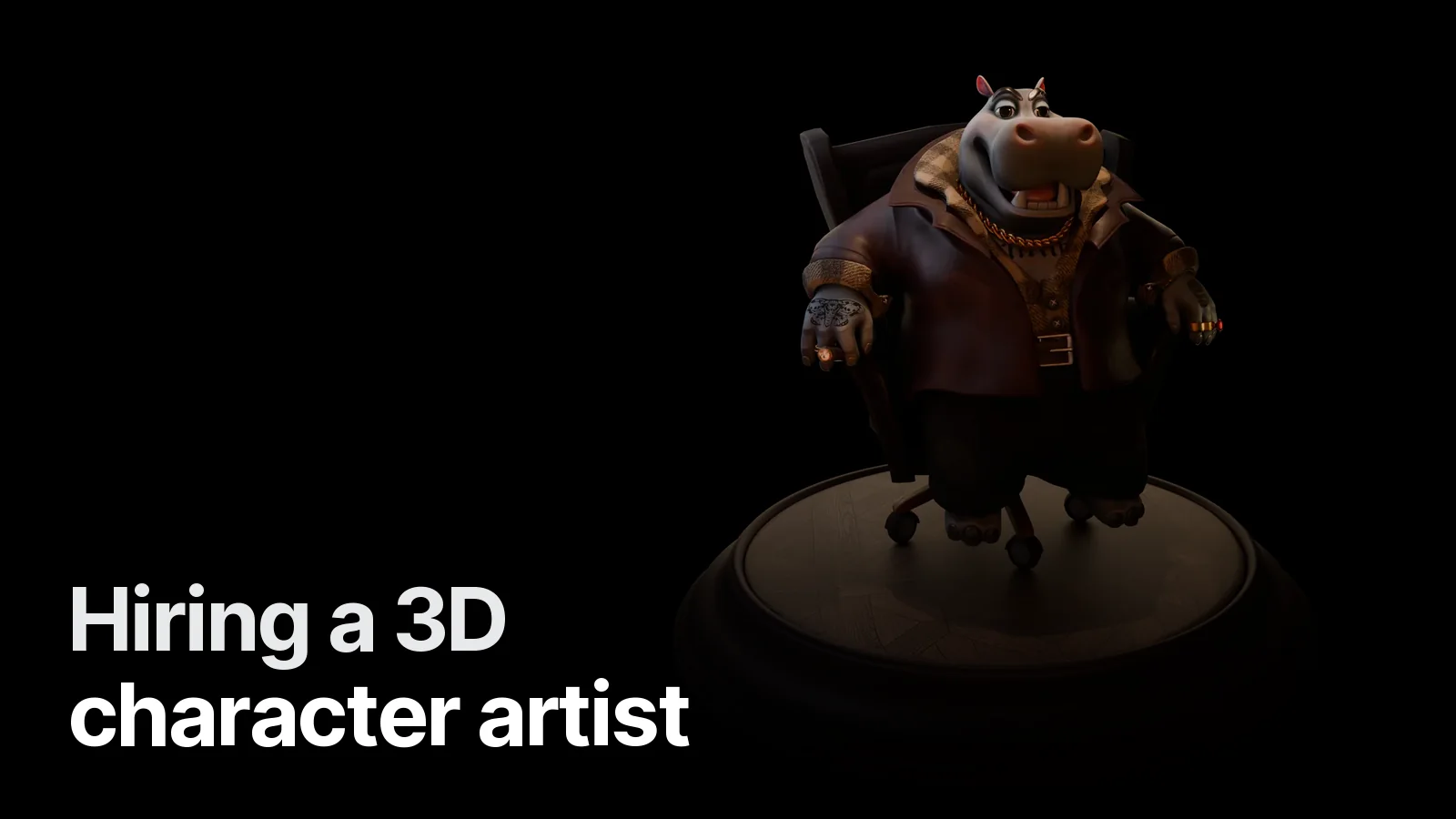
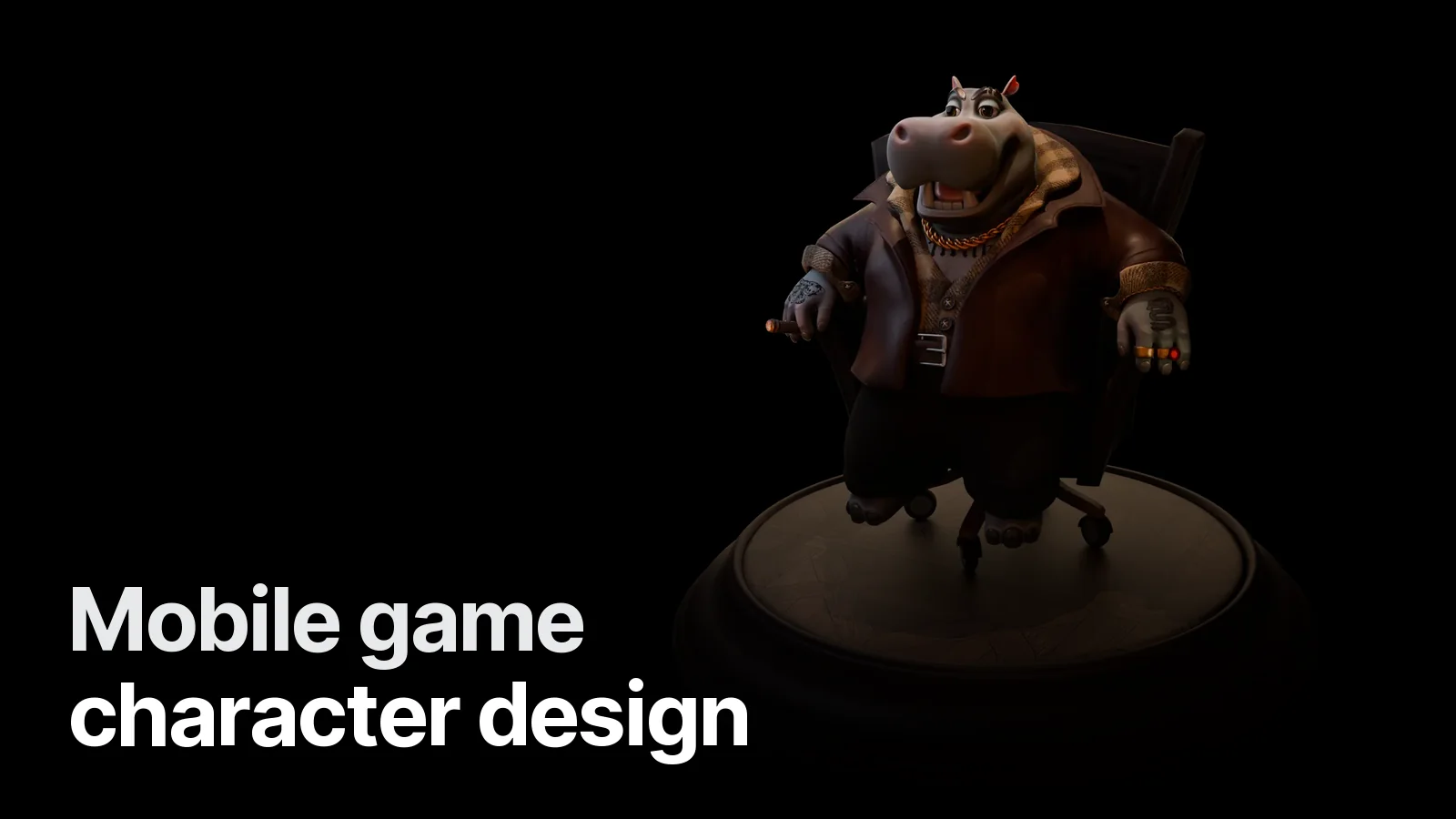
- Stylised / cartoon proportions — bigger head and hands, shorter legs. Reads instantly, animates expressively. Our Mafia Hippo is built on this logic.
- Hand-painted textures — light and shadow painted into BaseColor, so the character looks good even with a very cheap unlit or toon shader. See hand-painted textures for games.
- Flat colour + gradient ramp — the lightest option; great for hyper-casual and puzzle games.
- Stylised PBR — PBR materials with exaggerated shapes. Looks premium, costs more memory. Covered in what is PBR texturing.
The production steps
- Brief and budget. Role in the game, camera distance, device list, engine, animation list.
- Blockout. Proportions and silhouette at game camera distance — we check it at phone size, not in a full-screen viewport.
- Model / sculpt. A high-poly pass only if the style needs baked normals; many stylised mobile characters skip it.
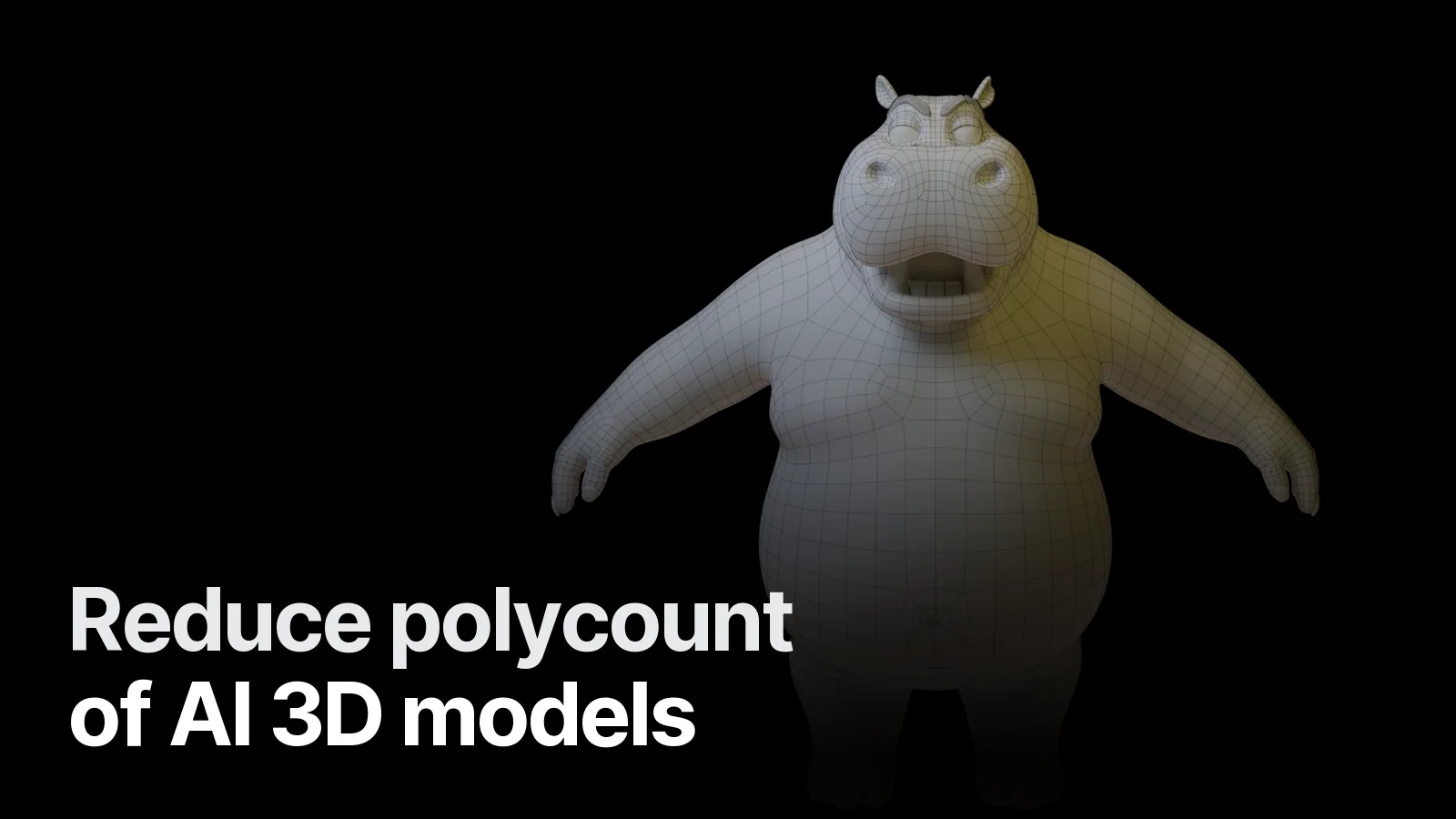
- Low-poly and retopology. Edge loops where the character bends (shoulders, elbows, knees, mouth if it talks). Details that do not change the silhouette are removed.
- UVs and atlas. One UV set, texel density weighted towards the face and hands.
- Textures. Hand-painted, flat or PBR, exported at the atlas size and checked after ASTC compression.
- Rig and animation (optional). Humanoid-compatible skeleton for Unity, or a custom one; idle, walk, run, attack, hit, death as a base set. More in rigging a game character for Unity and Unreal.
- Engine test. FBX or GLB into your engine, checked at real camera distance on a real device.
What to send your 3D artist
- Concept art or 3–5 reference images (front and side, if you have them)
- Engine and version, render pipeline (URP, Built-in, Unreal mobile, Godot Mobile renderer)
- Lowest target device and how many characters are on screen at once
- Rig and animation list, or "mesh only"
- Style references from games you like — the fastest way to align on a look
If you do not have concept art yet, that is fine: we can design the character from a written brief. Read from 2D concept to a 3D game character to see how that step works.
Working with us
Creatune builds game-ready characters, props and environments in Blender for studios and indie developers worldwide; we work remotely and deliver FBX + GLB with a clean .blend source. See the Game & 3D page and how to commission a 3D game character, or send your brief on WhatsApp.
Frequently asked
1.How many polygons should a mobile game character have?
As a starting point in 2026: 3–8k triangles for a hero character on mid-range phones, up to 10–15k on high-end devices, and 500–3k for crowd or background characters. The real budget comes from how many characters are on screen at once and your target device list.
2.What texture size is right for a mobile game character?
Usually one 1024×1024 atlas per character (2048 for the hero on high-end), compressed with ASTC. Stylised characters often need only BaseColor plus a small normal or matcap, which saves memory and draw calls.
3.Stylised or realistic for a mobile game?
Stylised is the safer choice for most mobile games: strong silhouettes read on a small screen, hand-painted or flat colour survives texture compression, and the poly budget goes further. Realistic is possible but costs more in textures, shaders and device heat.
4.How do I order a mobile game character from Creatune?
Send references or concept art, the target engine (Unity, Unreal or Godot), your lowest target device, whether you need a rig and animations, and the number of characters. We reply on WhatsApp with a scope and a firm quote within 24 hours.