What is PBR texturing? BaseColor, Normal, Roughness, Metallic, AO — a texture set guide for games
What each map in a PBR (physically based rendering) texture set does, 2K or 4K, how to calculate texel density, what atlases and trim sheets are, the texture packing difference between Unity and Unreal, and how to set a texture budget when ordering.
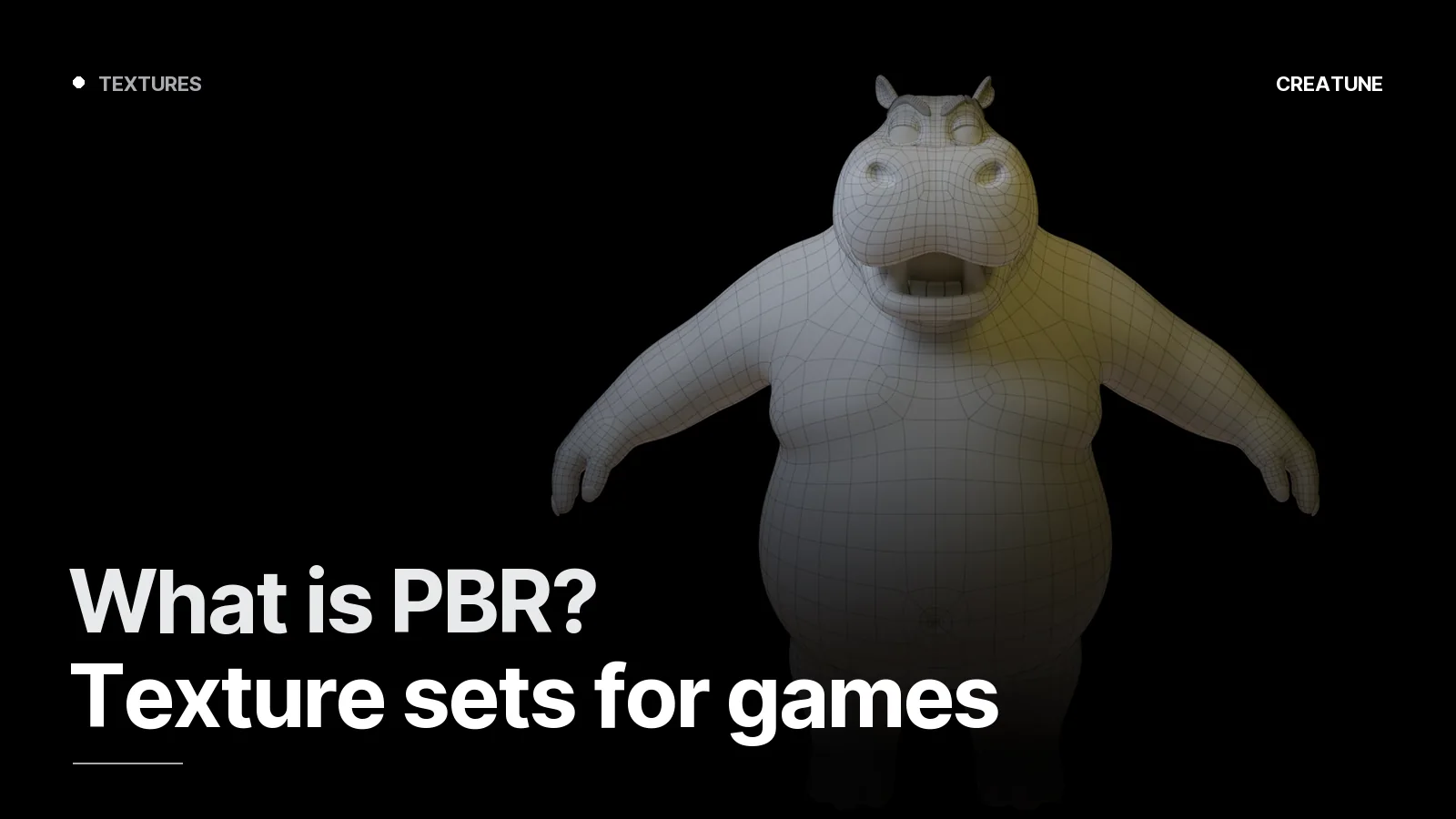
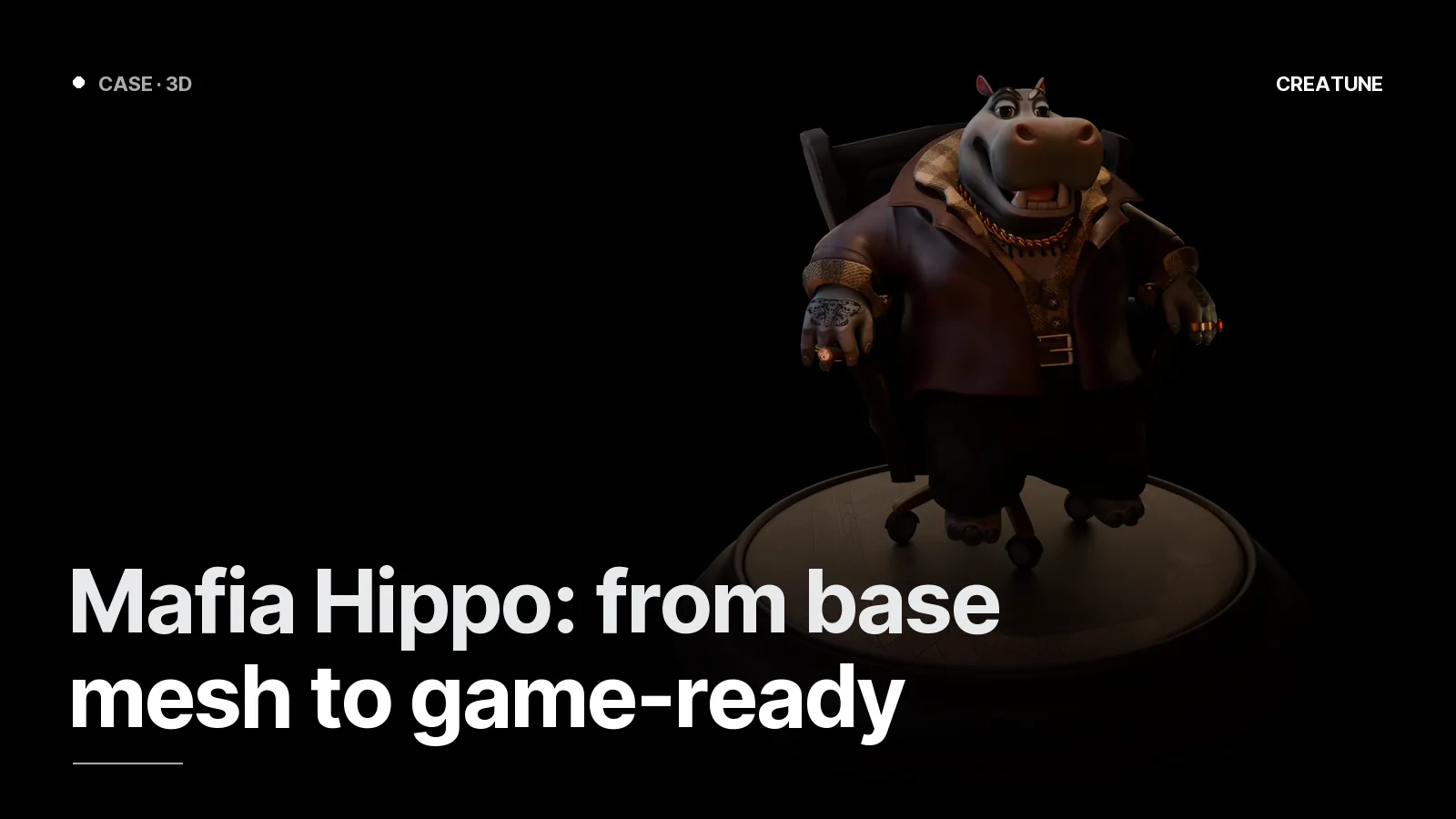
PBR — Physically Based Rendering — is a way of describing how a surface responds to light with a handful of maps. Metal shines like metal, cloth stays matte, wet stone reflects. The engine (Unity, Unreal, Godot) computes light from these maps; that is why the same asset looks right in a day scene and a night scene. Mafia Hippo is a full PBR set; the thermos is the opposite approach — hand-painted.
The maps
| Map | What it carries | Range |
|---|---|---|
| BaseColor (Albedo) | pure colour, no light or shadow | sRGB |
| Normal | fine surface detail (bolts, seams, pores) — without geometry | RGB, linear; OpenGL / DirectX |
| Roughness | 0 mirror, 1 fully matte | grey, linear |
| Metallic | metal (1) / non-metal (0); in-between values rarely | grey, linear |
| AO | ambient shadow in crevices | grey, linear |
| Height / Displacement | real height (parallax, tessellation) | grey |
| Emissive | self-lit areas (neon, screens) | sRGB |
| Opacity | transparency (glass, leaves) | grey |
A frequent mistake: painting shadow into BaseColor. In PBR the engine computes shadow; shadow painted into the texture stays in the wrong place when the light moves.
Resolution and texel density
Texel density = how many texture pixels land on one cm of the world.
| Target | Texel density | Typical resolution |
|---|---|---|
| PC/console hero | 8–10 px/cm | 4K |
| PC/console mid | 5 px/cm | 2K |
| Filler / distant | 2–3 px/cm | 1K / atlas |
| Mobile | 2–4 px/cm | 1K / 512 |
Rule: consistent density across the scene. A wall at 10 px/cm next to a door at 3 px/cm is caught by the eye immediately. In the brief it is enough to state the density or the "target platform"; we calculate the rest.
Atlases and trim sheets
- Atlas: the UVs of 10 props on one 2K texture → 1 draw call instead of 10. The standard for filler props.
- Trim sheet: horizontal strips (metal panel, skirting, bolt row, stripe) on one texture; modular environment pieces lay their UVs on the strips. A 50-piece kit, 1 material. Environment guide.
- Tileable textures: stone, brick, floors; edges match, infinite repeat.
Engine packing
Unreal: ORM (R: AO, G: Roughness, B: Metallic) + BaseColor + Normal (DirectX, Y-). Unity Standard/URP: Metallic-Smoothness (RGB: Metallic, A: Smoothness = 1 − Roughness) + BaseColor + Normal (OpenGL, Y+) + AO separate. Godot / glTF: metallic-roughness in one texture (G: Roughness, B: Metallic), OpenGL normal.
If the normal direction is inverted the surface looks "sunken" — flipping the Y channel fixes it; we deliver the correct version.
Texture budget when ordering
Three lines in the brief: target platform, resolution ceiling (e.g. hero 4K, everything else 2K), material count limit (e.g. 20 per scene). We set up the rest; delivery in both packings, 8-bit PNG (16-bit Normal on request). Ordering guide.
For texturing or asset work, message us on WhatsApp; all game work: Game & 3D.
Frequently asked
1.What maps make up a PBR texture set?
BaseColor (colour, unlit), Normal (surface detail), Roughness (matte to glossy), Metallic (metal or not), Ambient Occlusion (crevice shadow); optionally Height/Displacement, Emissive (light-emitting) and Opacity. The engine computes light physically from these maps.
2.Should I use 2K or 4K?
The closer the camera gets to the object, the larger: hero characters and close props 4K, mid-distance 2K, filler and mobile 1K/512. The measure is texel density: 5–10 px/cm on PC, 2–4 px/cm on mobile. Making everything 4K fills memory without a visible difference.
3.What are a texture atlas and a trim sheet?
An atlas gathers the UVs of many objects into one texture (fewer draw calls). A trim sheet is a single texture of repeating horizontal strips (skirting, cornice, panels, rows of bolts); modular environment pieces place their UVs on those strips, so unlimited pieces stay in one material.
4.What is the Unity vs Unreal texture packing difference?
Unreal: ORM (R: AO, G: Roughness, B: Metallic) in one texture + DirectX normal (Y-). Unity Standard/URP: Metallic-Smoothness (RGB metallic, A: smoothness = 1−roughness) + OpenGL normal (Y+). Creatune delivers both packings; wrong packing is the number-one cause of 'surface looks inverted/shiny'.