Streamer media kit: how to build the one page you send to sponsors (2026)
A media kit for Twitch, Kick and YouTube streamers: what goes in it, which numbers to include, how the design ties to your channel identity, PDF or page. A ready checklist for brand deals.
A streamer media kit is a one-page answer to the brand's question, "why should we work with you?" It holds five things: who you are, what you stream, who watches, current numbers and your partnership options. The design should speak the same language as your channel identity, so a brand opening it feels like they've already seen your stream.
What goes in a media kit
| Section | Content |
|---|---|
| Identity | Channel name, logo, one or two line description, stream language |
| Content | Games / categories, stream days and times |
| Numbers | Average viewers, monthly hours, follower counts (dated) |
| Audience | Age range, country, platform split (if available) |
| Partnerships | In-stream mentions, banner/overlay placement, short videos, giveaways |
| Past brands | Brands you've worked with (if any) |
| Contact | Email, WhatsApp or Discord for business |
Numbers: honest and dated
Brands can check numbers with their own tools. Dashboard numbers with a date build trust: "average 120 concurrent viewers, September 2026" gets more deals than an undated "10K+ community". A small channel's strength is often loyalty: chat activity, subscriber ratio, watch time.
Design: an extension of your channel identity
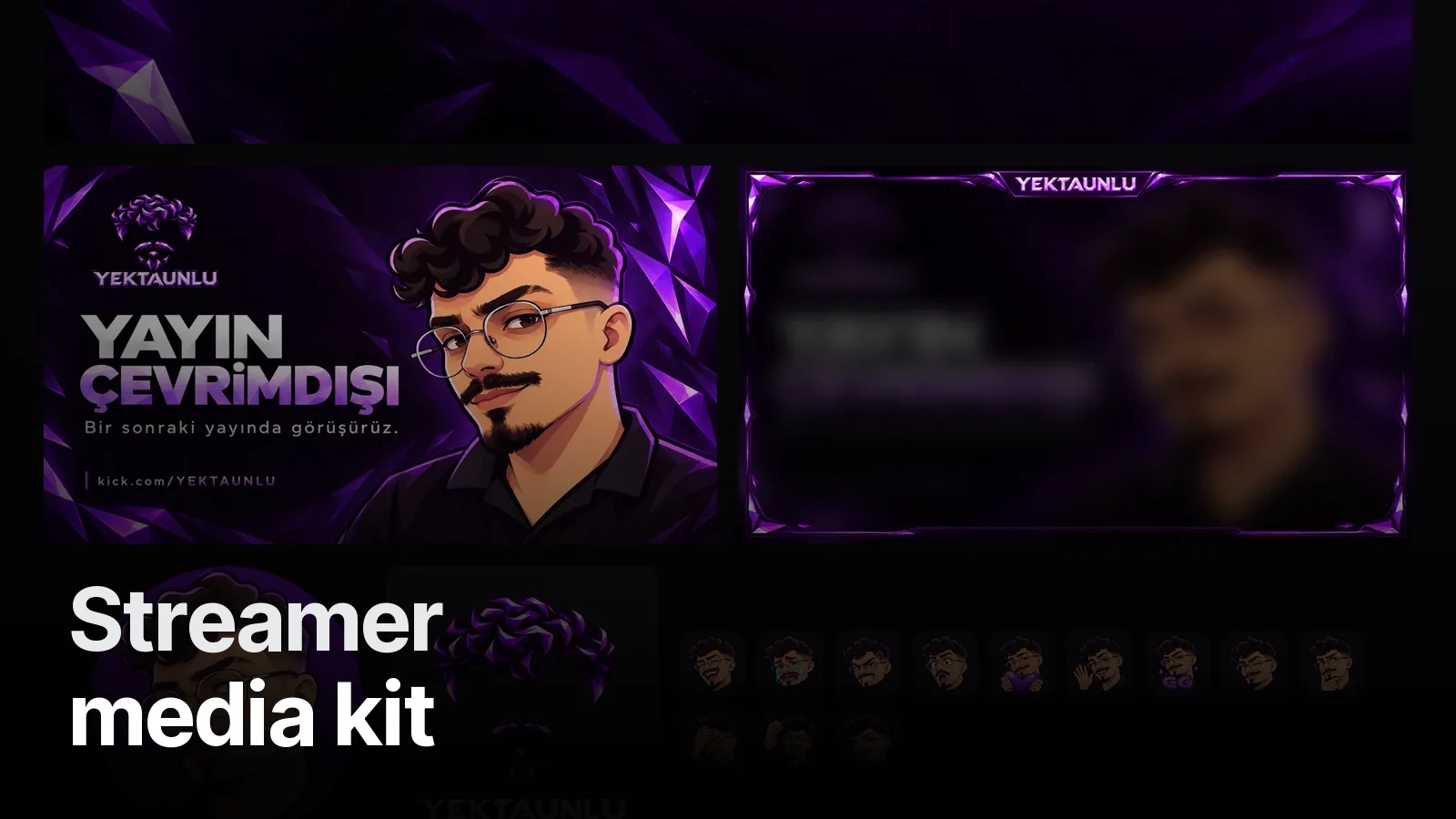
A media kit shouldn't look like a separate thing. Your logo, colours, character and banner language should carry over. The full Kick identity we built for Yektaunlu includes a social media kit; when the same colours and type carry into a media kit, a brand knows it's talking to a professional streamer before ever watching. For social profiles: Streamer social media kit.
Sponsor placements are part of the design
Saying "your logo appears here on stream" shows a brand something concrete. A sponsor area on the overlay, a brand panel under the player, a logo slot on the Starting Soon screen: planned from the start, they don't look patched on later. On overlays: What is an animated overlay?
Formats
- PDF, 1–3 pages (most common, attaches to email)
- Single vertical image (sent in DMs)
- Instagram highlight (titled "Partnerships")
We also deliver an editable file so you can update the numbers as they change.
Where to start
A media kit sits on top of your channel identity, so the logo, banner and colours should be settled first. See the streamer packages; the top package includes a social media kit, and a media kit page can also be added to an existing identity. Not sure where to start? Fill in the free Channel Check and we'll reply within 48 hours with a 5-point review.
Frequently asked
1.What is a streamer media kit?
A 1–3 page presentation sent to brands and agencies that explains your channel at a glance: who you are, what you stream, who your audience is, your numbers and your partnership options.
2.Which numbers belong in a media kit?
Average concurrent viewers, monthly hours streamed, follower counts and, if available, audience age and country breakdown. Take the numbers from your platform dashboard and date them; inflated numbers show up in the first campaign.
3.Should a media kit be a PDF?
PDF is the most common and easiest to share. Alongside a one-page PDF, the same content can live in an Instagram highlight or on a personal site.
4.Can Creatune design my media kit?
Yes. We build it on top of your channel identity so it looks like your stream. Send your channel link over WhatsApp and we'll scope it.