Streamer social media kit: one identity for Instagram, X, TikTok and YouTube — sizes and templates
A streamer's visibility outside the channel: profiles, covers, story/reel template, stream announcement, clip template, Discord banner. Platform sizes, the one-identity rule and the social media kit in the Ultimate package.
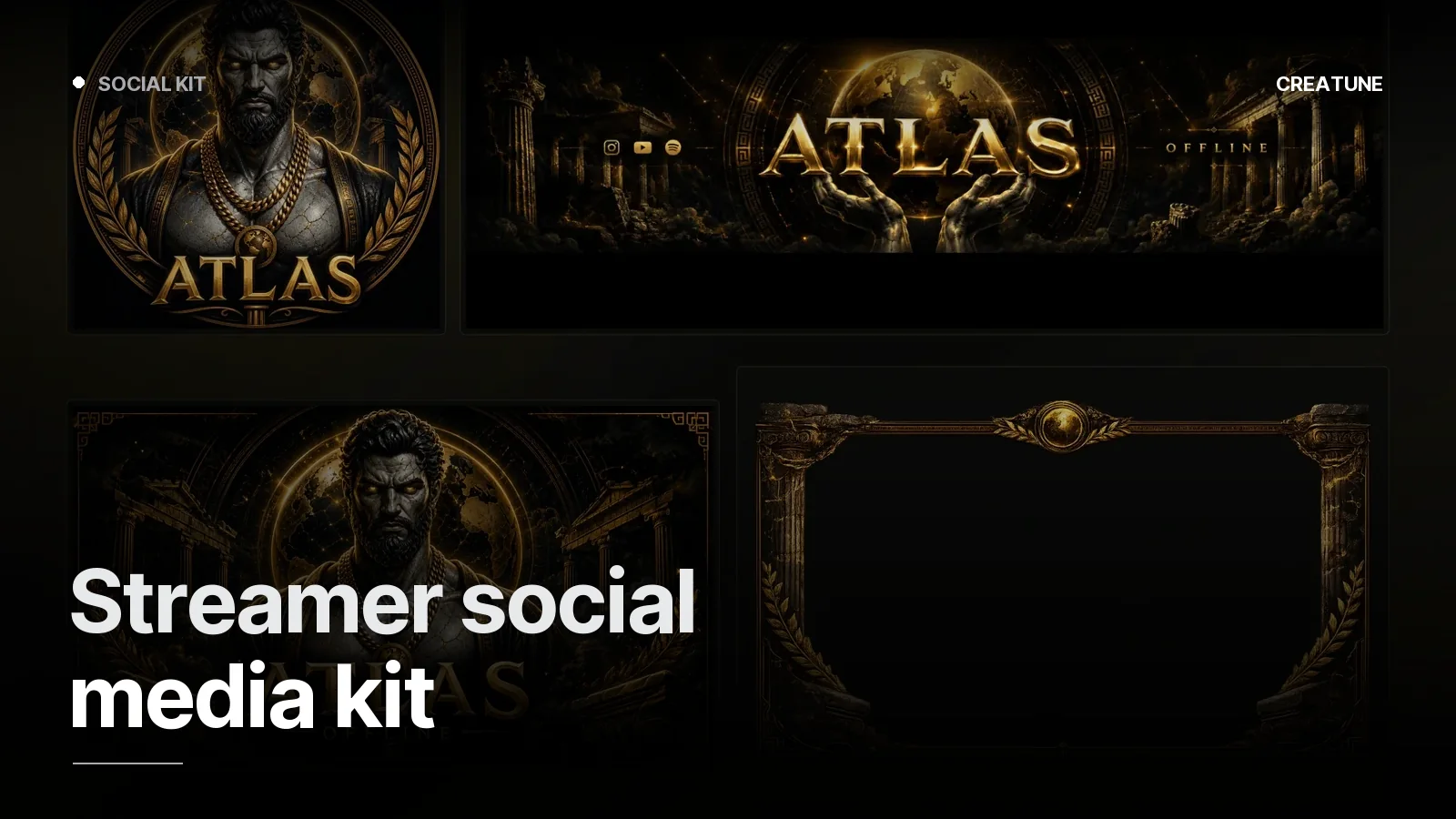
A streamer's audience is found outside the channel: the stream announcement in an Instagram story, the clip on TikTok, the invite on Discord. The social media kit carries the channel identity into those places in the same language — every post is recognisable, every clip is an ad.
Contents of the kit
| Piece | Size | Use |
|---|---|---|
| Instagram profile | 320×320 (circle) | logo / emblem |
| Instagram story template | 1080×1920 | stream announcement, "we're live" |
| Instagram post template | 1080×1350 (4:5) | schedule, announcements, thanks |
| Reels / TikTok / Shorts clip template | 1080×1920 | top-bottom bars + title |
| X profile + header | 400×400 · 1500×500 | identity |
| YouTube profile + banner | 800×800 · 2560×1440 | YouTube guide |
| Discord icon + banner | 512×512 · 960×540 | server identity |
| Linktree / bio cover | 1200×630 | link page |
All delivered as editable templates (Figma/Photoshop/Canva) — you change the date, time and game.
The stream announcement template
The most valuable piece, used 3–5 times a week. Rules:
- Three variable fields: day/time, game/topic, platform. Everything else fixed.
- Big time — readable in 2 seconds in a story.
- Channel identity logo + palette + typeface; Atlas's gold-statue language stays the same in the announcement.
- A "we're live" version — same template, "LIVE NOW" plus a link sticker instead of the time.
The clip template (vertical)
When a 16:9 clip moves to 9:16 the top and bottom bars are empty; the kit fills them with the channel identity:
- Top bar: channel logo + channel name + platform icon
- Middle: the clip (two windows for face + game, or one)
- Bottom bar: clip title (3–5 words) + a schedule line like "every night 21:00"
Clips are the main source of discovery (Kick or Twitch); this template is the most-seen piece of the identity.
Discord
Server icon (512×512, circular), server banner (960×540, tied to Boost level), small icons for channel categories, a welcome image. Animated profile pictures and emotes work here too — animated PFP.
The one-identity rule
Channel, Instagram, TikTok, Discord: same logo, same three colours, same typeface. A viewer who sees the clip on TikTok and finds the channel on Kick should know they are in the same place. How the identity is built: Streamer logo and channel identity.
The social media kit is included in the Ultimate package; for a standalone kit, message us on WhatsApp.
Frequently asked
1.What is in a social media kit?
Profile and cover images for Instagram, X, TikTok and YouTube; a stream announcement template (story 1080×1920 + post 1080×1350); a clip/highlight template (vertical, top and bottom bars); Discord server banner and icon; Linktree/bio cover. All in the channel identity, as editable templates.
2.How should a stream announcement look?
Story format (1080×1920), channel logo at the top, big time and day in the middle, game/topic and platform icon at the bottom; three fields changed with one tap. The same visual as a 1080×1350 post version. Never redesigned each time — the template gets filled in.
3.What is a clip template for?
When a horizontal stream clip is moved to vertical Reels/TikTok/Shorts, the top and bottom bars carry the channel identity (logo, channel name, platform, title). Viewers recognise the channel from the clip; since clips are the main source of discovery, this is where the identity is seen most.
4.How much is the social media kit?
The Instagram · X · YouTube · TikTok kit is included in the Ultimate package (5,000 TL). For a standalone kit, message us on WhatsApp; with an existing channel identity it is produced in the same language.