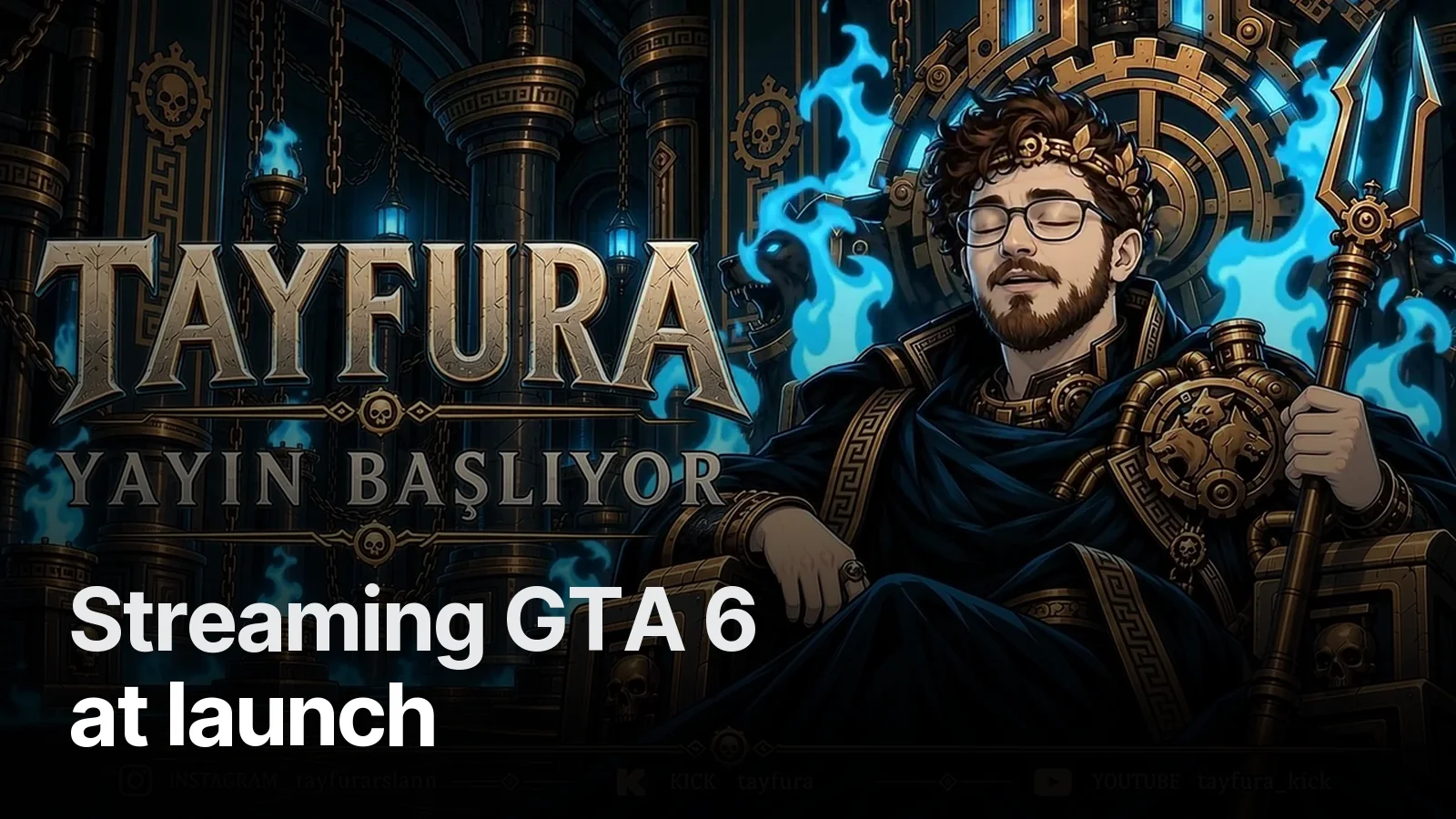
Standing out when a new game launches: a launch-week stream plan (2026)
When a big game launches, the category floods. A streamer's plan for the week before, launch day and the first week: announcements, titles, category, screens, clips and what makes a channel recognisable in the crowd.
When a big game launches, the category floods and viewers decide between channels in seconds; the channels that stand out aren't the best players, they're the best prepared. Preparation happens in three stages: the week before, launch day and the first week.
The week before launch
- Announce the date. A clear note on your panels, Discord and socials, like "GTA 6 at midnight Wednesday, day one". Viewers should know where you'll be.
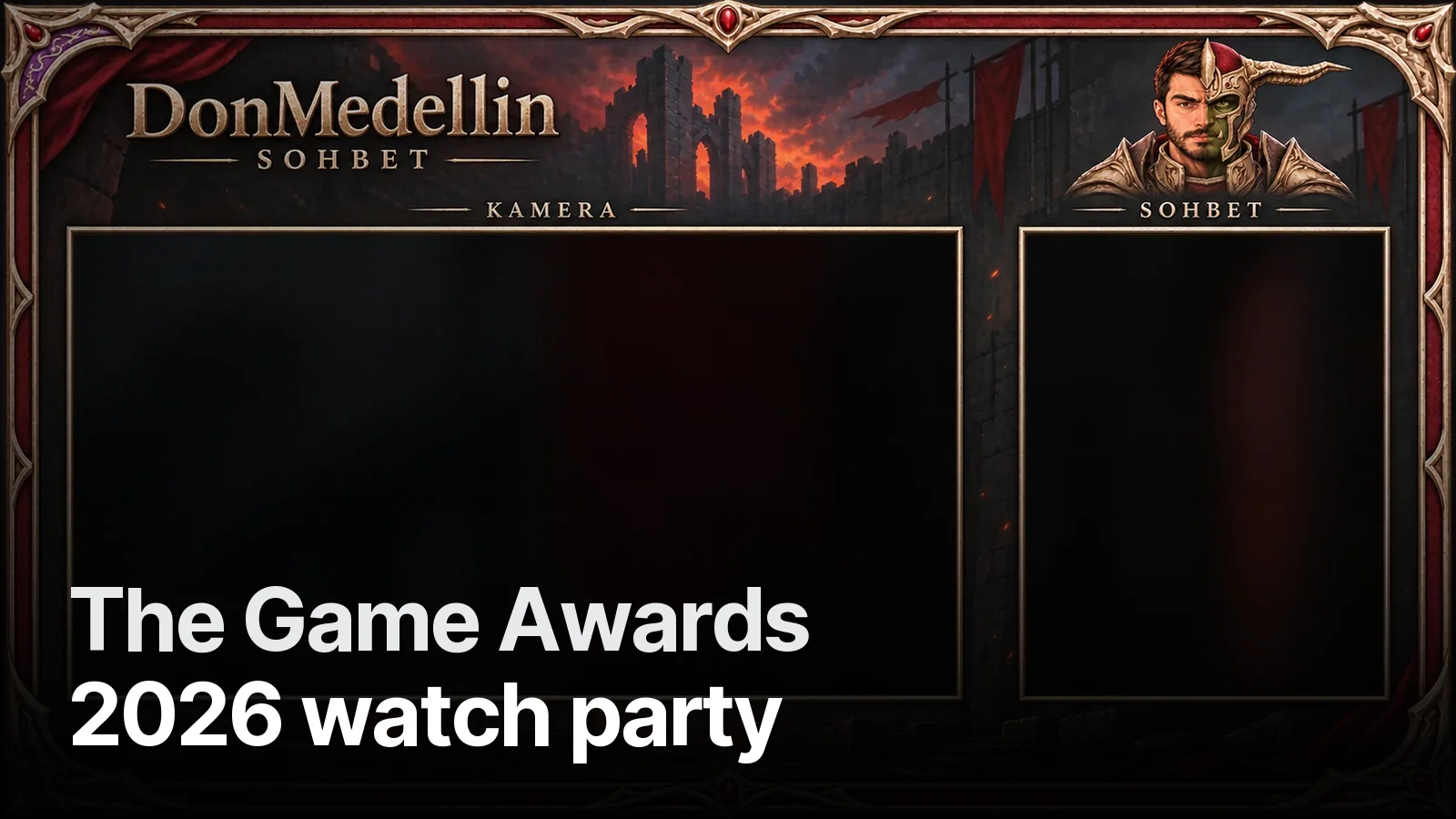
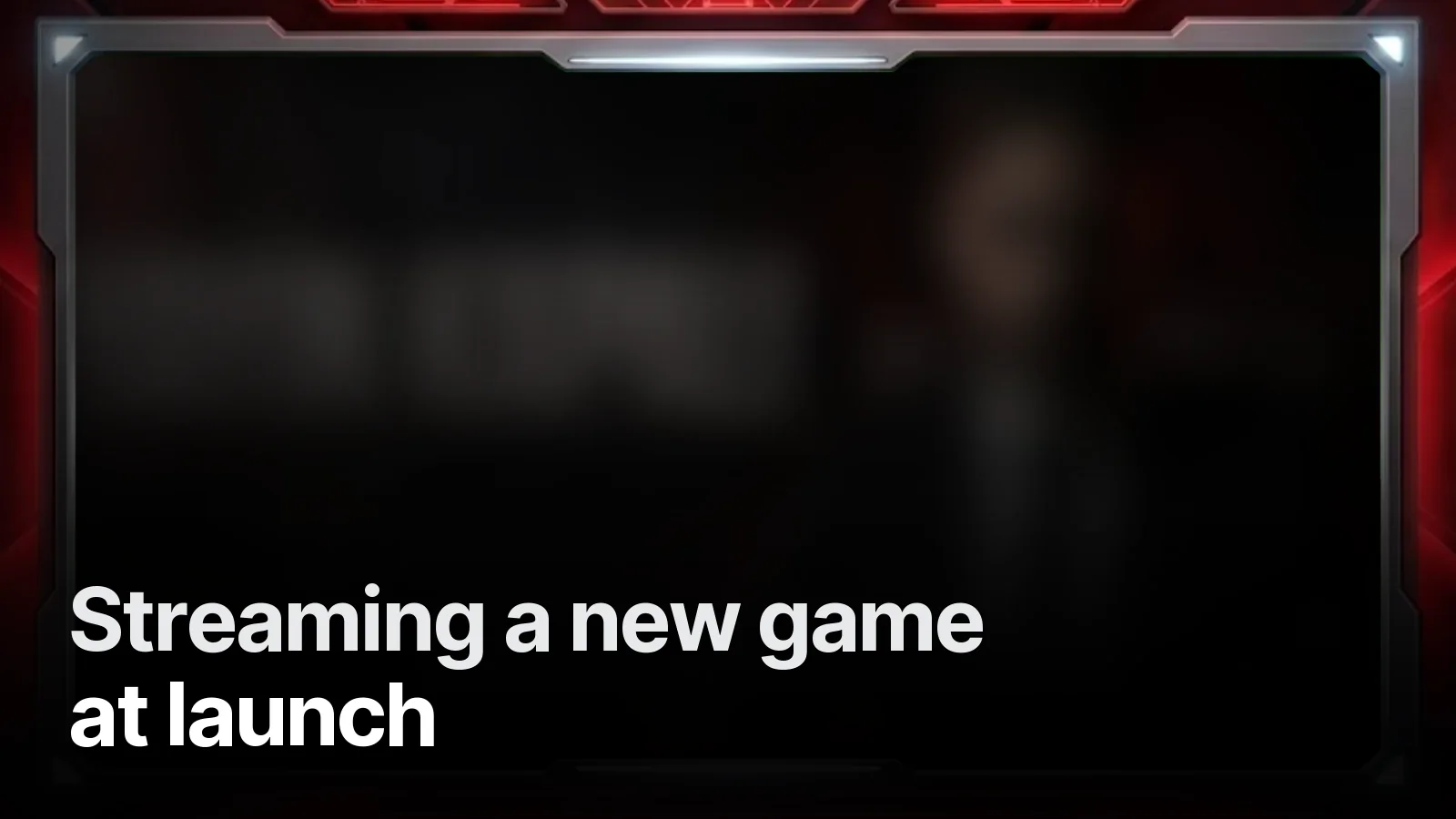
- Prepare your screens. Starting Soon, in-game overlay, BRB and ending screen, laid out so nothing covers the game's HUD (minimap, health bar, inventory).
- Tech test. Capture card, audio tracks, bitrate. Servers will be slow on launch night anyway; fix the problems on your side in advance.
- Chat rules. For story games, add a spoiler rule and brief your mods.
Launch day
| When | What to do |
|---|---|
| 1 hour before unlock | Go live with a countdown Starting Soon screen |
| Unlock | Install, menus, first minutes, together with chat |
| First 2 hours | What viewers search for most: first mission, first impressions |
| Break | BRB screen, short break, talk scene |
| Wrap-up | Announce tomorrow's time, ending screen |
Title: the game's name plus a clear promise. "GTA 6 day one: landing in Vice City" gets far more clicks than "INSANE STREAM 🔥🔥".
Category: make sure you're in the right one. On launch day categories sometimes appear late; check before going live.
The first week
- Same time every day. Viewers link you with that game and that slot.
- Clips the same day. First reaction, a funny moment, a hard section: 30–60 second vertical clips reach people searching for the game on TikTok, Reels and Shorts. We cover the routine in Kick clips and stream highlights.
- A long YouTube video. "First 3 hours" or "full story" cuts are searched all launch week. The thumbnail matters a lot here.
- Bridge to the next game. As the first week ends, announce the next big release. See our game release calendar.
Being recognisable in the crowd
When hundreds of channels stream the same first mission, what keeps viewers is the channel itself:
- A recognisable identity. Same logo, colours and sound on every stream. The game changes, the channel is still recognisable at a glance.
- Screens dressed for the game. The identity stays, the screens take on the game's mood: a night city for GTA, darkness and grain for a horror game.
- A clean gameplay screen. Camera and chat areas don't cover the game's HUD.
- Alerts. Sub and donation alerts are the most visible moment that pulls viewers into chat.
All of these come in our streamer packages. If your channel already has an identity, we can add just the game-specific screens; send your channel link on WhatsApp.
Your project could be next.
Get a quote on WhatsAppFrequently asked
1.Does streaming a new release grow a channel?
Not on its own, because the category is crowded, but it is when search traffic peaks. A prepared channel can turn some of the new viewers looking for that game into regulars.
2.How many hours should I stream on launch day?
Daily streams at the same time throughout the first week work better than one marathon. Viewers link you with that game and that time slot.
3.What should my stream title say?
The game's name and a clear promise: 'day one', 'full story', 'first try on hard mode'. Tell viewers what they'll see instead of using caps and emoji.
4.Should I make game-specific screens or a channel identity?
Channel identity first. Games change, your channel stays. Game-specific screens (Starting Soon, BRB) should be short-lived versions dressed on top of that identity.