Streaming GTA 6 at launch: a streamer's day-one checklist (2026)
GTA 6 launches November 19, 2026 on PS5 and Xbox Series X|S. A day-one streaming checklist: console capture, OBS scenes, a spoiler screen, title and category, clip plan and GTA-themed overlays.
GTA 6 launches on November 19, 2026 for PlayStation 5 and Xbox Series X|S, and Rockstar has said it unlocks at midnight local time in each region. There is no PC date yet, which means most streamers will be playing it on console through a capture card. This checklist puts everything you need for a clean day-one stream in one place.
Why it matters: according to Streams Charts, the GTA 6 gameplay reveal peaked at roughly 4 million concurrent viewers across Twitch, YouTube and Kick, the biggest gaming stream of 2026. Launch week will flood the category, and viewers decide in seconds whether to stay on a channel.
Day-one checklist
| Area | What to do | Why |
|---|---|---|
| Hardware | Capture card, HDMI cable, HDCP off on the console | With HDCP on, a PS5 sends a black screen |
| OBS | Gameplay, Just Chatting, BRB and Spoiler scenes | One-key switching keeps the stream flowing |
| Audio | Game and mic on separate tracks | Levels can be fixed live |
| Title | A clear promise, e.g. "GTA 6 day one — landing in Vice City" | Click-through in a crowded directory |
| Category | "Grand Theft Auto VI" on Kick and Twitch | Wrong category means no discovery |
| Screens | Starting Soon, in-game overlay, BRB, ending | Introduces your channel in a crowded category |
| Clips | Clip command ready, short moments in mind | Launch-week clips are the most watched of the year |
1. Capture and OBS layout
Add the console to OBS as a Video Capture Device. On PS5, turn off HDCP in Settings → System → HDMI, or the capture card shows black. Resolution depends on your upload: 1080p60 at 6,000–8,000 kbps is a solid start for Kick and Twitch.
Build your scenes in advance: Gameplay (camera + overlay), Just Chatting (small game, big camera), BRB and Spoiler. A stinger transition between them turns hard cuts into your channel's signature.
2. A spoiler screen: a GTA-specific need
GTA 6 is story-driven and part of your audience will play it themselves. Cutting to a short spoiler scene at key story beats, adding a spoiler rule to chat and keeping mission names out of clip titles makes life easier for viewers and mods. It works like a BRB screen: your colours, a countdown, a sound.
3. Standing out in a crowded category
On launch day hundreds of channels will stream the same game and the same first mission. What makes the difference is the channel, not the game:
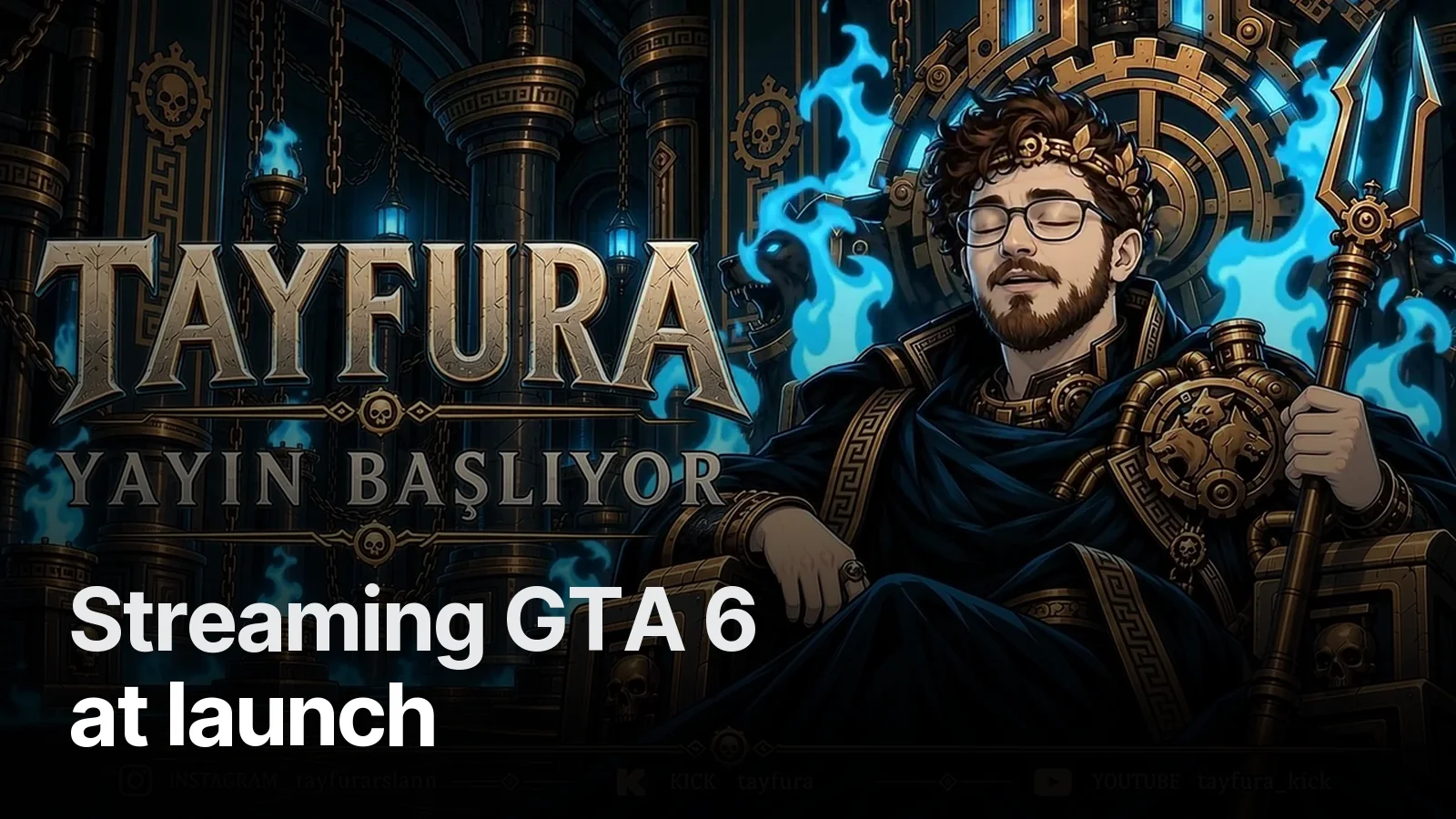
- Starting Soon screen. The first thing a viewer sees. A screen with GTA's night-city, neon and headlight mood that still keeps your logo and colours says "this channel is ready". See our Starting Soon screen guide.
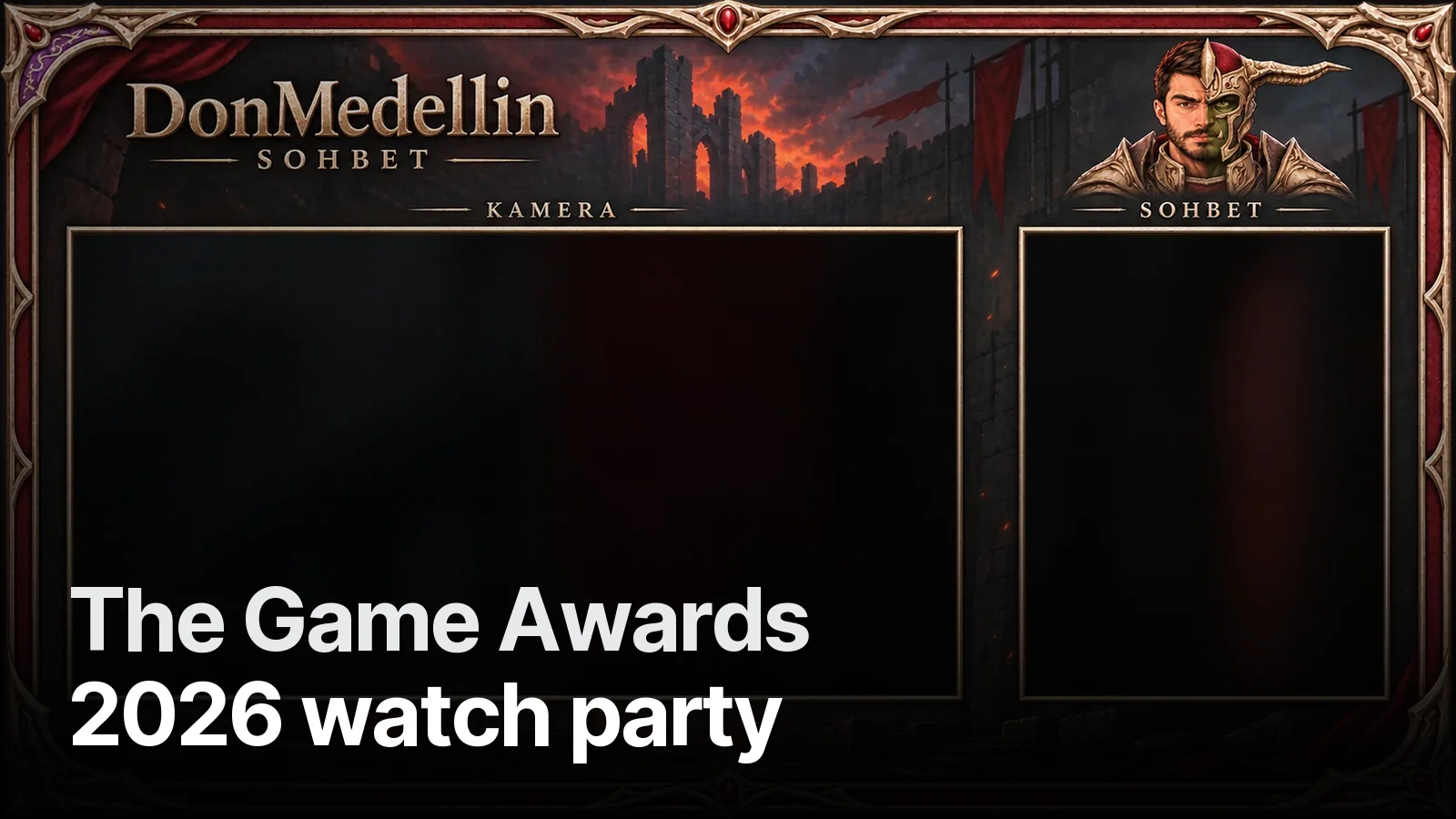
- In-game overlay. GTA's own HUD (minimap, wanted stars) sits in the corners. Your camera and chat areas shouldn't cover them: thin frames, clear corners.
- Alerts. A small GTA nod in sub and donation alerts (wanted stars, a cash sound) works brilliantly in launch week. See Twitch alert design.
All of these come in our streamer packages; if your channel already has an identity, we can add just the GTA-themed screens.
4. Kick or Twitch?
GTA content has been very strong on Kick for a long time, mainly thanks to GTA V roleplay. Twitch has said it is working with Rockstar around the launch. The right platform depends on your audience; see Kick or Twitch for a comparison. If you multistream, your screens need to fit both platforms' sizes.
5. Launch-week clips
Launch week brings the biggest search traffic a channel gets all year. A funny chase, the first heist, an unexpected NPC reaction: these are perfect 30–60 second vertical clips. Posting them to TikTok, Reels and Shorts the same day brings viewers while the category is hot. We explain the routine in Kick clips and stream highlights.
What about GTA Online?
Rockstar currently presents GTA 6 as a single-player experience, with no official date for a separate online mode. When roleplay servers and online content arrive, adapting your identity to them (character cards, server logos, RP overlays) will be the second big opportunity.
If you want GTA-themed screens or a full stream identity for launch, send your channel link on WhatsApp and we will tell you the same day what can be ready in time.
Information as of November 17, 2026, based on Rockstar and Take-Two announcements; viewership data from Streams Charts.
Your project could be next.
Get a quote on WhatsAppFrequently asked
1.When and on which platforms does GTA 6 launch?
According to Rockstar, GTA 6 launches on November 19, 2026 for PlayStation 5 and Xbox Series X|S, unlocking at midnight local time in each region. There is no PC release date yet.
2.I stream from a PC. How do I stream GTA 6?
Connect the console to your PC with a capture card and add it in OBS as a video capture device. Camera, overlay and alerts stay on the PC side while the game comes from the console.
3.Can a new overlay be ready in time for launch?
For channels that already have an identity, GTA-themed screens can be made in a few days. A full package from scratch takes longer, so if you are in a hurry, start with a Starting Soon screen and an in-game overlay and add the rest later.
4.How do I handle spoilers on a GTA 6 stream?
Add a spoiler rule to your chat rules, post clips without naming missions in the title, and switch to a short spoiler warning screen during big story moments. That screen can be a single OBS scene on a hotkey.