Social media management for streamers: turning streams into TikToks, Reels and new viewers
How social media management works for Twitch, Kick and YouTube streamers: choosing clips, weekly posting plans, keeping your brand consistent, what to measure and how to outsource editing without losing your voice.
Your stream lasts two hours, but people who've never heard of you won't drop into the middle of it. What brings them in is a 30-second moment on TikTok, Reels or Shorts. Social media management for streamers builds that bridge: stream to clip, clip to follower, follower to live viewer. Here's how it works and what you can hand off, wherever you stream from.
The streamer content loop
- Stream. That's where the raw material is.
- Select. The best moments are pulled out.
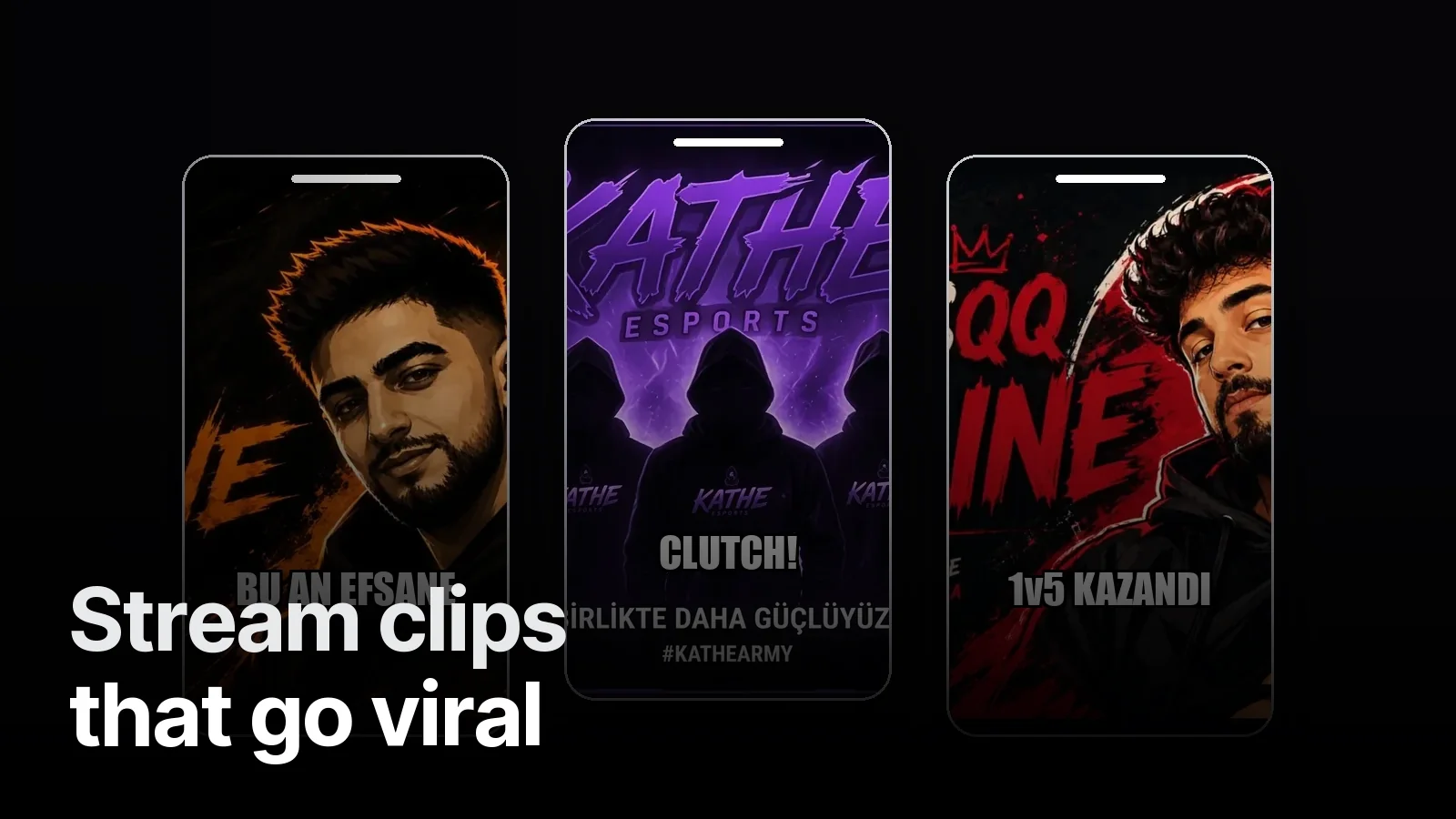
- Edit. Vertical format, subtitles, a hook in the first second and your channel frame.
- Post. TikTok, Reels and Shorts.
- Point. A bio link and a clear line like "live every night on Kick".
- Return. New viewers join chat, and new moments are created.
The loop only works if it keeps turning. A few steady weeks build momentum, and long gaps slow it down.
Which moments work?
- Reactions: shock, rage, laughter
- Mini stories: a beginning, tension and a payoff in 30 seconds
- Chat moments: when viewers change what happens on stream
- Big wins and painful fails: people share both
- Strong opinions: a single line that gets people talking
The most common mistake is cropping a long clip to vertical and calling it done. The first two seconds should create curiosity, not show the ending. Read more in Kick clips and stream highlights and turning long videos into Shorts.
Keep your brand consistent
Someone who sees your clip today should recognise you in another clip two weeks later. The same frame, font, colours and ending make that happen. Your profile picture, banner and story templates should speak the same language.
That's why social media shouldn't be separate from your stream identity. The Ultimate package includes a social media kit for Instagram, X, YouTube and TikTok, and the SadoBASGAN set includes a vertical promo in the same style as the stream. The streamer social media kit guide explains what's in a kit.
A weekly plan
| When | What happens |
|---|---|
| After stream | You send timestamps or a VOD link |
| Midweek | Clip list approved, editing finished |
| Delivery | Ready-to-post clips with title and caption ideas |
| Weekend | We check what worked and adjust the next picks |
This gives you back the hours you'd otherwise spend editing. See our stream clip subscription for what a monthly plan looks like.
What to measure
Views alone can mislead you. Watch these four numbers instead:
- Watch time: do people finish the clip?
- Profile visits: are they curious about you?
- Follows: are they clicking through?
- Live viewers: are new names showing up in chat?
Outsourcing without losing your voice
Your clips should still sound like you. Give your editor a short list of inside jokes, words you'd never use and three clips you love. Approve the first batch closely, then loosen up once the style is settled. A good editor learns your humour quickly.
Want to know where your channel stands first? Try our free channel check. We work online with streamers worldwide.
Your project could be next.
Get a quote on WhatsAppFrequently asked
1.Why do streamers need social media?
Live platforms are poor at showing small channels to new people. TikTok, Reels and Shorts are often where a viewer discovers a streamer for the first time.
2.How many clips should I post each week?
Two steady clips a week is a realistic starting point. Eight a month keeps you visible, even between streams, and you can add more once it becomes routine.
3.Who chooses the clips?
It works best together. You send timestamps or a VOD link, we pick moments based on reaction and story, and you approve the list before we edit.
4.Can you edit in English?
Yes. We add subtitles and hook text in English or Turkish, and clips are delivered in 1080×1920 ready to upload.
5.What does it cost?
It depends on the number of clips and how often you stream. Send your channel link on WhatsApp and we'll quote the same day.