How to build a streamer's universe: 10 steps from logo to clips (the complete guide)
The streamer's universe: a full identity starting from channel name and character and reaching logo, palette, banner, offline, overlay, panels, emotes and badges, animated screens, stinger, alerts, animated profile picture, social media kit and weekly clips. Order, rules, sizes and a guide for every step.
A streamer touches viewers in at least twelve places: the profile circle, the channel page, the stream opening, scene transitions, the emote in chat, alerts, Discord, an Instagram story, a TikTok clip… If the same character, the same three colours, the same language appear in every one of them, there is a universe. If not, there are twelve separate images. This guide builds the universe in order; every step has its own detailed post.
0. Theme: channel name + character + games
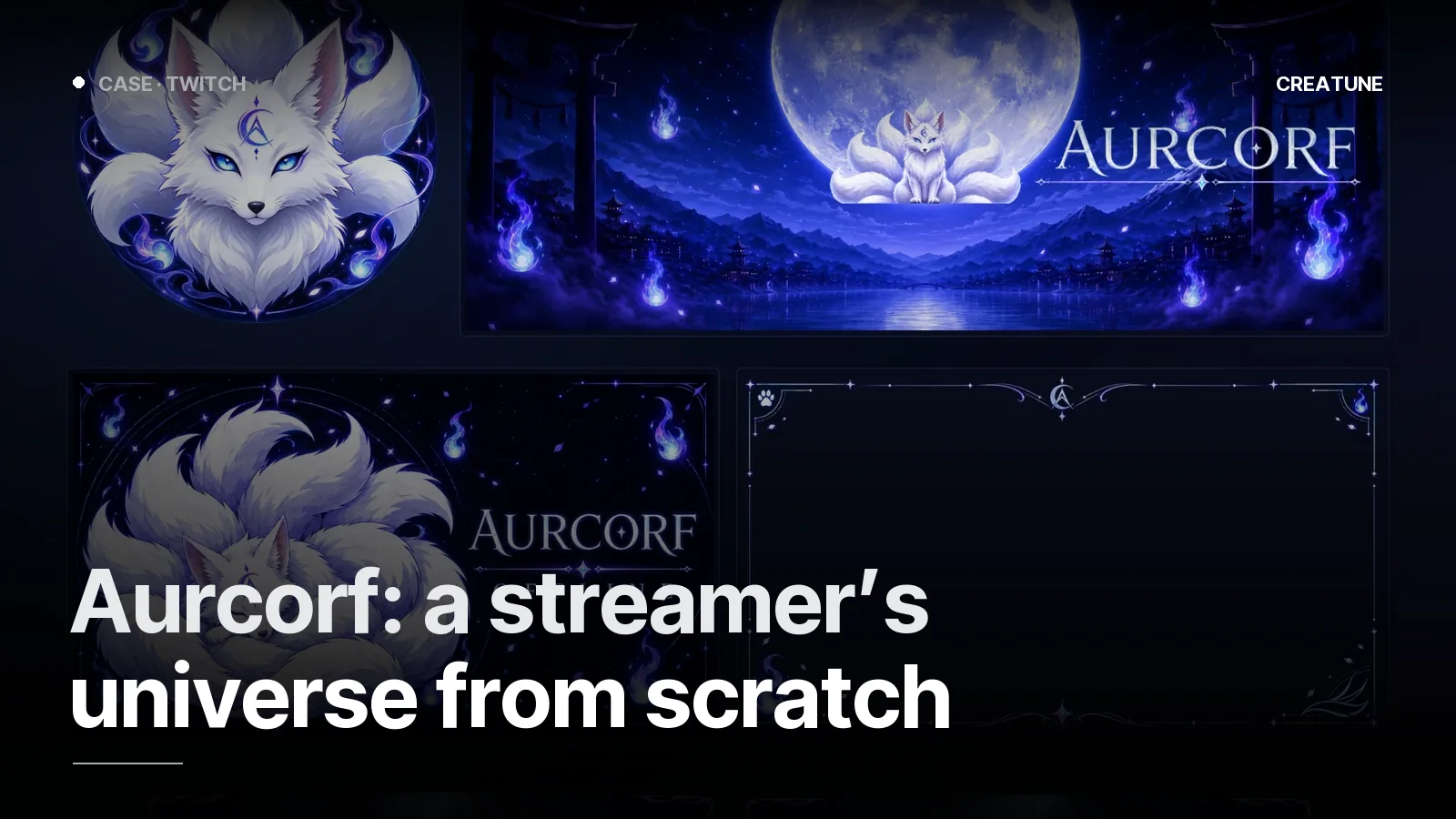
Everything comes from one sentence: "a nine-tailed white fox under the full moon" (Aurcorf), "a headphone portrait in a neon room, purple-green" (murat.scc). Without the sentence, the pieces do not match. Character, emblem or both: Streamer logo and channel identity. Mascot 2D or 3D: Channel mascot.
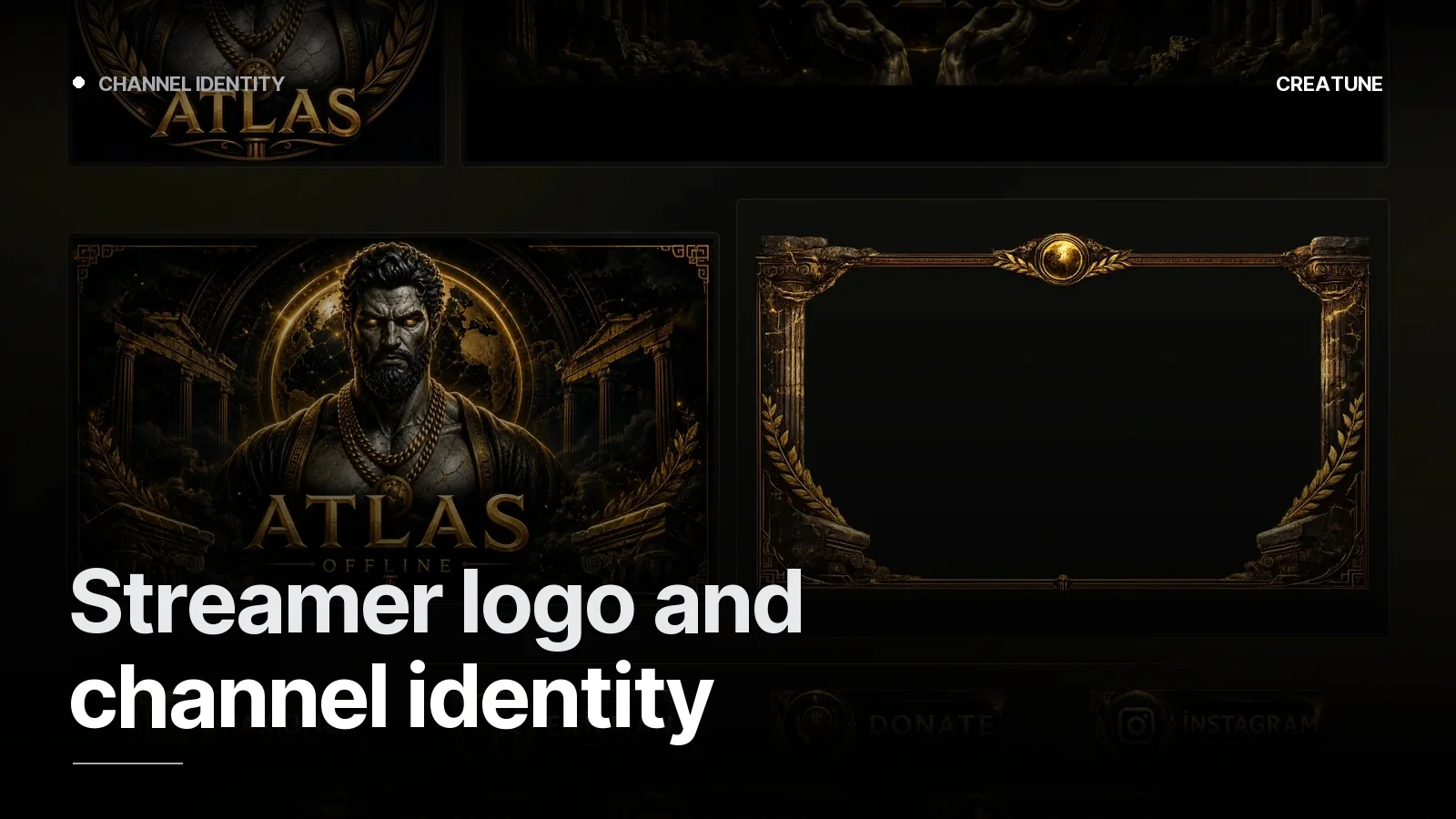
1. Logo and palette
- Logo recognisable at 28 pixels; main colour + accent + dark ground; does not clash with the platform colour.
- Output: emblem, wordmark, palette, two typefaces.
2. Profile + banner
- The first pair seen. Channel name and schedule inside the banner's safe area.
- Sizes for four platforms: Image sizes 2026. YouTube-specific: Banner + thumbnail system.
3. Offline screen
The character stays on screen even when there is no stream; schedule and socials go here.
4. Overlay + panels
- Overlay: camera frame, chat area, labels; centre empty. Twitch overlay.
- Panels: About, Rules, Socials, Support, Schedule; one frame. Panel design.
- On Kick: Kick setup.
5. Emotes and badges
Start with six emotes, the character in the same line; badges tiered by colour + one shape change. Emote guide.
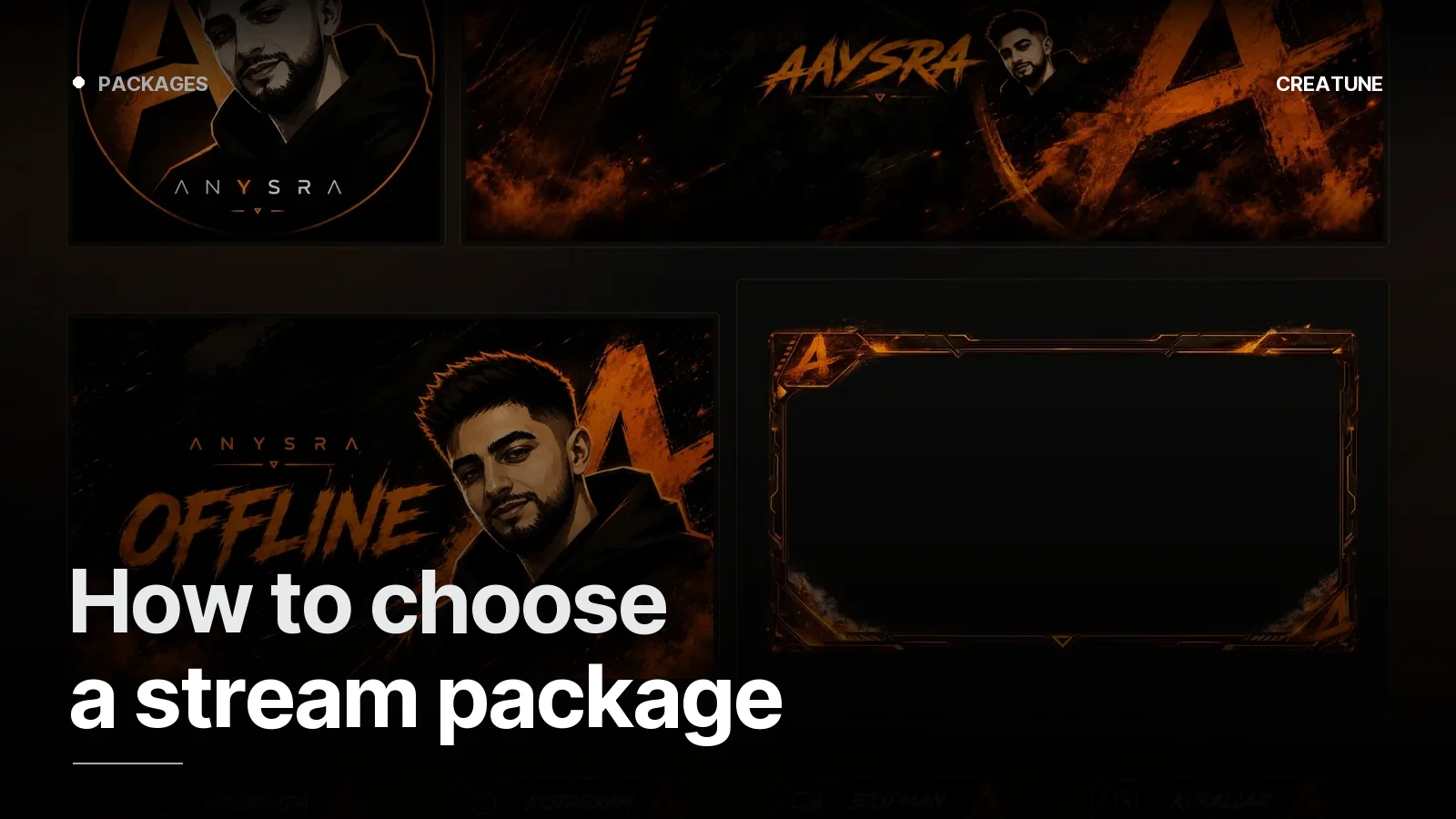
Up to here = the static core. The Setup package (999 TL) builds it. Choosing a package.
6. Animated screens + stinger
- Starting Soon (loop + countdown), Break, Ended; the same motion language. Starting Soon.
- Stinger: the logo in one second, alpha WebM. Stinger. Together with the logo intro: Logo intro.
- Example trio: Rick & Morty-style set.
- OBS setup: OBS overlay setup.
Up to here = Deluxe (2,999 TL).
7. Alerts
Follow, sub, donation, raid — the same frame, growing with the contribution; StreamElements/Streamlabs. Alert design.
8. Animated overlay + animated profile picture
- The overlay breathes, the centre stays empty. Animated overlay.
- The profile picture turns and blinks on Discord; a perfect loop. Animated PFP.
9. Social media kit
Stream announcement template, clip frame, Discord banner, Linktree cover — the identity moves outside the channel. Social media kit.
Up to here = Ultimate (5,000 TL).
10. Clips: the universe goes outside
Every week, selected moments from the stream in vertical, with the channel frame; discovery comes from here. Clip subscription.
Checklist
| Touchpoint | Character | Palette | Type | Status |
|---|---|---|---|---|
| Profile | emblem | ✓ | — | |
| Banner | ✓ | ✓ | ✓ | |
| Offline | ✓ | ✓ | ✓ | |
| Overlay | small | ✓ | ✓ | |
| Panels | icon | ✓ | ✓ | |
| Emotes / badges | ✓ | ✓ | — | |
| Starting Soon / Break / Ended | ✓ | ✓ | ✓ | |
| Stinger | emblem | ✓ | — | |
| Alerts | ✓ | ✓ | ✓ | |
| Discord | ✓ | ✓ | ✓ | |
| Social templates | ✓ | ✓ | ✓ | |
| Clips | frame | ✓ | ✓ |
An empty row is where the viewer drops out of the universe.
Where to start
Send your channel link on WhatsApp; we write the theme sentence together, approve the direction with profile + banner first, then build the universe in order. Packages: Stream packages. Platform decision: Kick or Twitch.
Frequently asked
1.What is a streamer's universe?
The same character, the same colours and the same language appearing at every touchpoint of the channel: profile, banner, offline screen, overlay, panels, emotes and badges, Starting Soon / Break / Ended screens, stinger, alerts, Discord, social media templates and clips. Wherever a viewer enters, they know they are in the same place.
2.In what order should it be done?
Character and palette → logo → banner + profile → offline → overlay + panels → emotes and badges → animated screens + stinger → alerts → animated profile picture and social kit → clips. Each step feeds the next; break the order and the pieces stop matching.
3.Do I have to get all of it at once?
No. Setup (999 TL) builds the static core; Deluxe (2,999 TL) adds the animated screens; Ultimate (5,000 TL) completes it with alerts, animated overlay, social kit and animated profile picture; the clip subscription is a separate monthly service. If the core is built right, everything else stacks on top.
4.How long does it take?
The core (Setup) 36 hours; the full identity (Ultimate) 5–7 days; the clip flow weekly from the first week. Timers start once the brief is complete.